Objet30 User Guide 5 Using Objet Studio
DOC-34025 Rev. I 5-31
Changing an Object’s Orientation
There are several methods for changing the orientation of objects on the build
tray.
To rotate an object:
➢ Select the object and use the Object menu options (see also "Manually
Repositioning Objects" on page 5-29).
To re-align an object’s plane:
1. On the Tray Settings or Model Settings ribbon, click .
or—
From the Tools menu, select Plane Alignment > Select Plane.
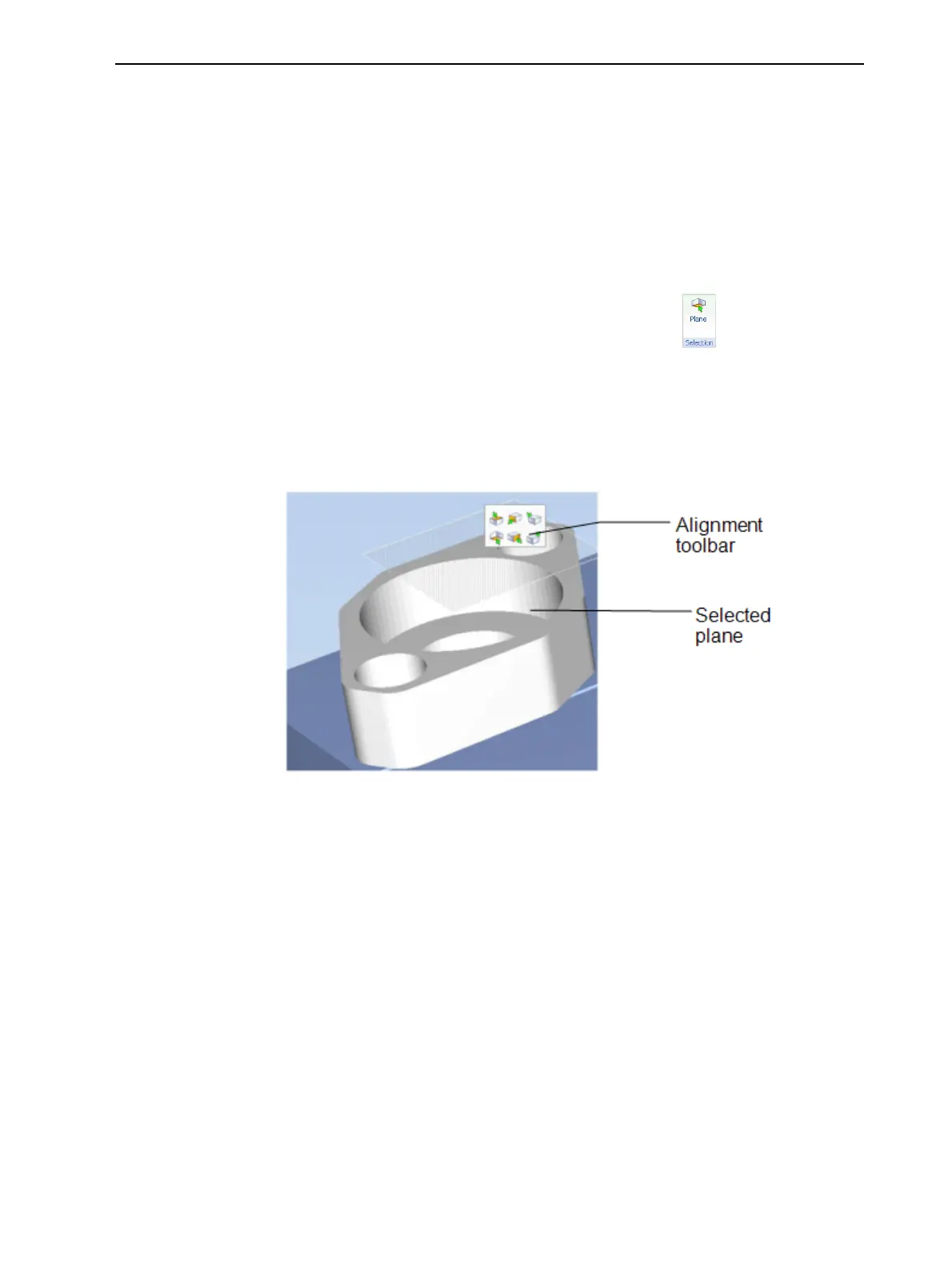
2. Click on part of an object on the build tray.
The selected plane is displayed.
Figure 5-29 Aligning by plane













 To Next Page