Objet30 User Guide 5 Using Objet Studio
DOC-34025 Rev. I 5-77
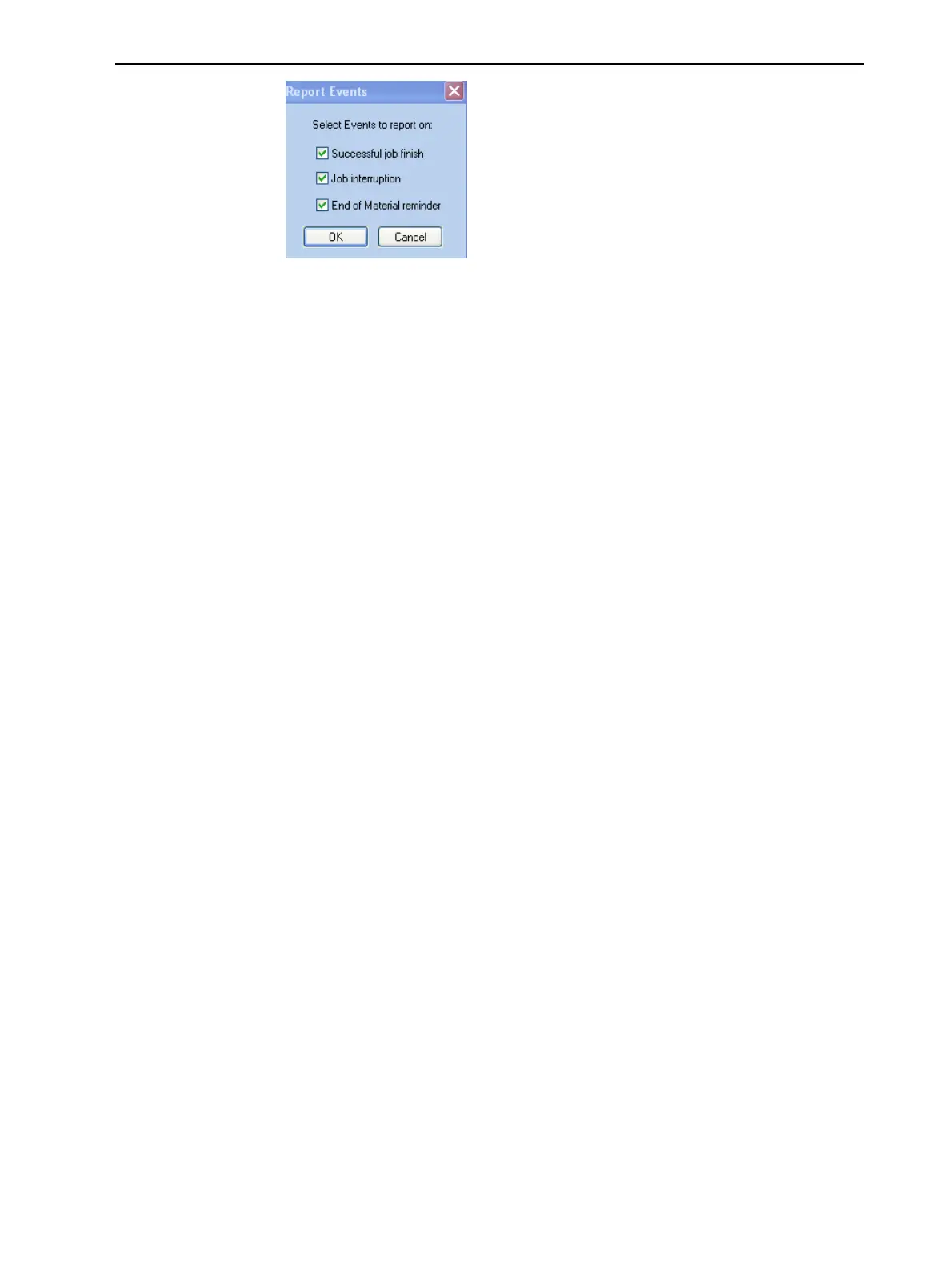
Figure 5-94 Event selection for alerts
4. In the Reports Events dialog box, select the alert events and click OK.
5. In the Notifications dialog box, click OK.
Printing from the Jobs Queue
If there is a job in the Jobs Queue, it is sent automatically to the Stratasys
PolyJet printer—as long as it is on, there is a connection to the printer, and the
printer is on line.
Chapter 6 describes starting and operating the printer.
Additional Server Features
Objet Studio on the printer server includes the following additional features:
• Extended Tray Preview
• Editing Jobs
• Restarting Jobs
• Resuming Jobs
• Scheduling Jobs
• Exporting Jobs (objzf)
• Modifying the Job Manager Screen
These features are described below.
Extended Tray Preview
In this window, you can view the tray from different angles and magnifications
without leaving the Job Manager screen. In addition to displaying the selected
job in the Tray Preview pane, you can open an enlarged build tray window.
To display the build tray window:
1. Select a job in the Jobs Queue or the History list.













 To Next Page