Objet30 User Guide 7 Handling Printed Models
DOC-34025 Rev. I 7-3
SUP705 (FullCure705) and SUP706 Support material can be removed from
printed models using the following methods, in this order:
1. by hand
2. water pressure (in a suitable cleaning unit)
3. SUP705: 1% caustic soda solution (recommended for a smooth finish)
SUP706: 2% caustic soda and sodium metasilicate solution
Removing Support by Hand
While wearing protective gloves, break away excess Support material on the
outside of the model. For delicate models, use a toothpick, pin or small brush
after dipping the model in water.
• For SUP705, after breaking away excess Support material, soak the model
in a 1% caustic soda solution (see "Removing SUP705 with Caustic Soda"
on page 7-4).
• For SUP706, after breaking away excess Support material, soak the model
in a 2% caustic soda and sodium metasilicate solution (see "Removing
SUP706 with Caustic Soda and Sodium Metasilicate" on the next page).
Removing Support with Water Pressure
For most models, the most efficient way to remove Support material is by using
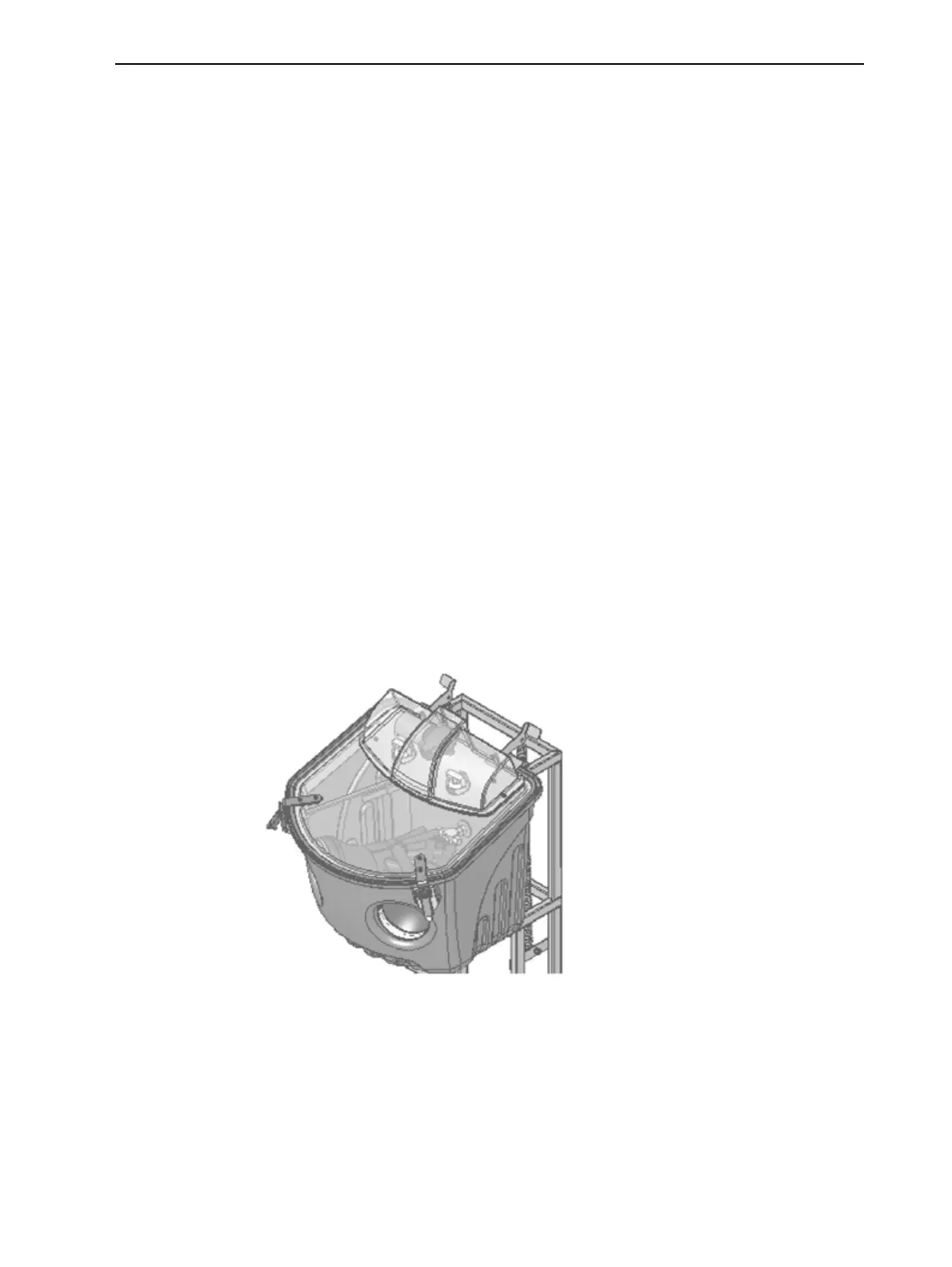
a high-pressure water jet. One suitable system is the Objet WaterJet cleaning
unit. This device is marketed by Stratasys.
Figure 7-1 Objet WaterJet Cleaning Unit













 To Next Page