Objet30 User Guide 5 Using Objet Studio
DOC-34025 Rev. I 5-60
Default Settings
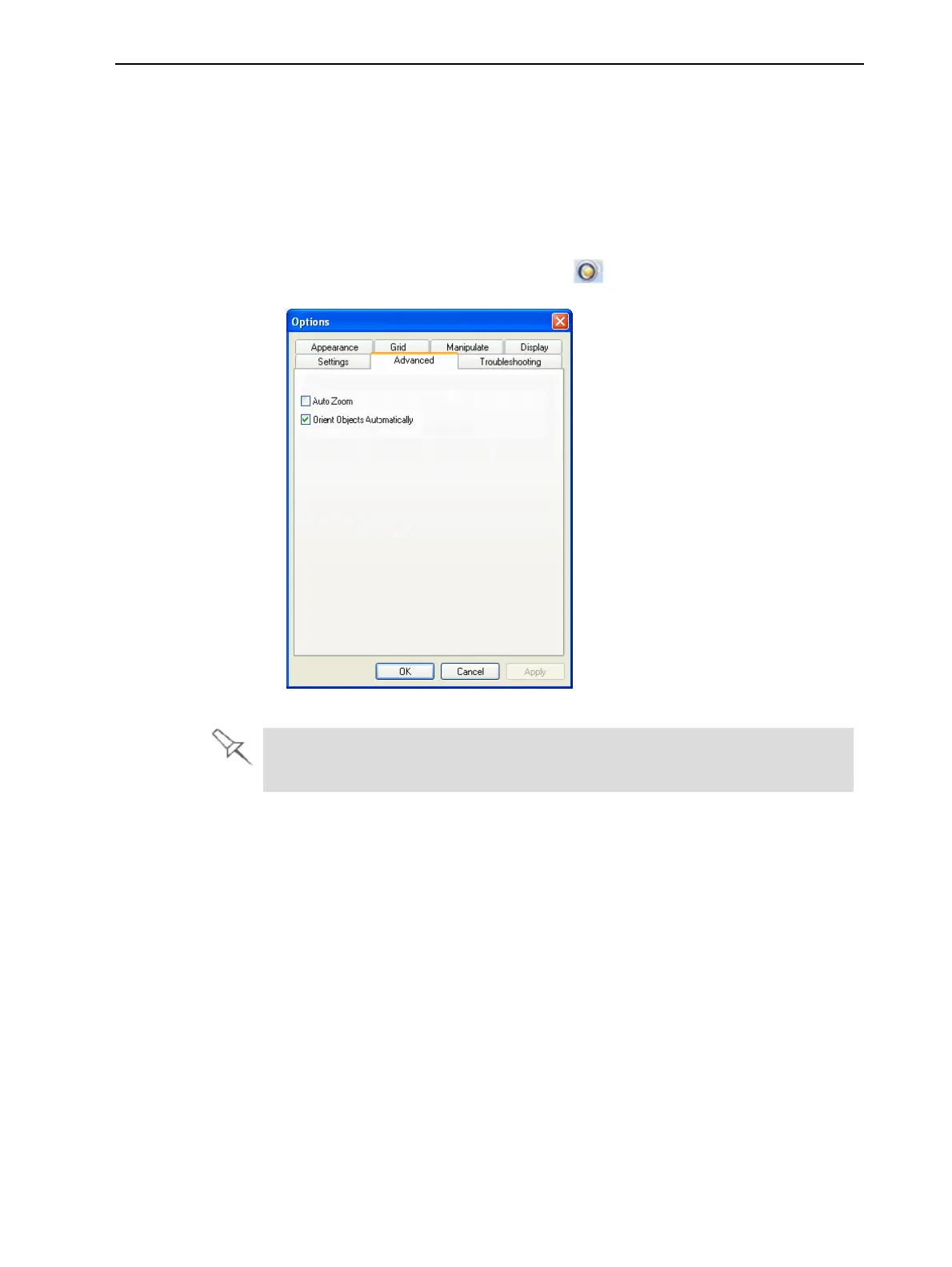
You can control the default settings of several Objet Studio features from the
Advanced tab of the Options dialog box.
To display the Options dialog box
➢ From the Tools menu, select Options.
or—
In the Objet Studio Commands menu , click Options.
Figure 5-71 Options dialog box, Advanced tab
The Advanced tab is only accessible when Professional Mode is active (see
"Professional Mode Features" on the previous page).
Automatic Orientation
By default, when Objet Studio places objects on the build tray, it orients them
optimally, for the shortest printing time. If necessary, you can choose to cancel
automatic orientation each time you place an object on the build tray (see
"Automatic Orientation" on page 5-20). In any case, when objects are on the
build tray, you can change their orientation manually (see "Manual Positioning"
on page 5-22.)
To change the default setting so that Automatic Orientation is disabled:
➢ In the Advanced section of the Options dialog box, clear the check box.













 To Next Page