Objet30 User Guide 5 Using Objet Studio
DOC-34025 Rev. I 5-44
Printing Modes
When preparing models for printing on Objet30 Pro, Objet30 Prime and
Obje30 Dental Prime printers, you can choose a quality/speed print mode.
For more information, refer to "Printing Modes" on page 6-8.
Production Estimates
Objet Studio enables you to calculate the time and material resources needed
for producing trays before sending them to the printer. The time it takes Objet
Studio to perform this calculation depends on the number of objects on the tray
and their complexity. Calculating the production estimate for a full tray could
take up to 15 minutes, depending on your computer’s specifications.
To calculate the time and materials needed for producing the current
tray:
➢ On the Tray Settings ribbon, in the Build Process group, click .
While the estimate is being calculated, a progress bar is displayed—on the
right side of the status bar (at the bottom of the screen).
Figure 5-50 Estimate progress bar
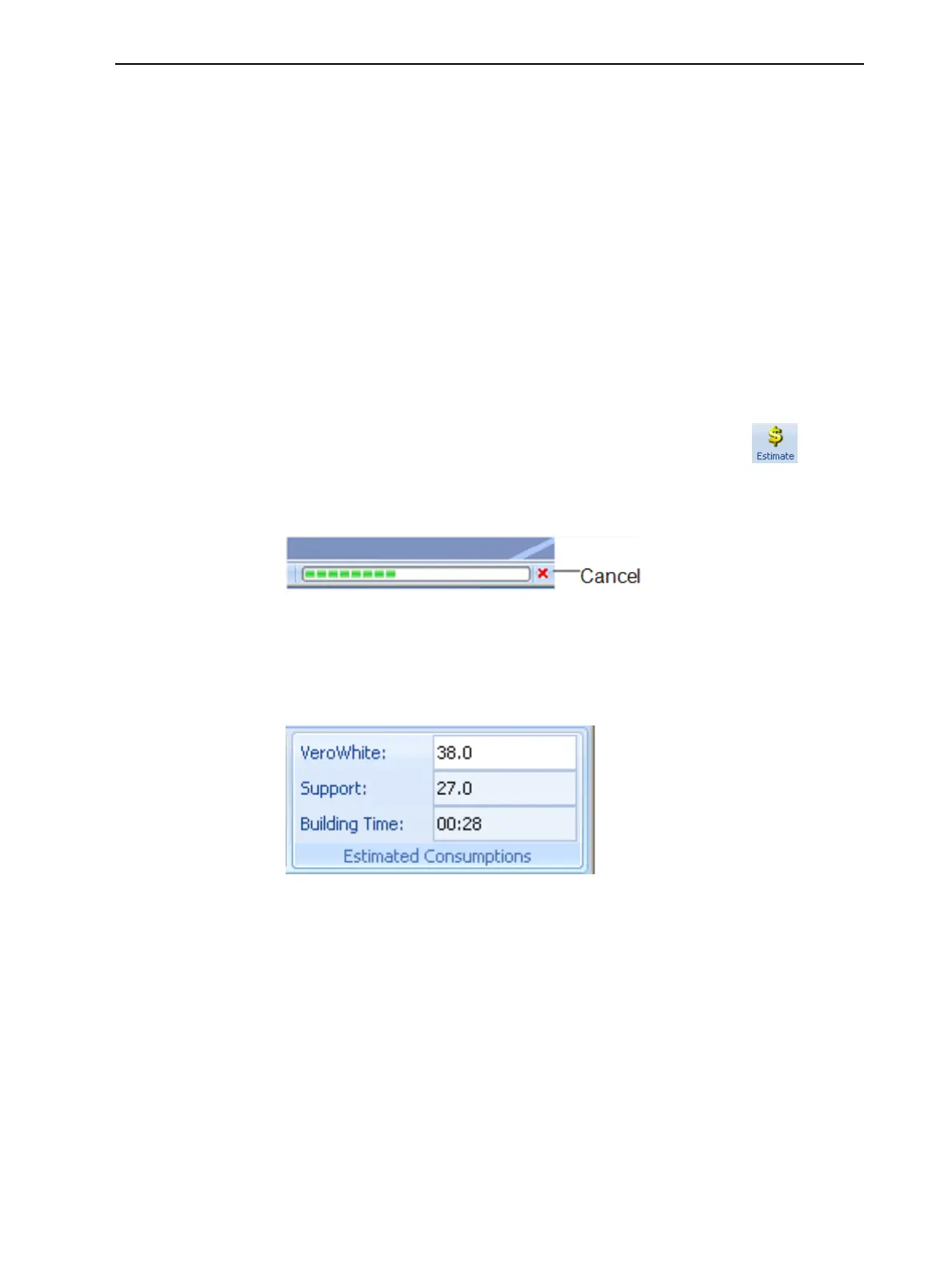
When Objet Studio finishes calculating the production resources, the
results are displayed in the Estimated Consumptions group on the Tray
Settings ribbon.
Figure 5-51 Production resource calculation













 To Next Page