Objet30 User Guide 5 Using Objet Studio
DOC-34025 Rev. I 5-51
Saving the Screen Display as an Image File
You can save the image displayed in the active viewing screen as a graphic
file.
To save the screen display as an image:
1. Press Ctrl+B.
or—
From the Objet Studio Commands menu , select Save Bitmap.
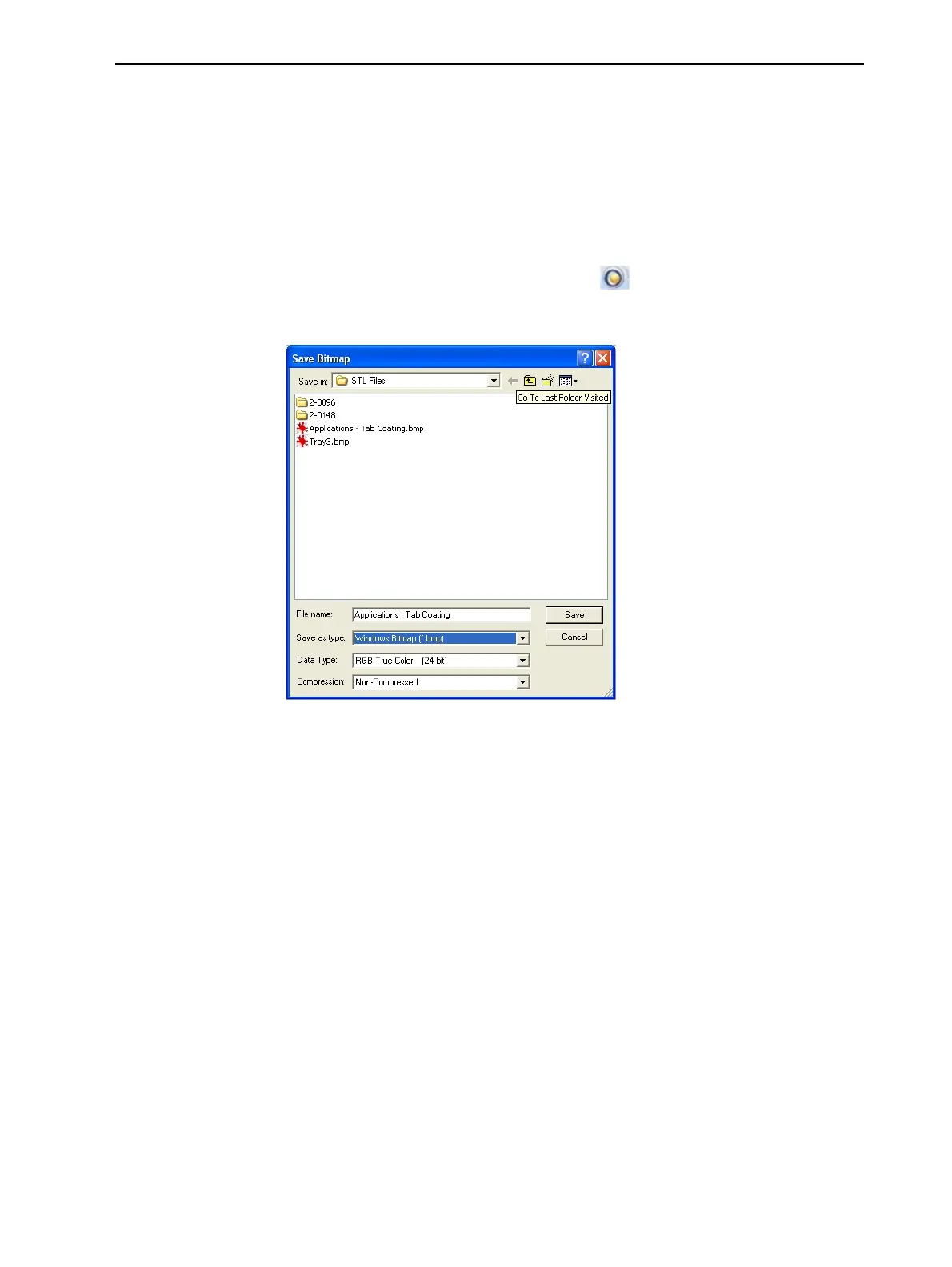
The Save Bitmap dialog box opens.
Figure 5-58 Save Bitmap dialog box
2. At the top of the dialog box, select the appropriate folder.
3. At the bottom of the dialog box, enter a file name.
4. Open the Save as type drop-down list, and select the file format.
5. Click Save.
Saving Build Trays
You can save your work in different Objet Studio file formats, depending on
how you want to use them later.
OBJTF Files
objtf files contain instructions to Objet Studio and to Objet30 printers for
displaying and producing the stl files used on the tray. When you save build
trays in Objet Studio, they are saved as objtf files.
Saving in objtf format is useful, for example, if you have not finished preparing
the tray for printing, or if you want to make changes before printing it again in













 To Next Page