Objet30 User Guide 5 Using Objet Studio
DOC-34025 Rev. I 5-57
Keyboard Shortcuts
You can define shortcut keys for frequently used commands.
To define shortcut keys:
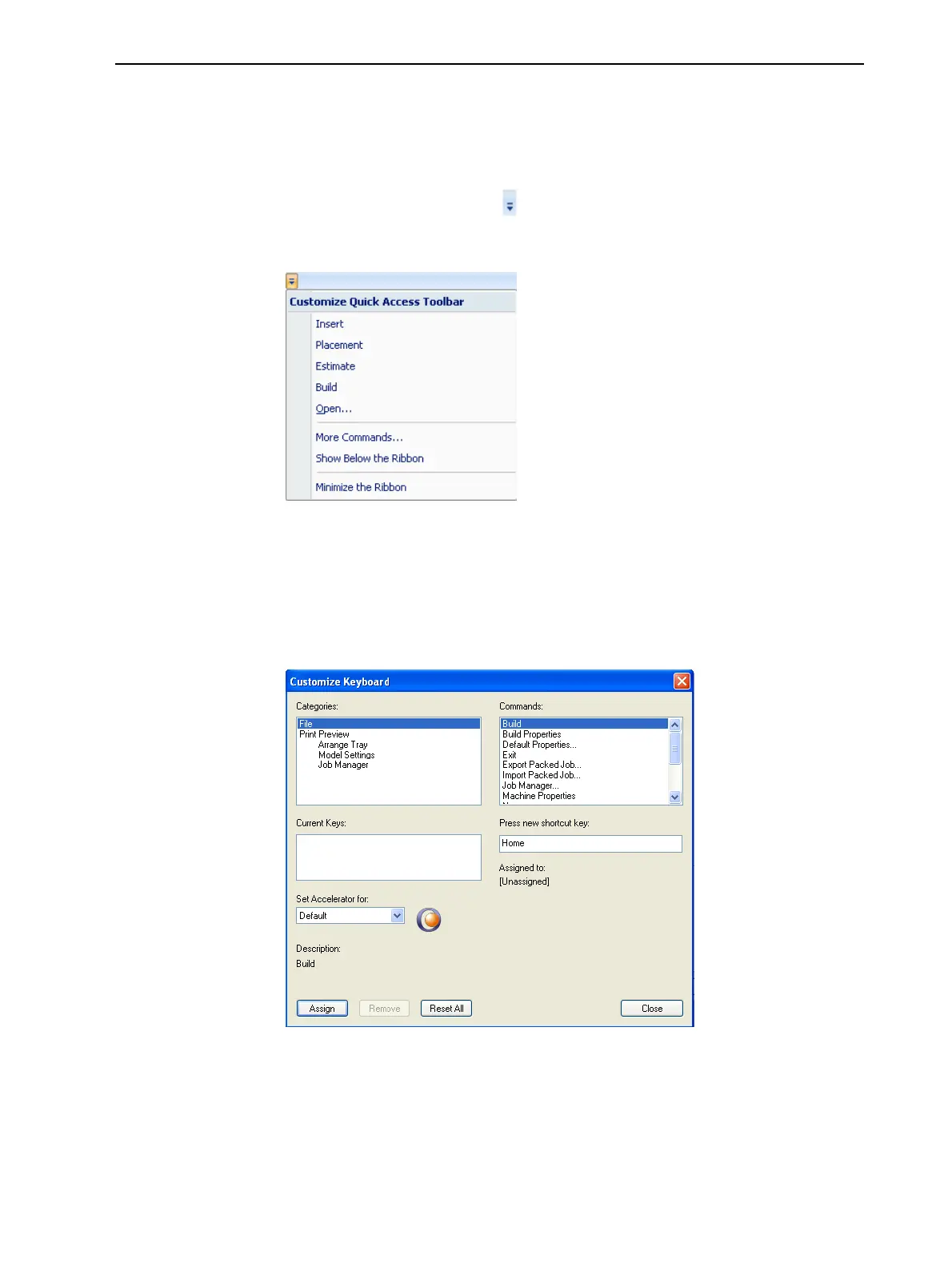
1. Above the ribbon tabs, click .
The Customize Quick Access Toolbar menu opens.
Figure 5-66 Customize Quick Access Toolbar menu
2. Select More Commands.
The Options dialog box opens (see Figure 5-62 on page 5-54).
3. Click Customize.
The Customize Keyboard dialog box appears.
Figure 5-67 Customize Keyboard dialog box













 To Next Page