Objet30 User Guide 6 Operating and Maintaining the Printer
DOC-34025 Rev. I 6-100
Returning Printer to Working Order
To return the printer to working order:
1. Remove the cleaning cloths from the waste compartment and make sure
that the compartment is clean.
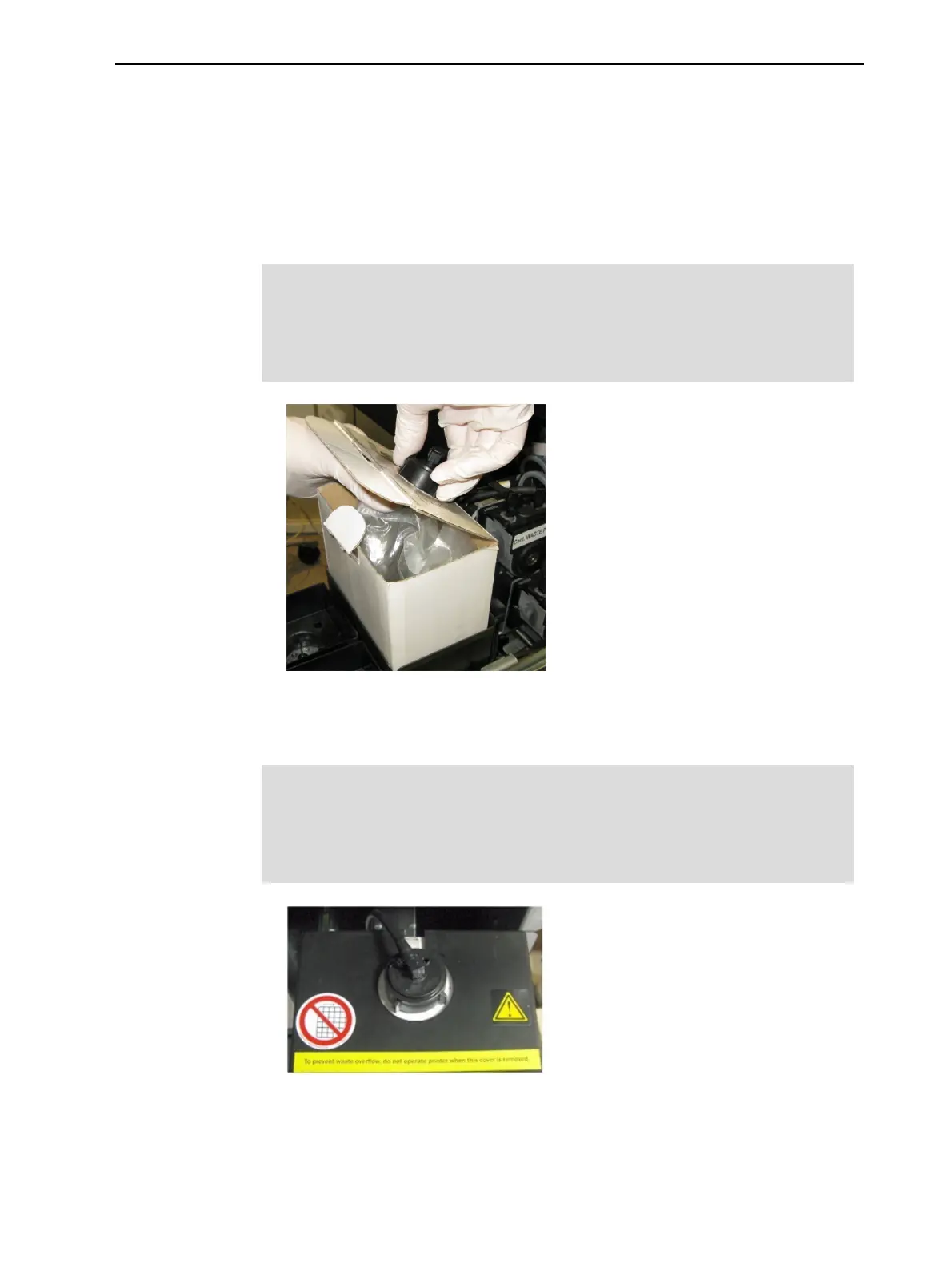
2. Place the waste container in the materials drawer, and attach the cap
connected to the drain tube.
Important:
Hold the waste bag with one hand while attaching the waste tube.
Otherwise the bag will become twisted, and the flow of material will be
restricted.
Figure 6-144 Waste container with waste tube attached
3. Place the cover over the waste container, and make sure that the drain tube
is free and not bent.
Important:
Operating the printer without the waste container cover results in an
inaccurate measurement of the waste weight, which will cause waste to
overflow into the printer.
Figure 6-145 Cover installed on the waste container













 To Next Page