Objet30 User Guide 5 Using Objet Studio
DOC-34025 Rev. I 5-41
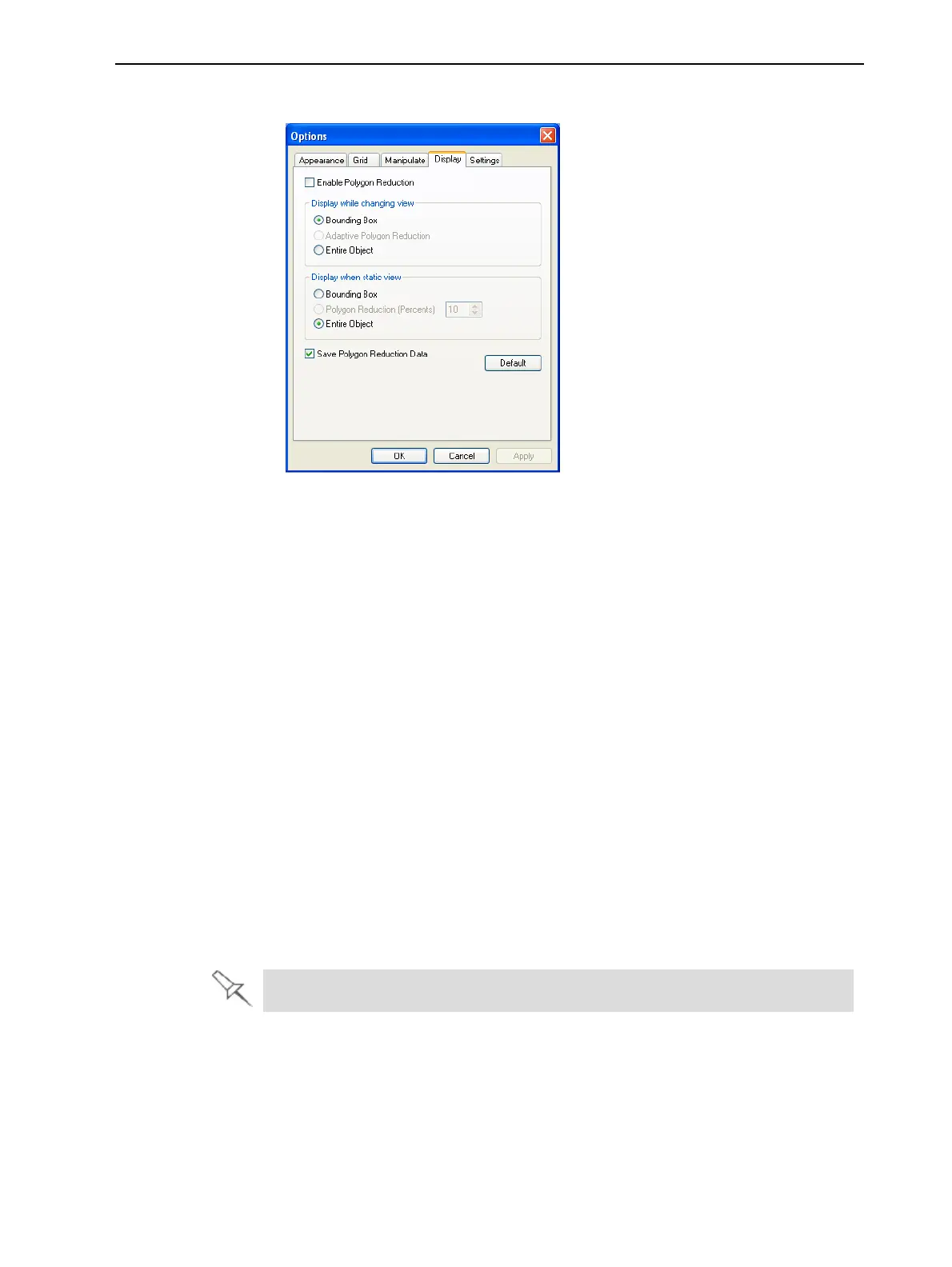
2. In the Options dialog box, display the Display tab.
Figure 5-46 Options dialog box, Display tab
3. Select Enable Polygon Reduction.
4. Select Polygon Reduction (Percent).
5. Enter the percentage of total polygons to display.
When you click Apply, the display changes.
Note: The setting affects the static display (when the object is not being
moved).
6. Set display options when the object is being moved (Display while changing
view):
❒ Bounding Box—A box representing the object’s maximum dimensions
is displayed.
❒ Adaptive Polygon Reduction—Varying degrees of polygon reduction
are applied, as necessary.
❒
Entire Object—Nopolygonreductionisapplied.
7. To save these settings, so that they will be applied every time you place
this object on the build tray, click Save Polygon Reduction Data.
8. Click Apply to see the results of the settings without closing the dialog box.
Selecting the Entire Object option cancels polygon reduction.













 To Next Page