Objet30 User Guide 6 Operating and Maintaining the Printer
DOC-34025 Rev. I 6-44
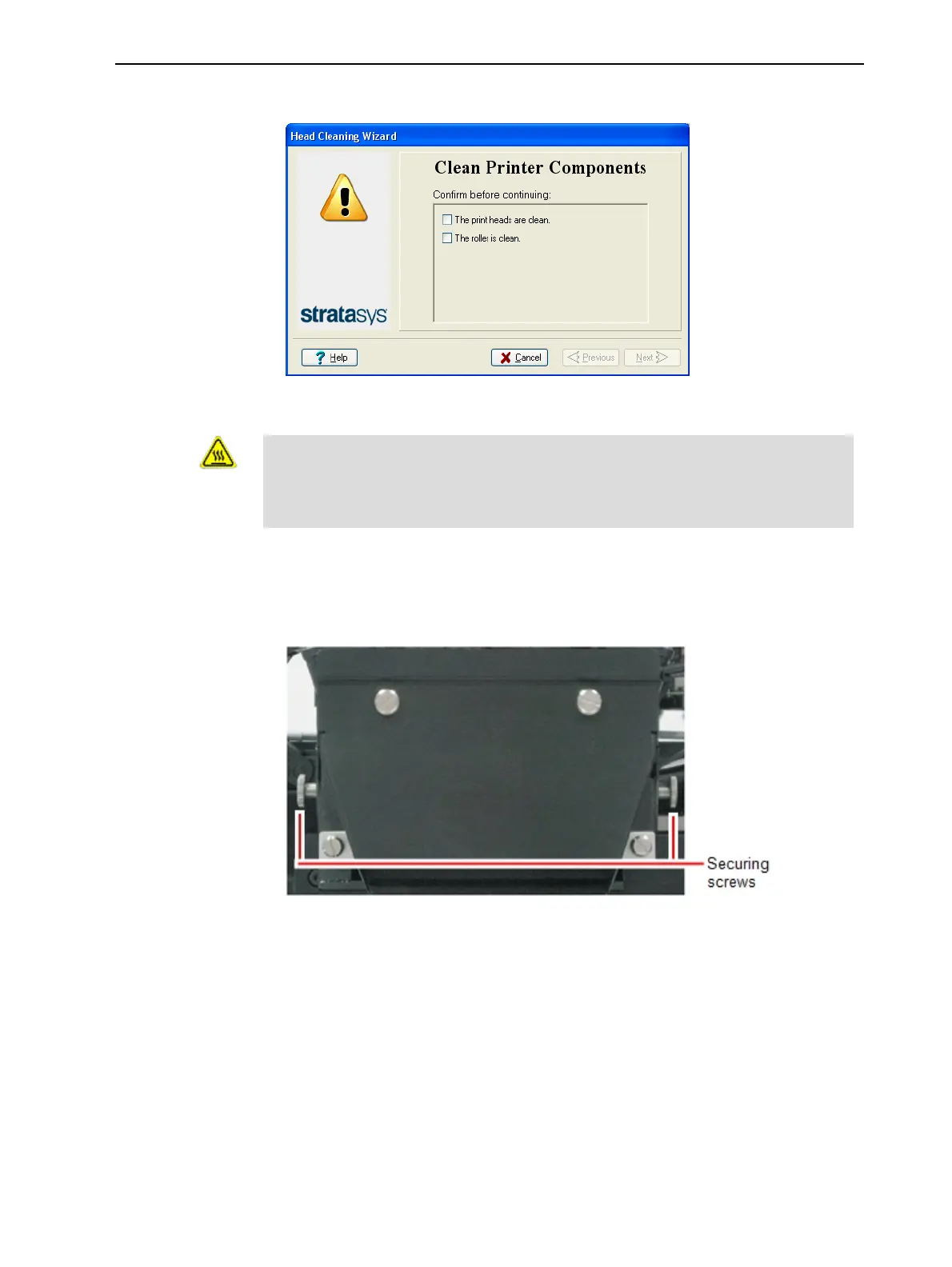
3. When the following screen appears, open the cover.
Figure 6-53 Wizard screen that appears when you can begin the
procedure
Warning: Hot Surface
The print head orifice plates (bottom surface) may be hot. Do not touch
them with your bare hands, and proceed with caution.
4. Put on protective gloves.
5. Loosen the two side screws securing the UV lamp assembly, and place the
assembly on top of the print block.
Figure 6-54 UV-lamp-assembly securing screws













 To Next Page