Objet30 User Guide 6 Operating and Maintaining the Printer
DOC-34025 Rev. I 6-77
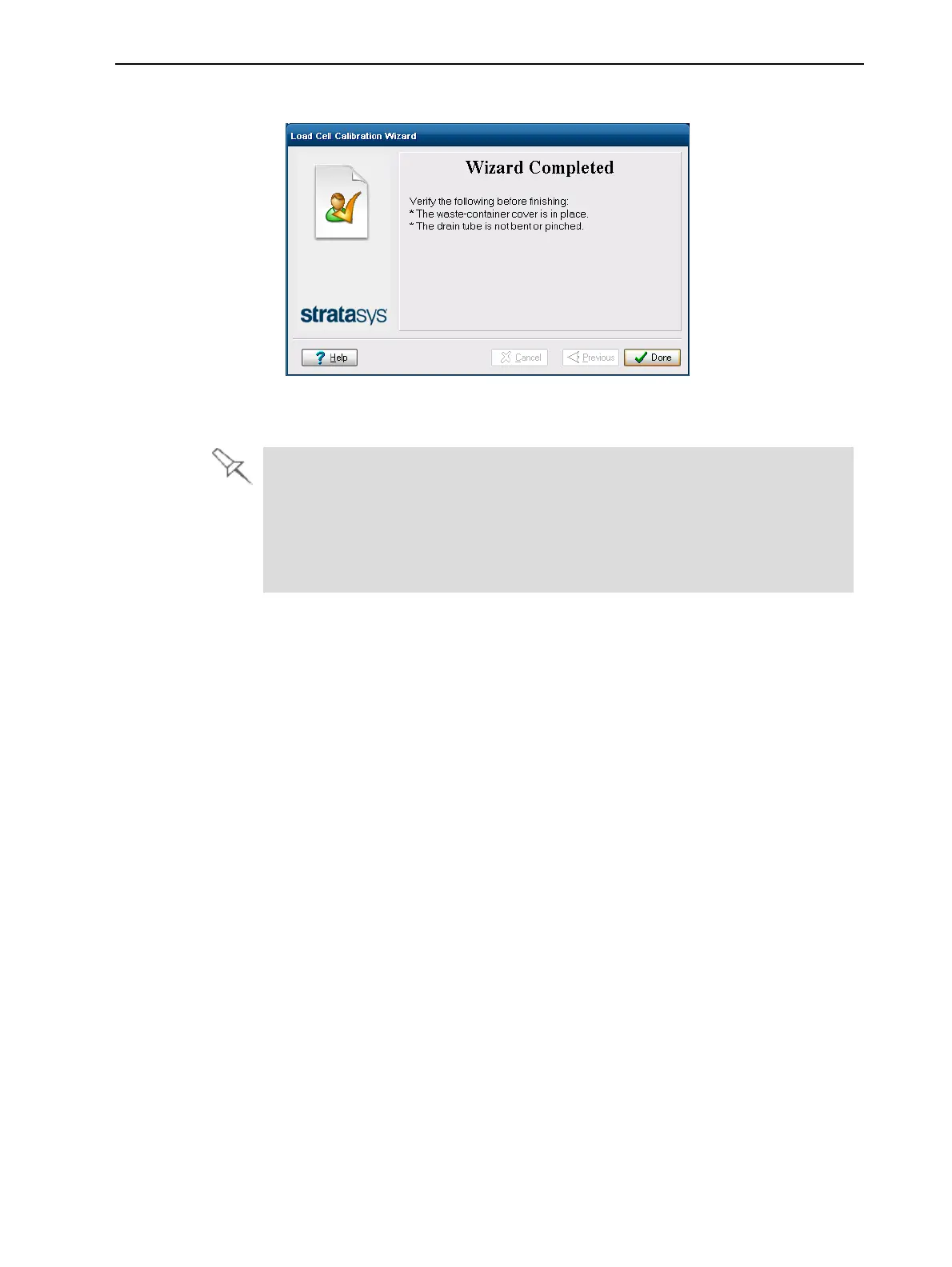
7. Click Done in the final wizard screen.
Figure 6-102 Final wizard screen
8. Replace the cartridge.
l When replacing the waste container, hold the waste bag with one hand
while connecting the waste tube. Otherwise, the bag will be twisted, and the
flow of waste will be restricted.
l Make sure to replace the metal cover over the waste container. Operating
the printer without the cover results in an inaccurate measurement of the
waste weight, which will cause waste to overflow into the printer.













 To Next Page