Objet30 User Guide 6 Operating and Maintaining the Printer
DOC-34025 Rev. I 6-74
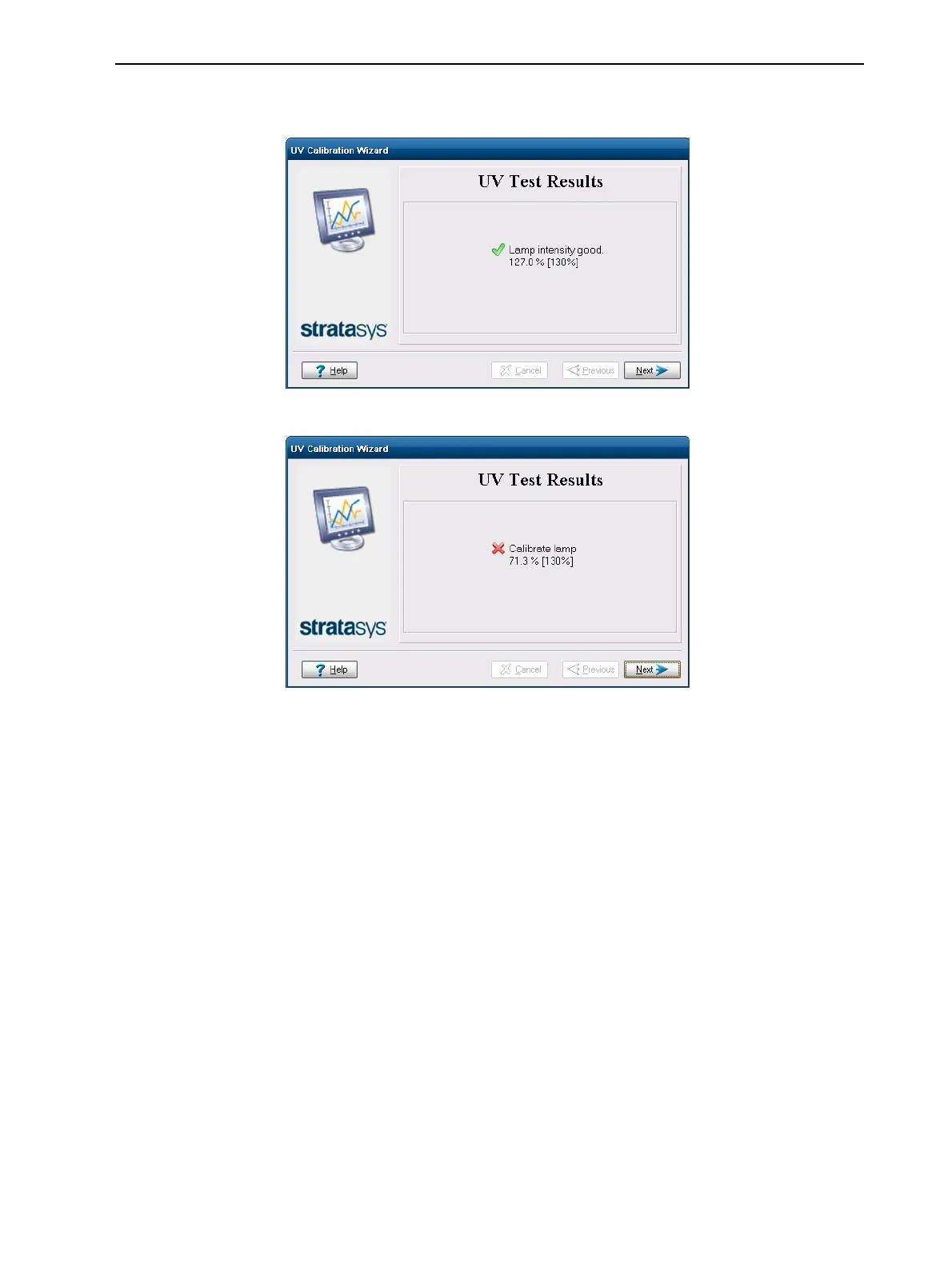
After the calibration is completed, the wizard displays the condition of the
lamp.
Figure 6-96 Final condition of UV lamp—acceptable intensity level
Figure 6-97 Final condition of UV lamp—unacceptable intensity level
7. If the wizard cannot adjust the lamp to within the specified UV intensity
range, perform the following steps and run the wizard again before
replacing the lamp:
❒ Check that the UV-lamp glass is clean.
❒ Check that the UV sensor is completely uncovered and that the
protective glass is clean.
If the results are still unacceptable, contact your Stratasys service provider
for advice.
8. Click Next.
9. Close the UV sensor cover, and confirm this in the wizard screen.













 To Next Page