Objet30 User Guide 6 Operating and Maintaining the Printer
DOC-34025 Rev. I 6-35
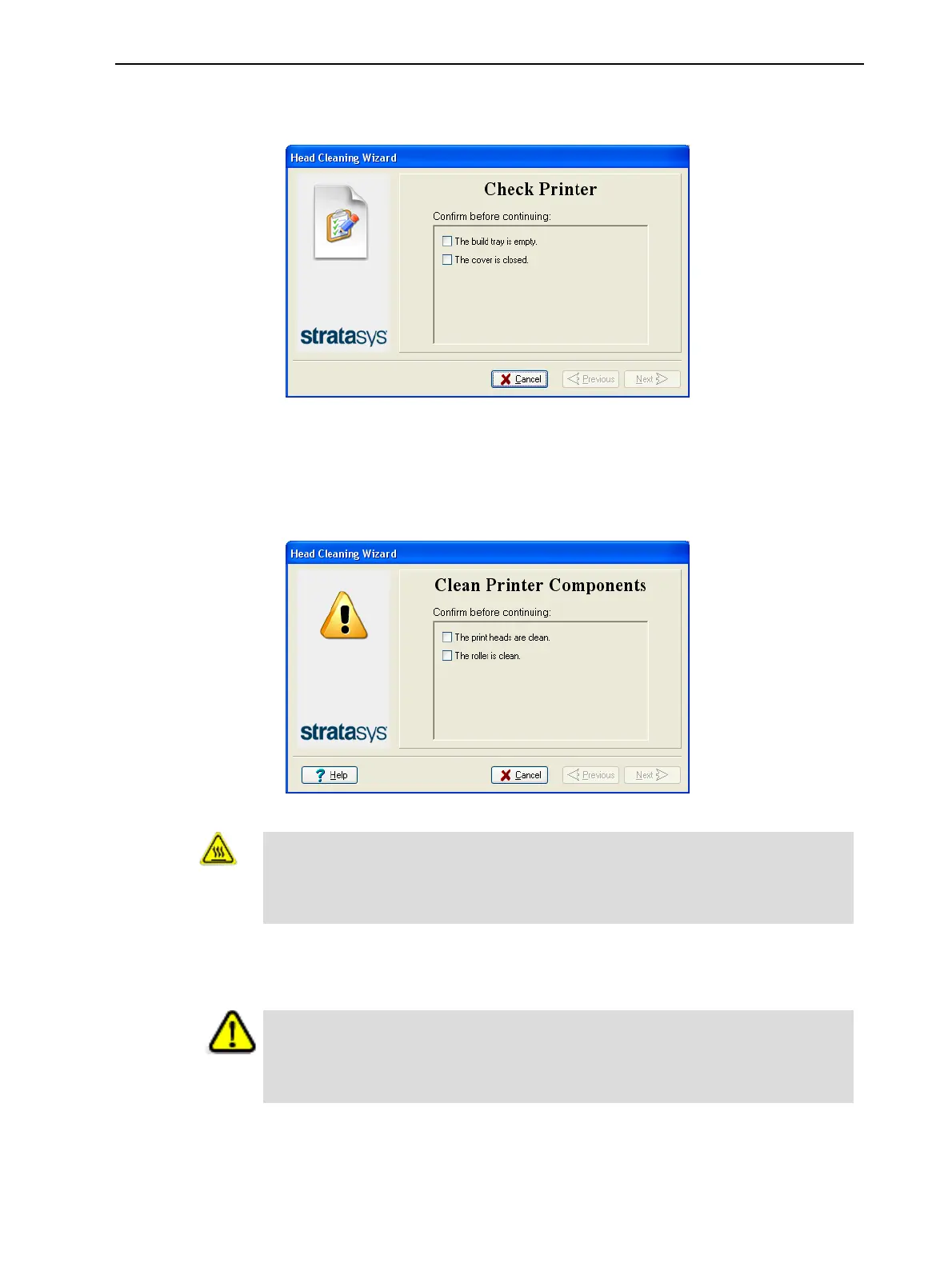
3. Follow the instructions on the wizard screens, and select the confirmation
check boxes.
Figure 6-39 Tray and cover confirmation
4. Click Next.
The printer prepares for you to clean the print heads.
5. When the following screen appears, open the cover.
Figure 6-40 Head cleaning wizard—steps 5–11
Warning: Hot Surface
The print head orifice plates (bottom surface) may be hot. Do not touch
them with your bare hands, and proceed with caution.
6. Place the mirror on the build tray.
7. Put on the gloves.
Caution
Uncured printing material on the print heads might cause skin irritation. Use
disposable cleaning gloves to protect your hands.
8. Soak the cleaning cloth with alcohol.













 To Next Page