Objet30 User Guide 6 Operating and Maintaining the Printer
DOC-34025 Rev. I 6-36
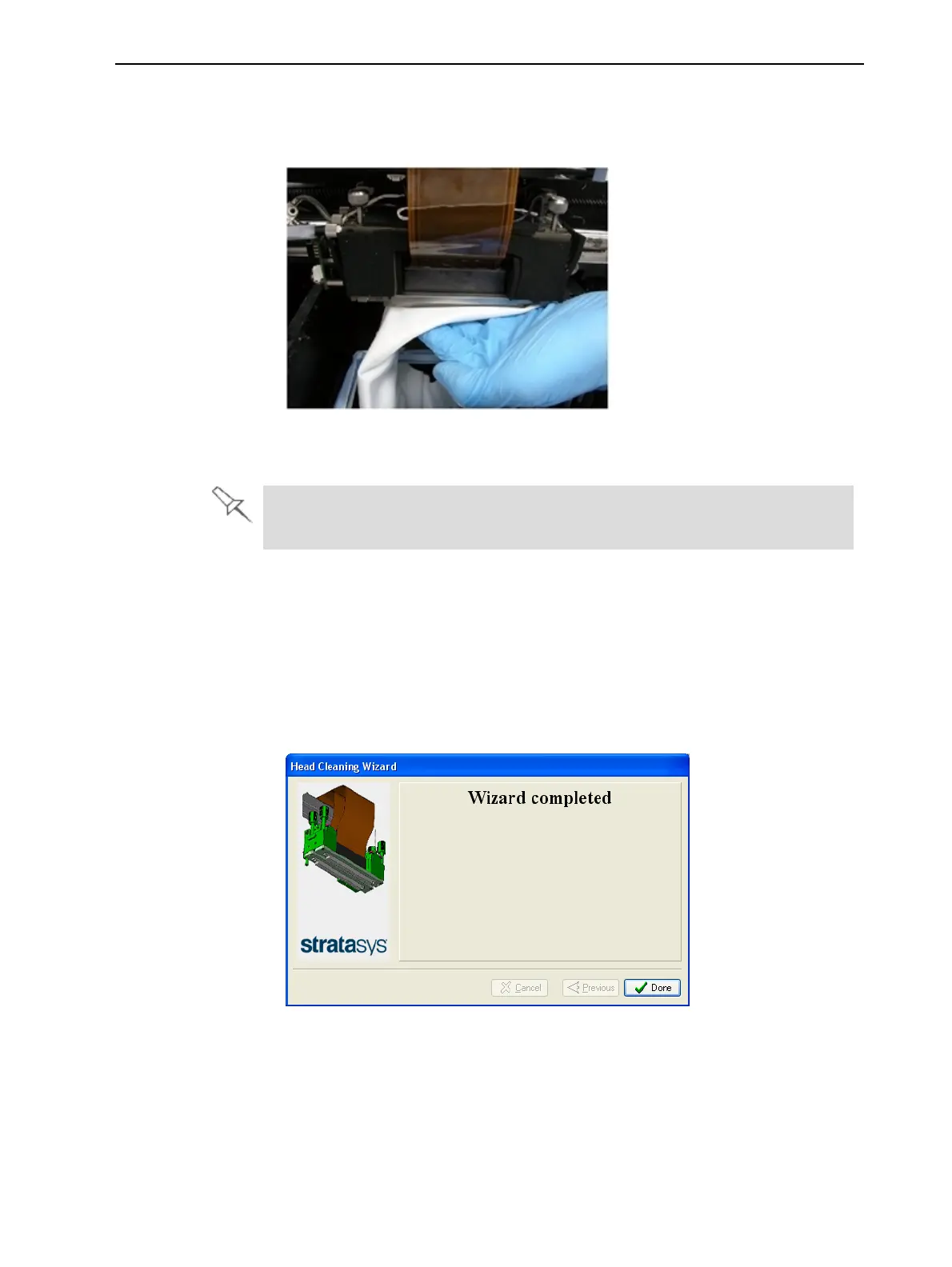
9. Clean the orifice plates, with a back-and-forth motion (see Figure 6-41).
Use the mirror to make sure that you have removed all of the residue
material.
Figure 6-41 Cleaning the heads
10. Clean the entire roller surface, by rotating it as you clean.
Use this opportunity to clean the glass lens on the UV lamp using the
supplied sanding sponge.
11. When you have finished cleaning, select the confirmation check boxes in
the wizard screen (see Figure 6-40) and click Next.
12. Remove the cleaning materials from the printer and close the cover.
13. Select the confirmation check boxes in the wizard screen and click Next.
The head-purge cycle begins. When the process is complete, click Done in
the final wizard screen.
Figure 6-42 Final wizard screen













 To Next Page