Objet30 User Guide 6 Operating and Maintaining the Printer
DOC-34025 Rev. I 6-38
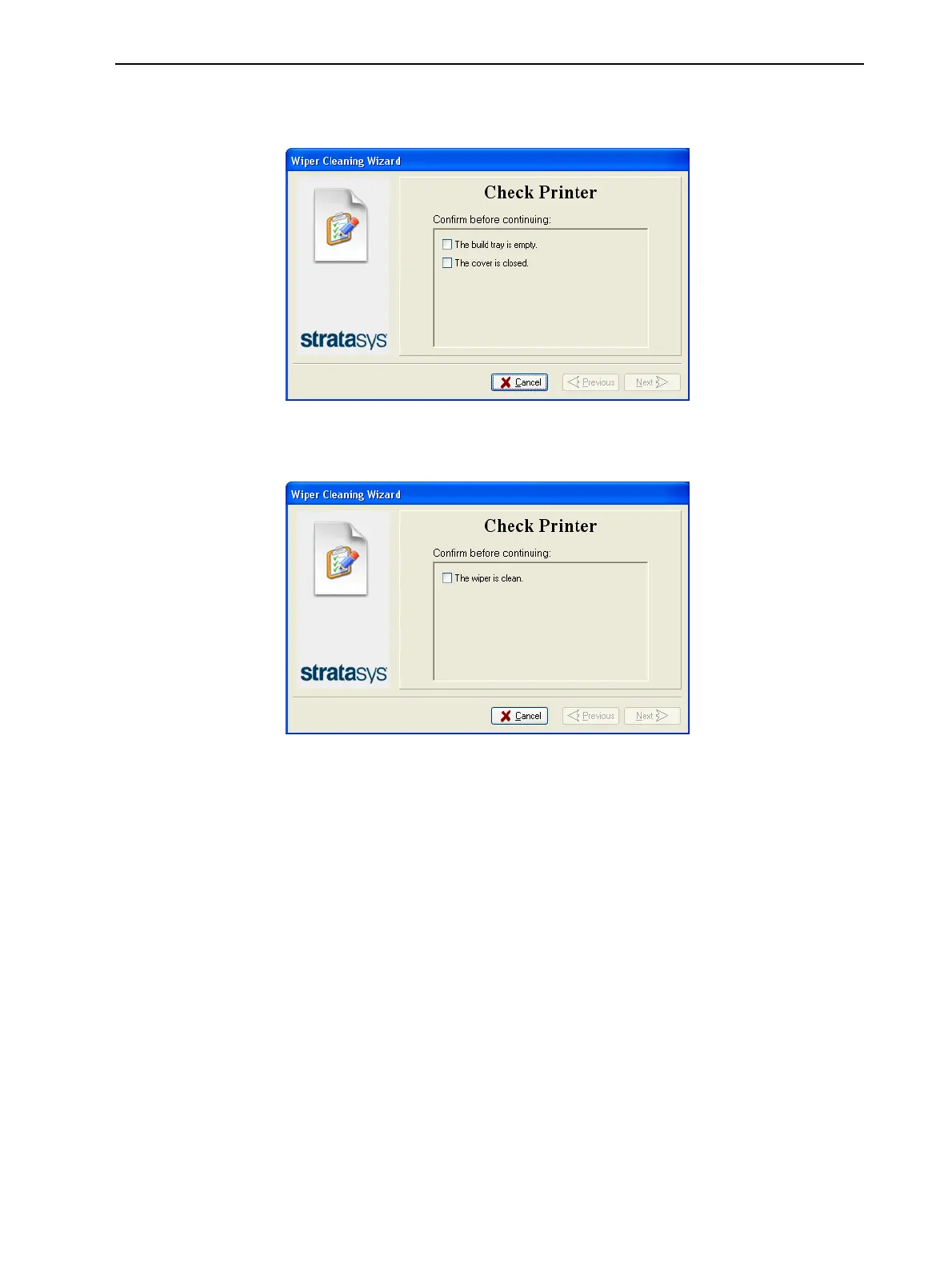
4. Make sure that the build tray is empty, and close the printer cover.
Confirm this in the wizard screen, and click Next.
Figure 6-44 Tray and cover confirmation
5. When the following screen appears, open the cover.
Figure 6-45 Wiper Cleaning wizard during steps 6–9
6. Put on the cleaning gloves.
7. Using a generous amount of alcohol on the cleaning cloth, remove any
material remaining on the wiper and the surrounding area.
8. Inspect the wiper.
If the wiper is scratched, torn or worn, or if you cannot clean it completely,
replace it:













 To Next Page