Objet30 User Guide 6 Operating and Maintaining the Printer
DOC-34025 Rev. I 6-46
2. Secure the unit evenly, by alternately tightening the screws.
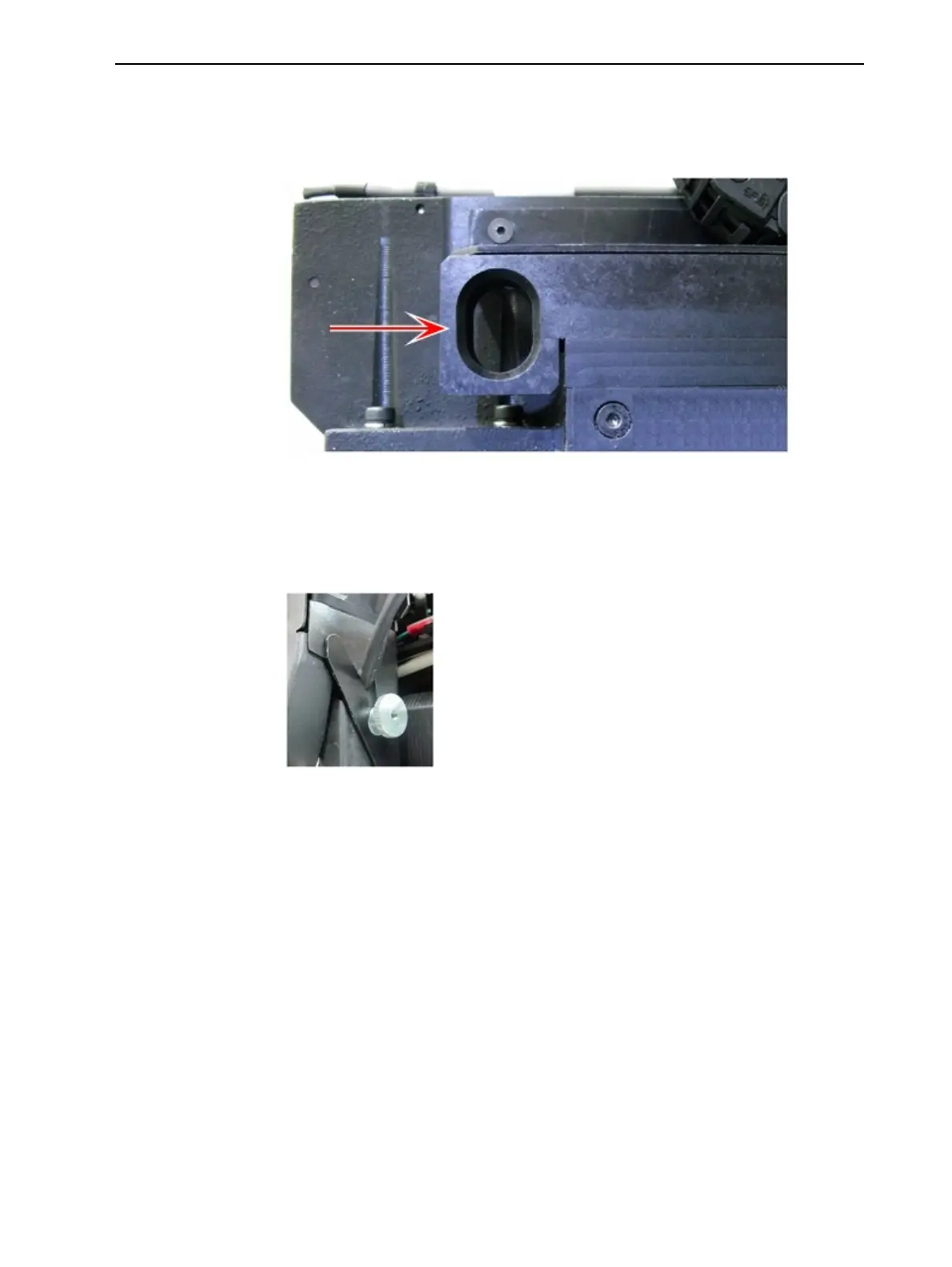
3. Return the drain-tube release mechanism to its original position by pushing
it in all the way.
Figure 6-58 Returning the drain tubes from to the waste collector
4. Move the print block back to the middle of the printer.
5. Replace the UV lamp assembly in the printer, making sure that the cable
fits into the slot together with the side securing screw.
Figure 6-59 UV-lamp cable in place after securing the assembly
6. Remove all tools from the printer, and close the cover.
7. In the wizard screen, click Cancel to return the build tray to its former
position.













 To Next Page