Objet30 User Guide 6 Operating and Maintaining the Printer
DOC-34025 Rev. I 6-105
To prepare a new waste container:
1. Assemble the cardboard box, making sure to punch out the perforated
sections.
2. Fold a new waste bag—so it fits in the box—and insert the bag’s screw-
connector into the hole in the top of the box.
Note: Do not close the box until you connect the waste drain tube from the
printer.
To replace the waste container:
1. Open the materials drawer.
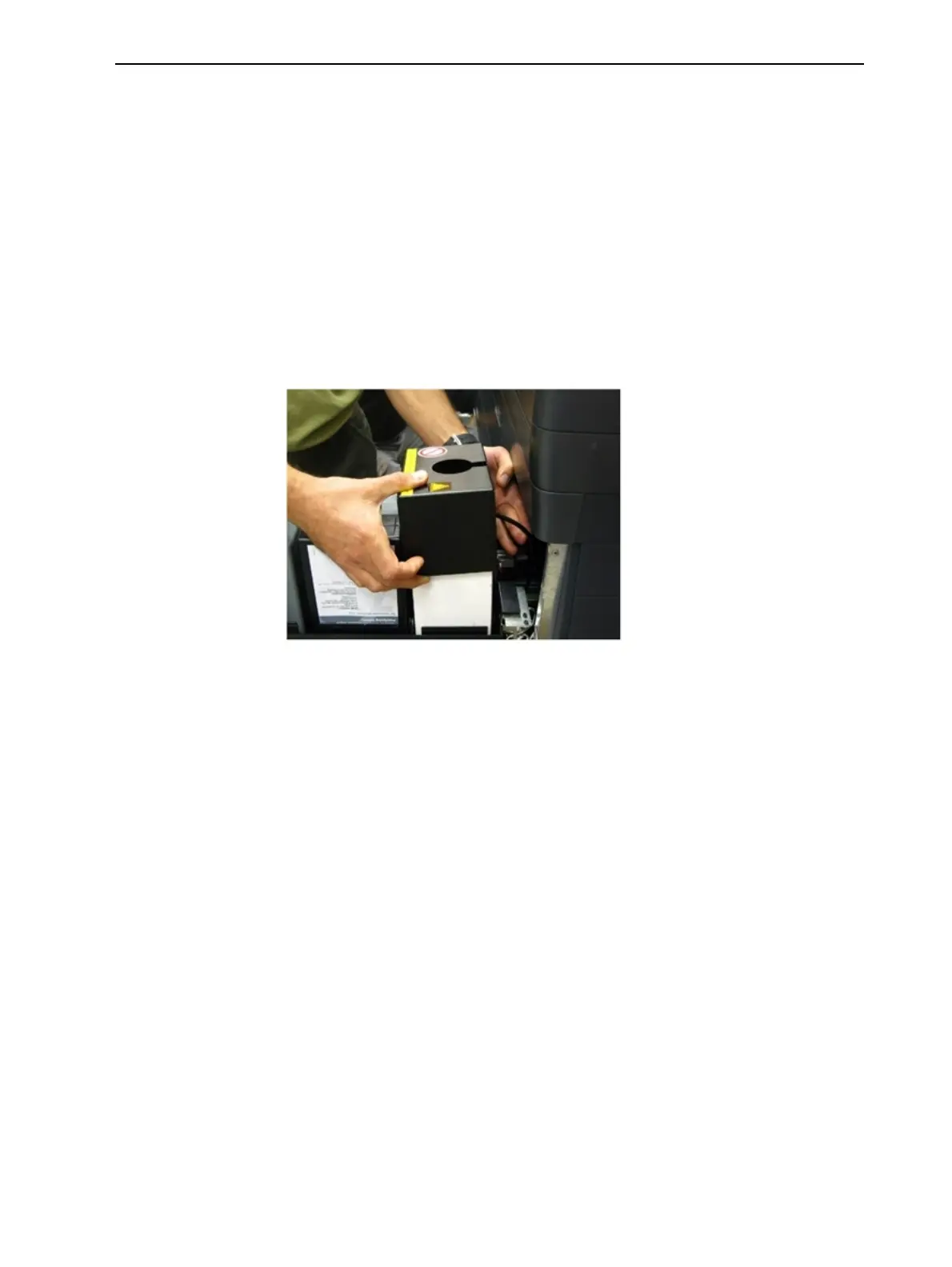
2. Remove the waste container cover.
Figure 6-150 Removing the waste container cover
3. Unscrew the cap connecting the waste drain tube to the container.
4. Carefully lift out the waste container to remove it from the printer.
5. Close the full container with the cap supplied with the new waste container.
6. Place the new waste container in the materials drawer, and attach the cap
connected to the drain tube.
Important: Hold the opening in the waste bag with one hand while
attaching the waste tube. Otherwise, the bag will be twisted, and the flow of
waste will be restricted.













 To Next Page