Objet30 User Guide 5 Using Objet Studio
DOC-34025 Rev. I 5-38
Tray Positioning
To view the tray and models from different directions, you can move the tray
around the screen and change its display angle.
To move the tray in the Objet Studio screen:
➢ Press the mouse wheel while moving the mouse.
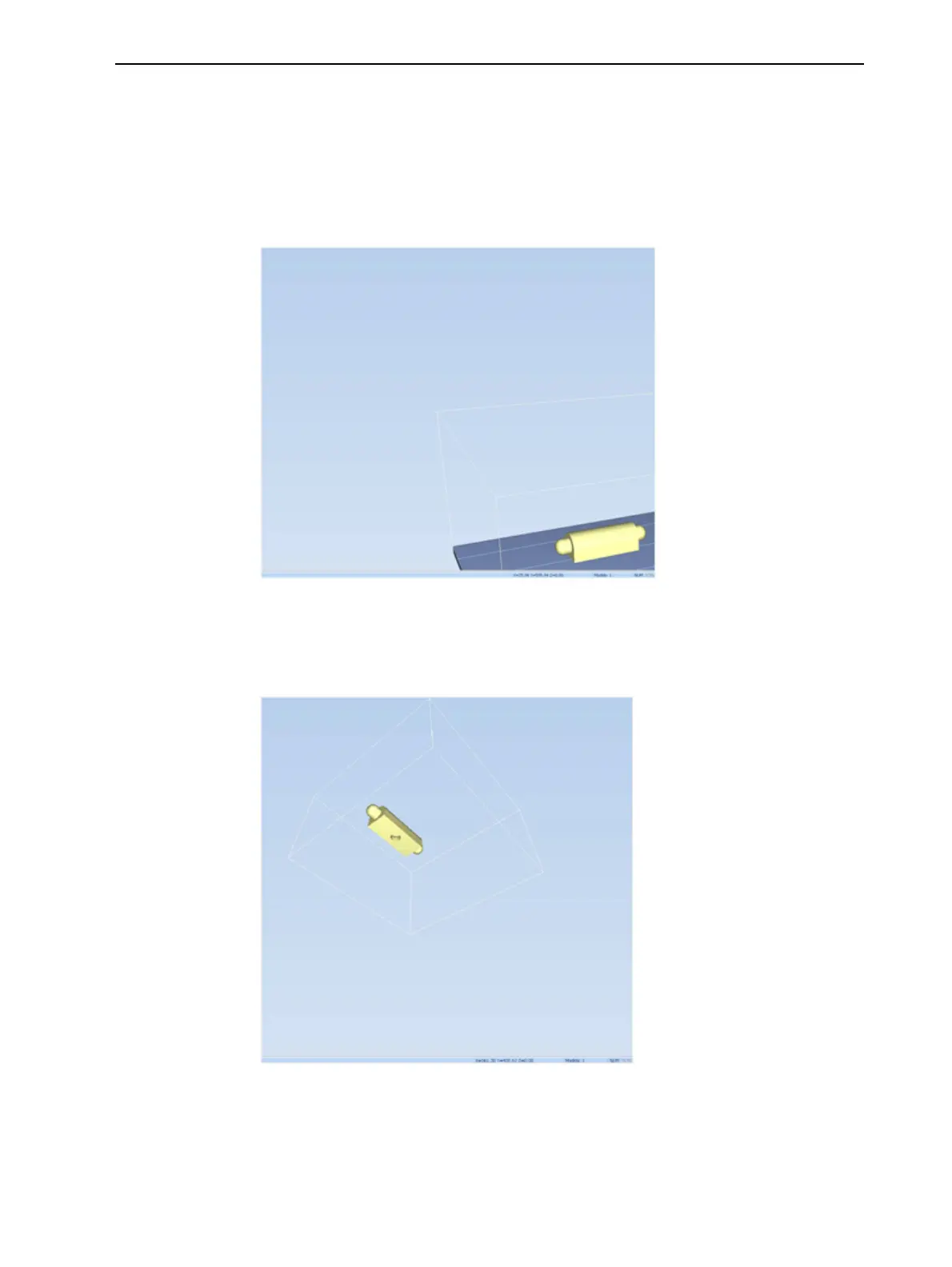
Figure 5-40 Tray after moving it in the Objet Studio display
To manually rotate the tray:
➢ Press Alt and press the mouse wheel while moving the mouse.
Figure 5-41 Tray after rotating it upside-down
To view the tray and models from different directions, you can change its
display angle.













 To Next Page