Objet30 User Guide 6 Operating and Maintaining the Printer
DOC-34025 Rev. I 6-23
12. When prompted, load the new cartridge(s) and close the drawer. Confirm
this in the wizard screen and click Next.
The wizard identifies the cartridge(s) and verifies that there is sufficient
material to complete the procedure.
13. After checking the amount of material in the cartridges, the wizard proceeds
as follows:
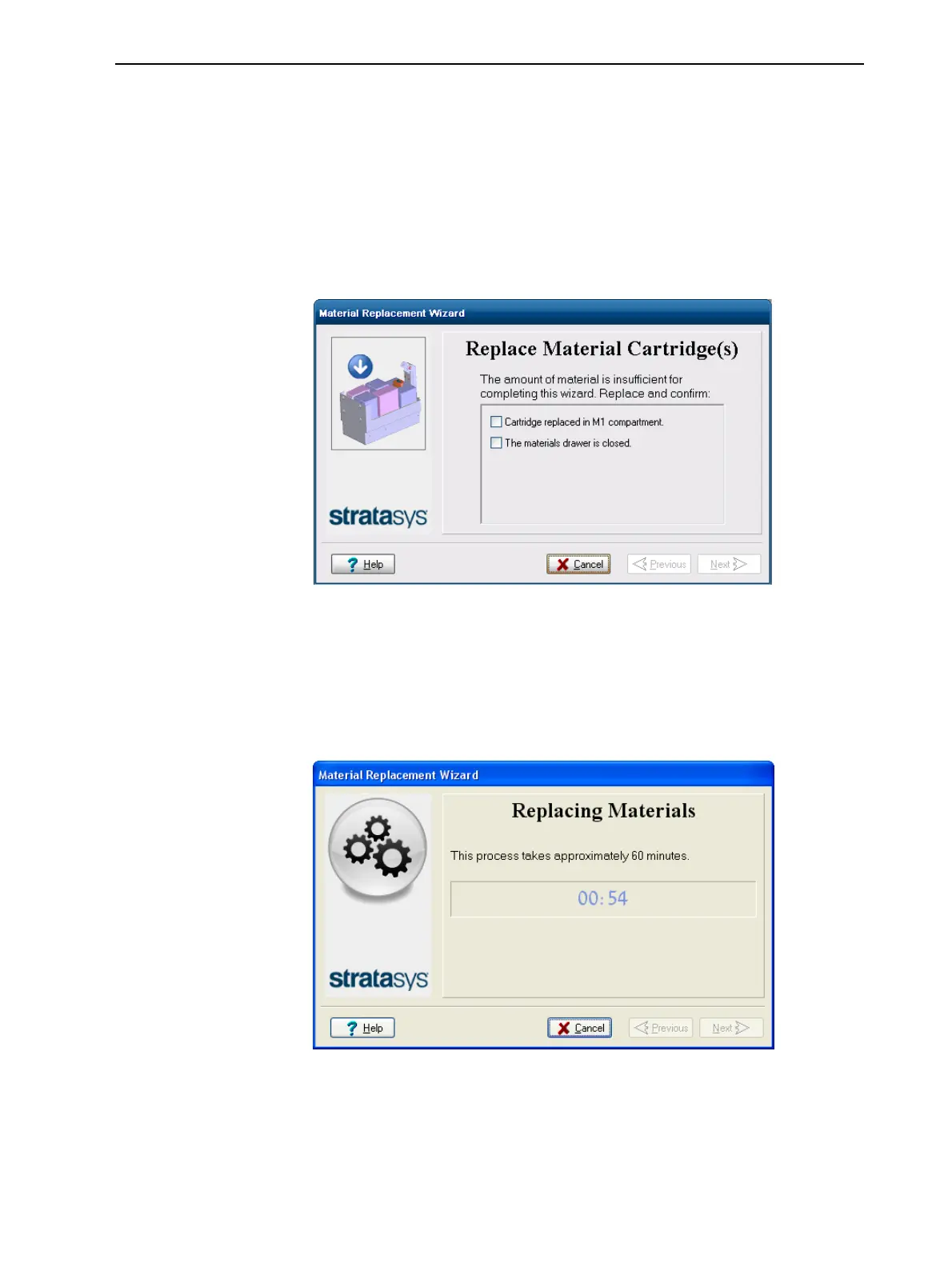
❒ If the amount of material is insufficient for completing the procedure, the
wizard prompts you to replace the cartridge(s).
Figure 6-24 Prompt to replace cartridge due to insufficient material
Replace the required cartridge(s). Confirm this in the wizard screen and
click Next.
❒ If the amount of material is sufficient for completing the procedure, the
printer purges the current material from the system, then flushes the
system and fills the print heads with the new material.
Figure 6-25 Material replacement: filling heads with new material













 To Next Page