Objet30 User Guide 6 Operating and Maintaining the Printer
DOC-34025 Rev. I 6-41
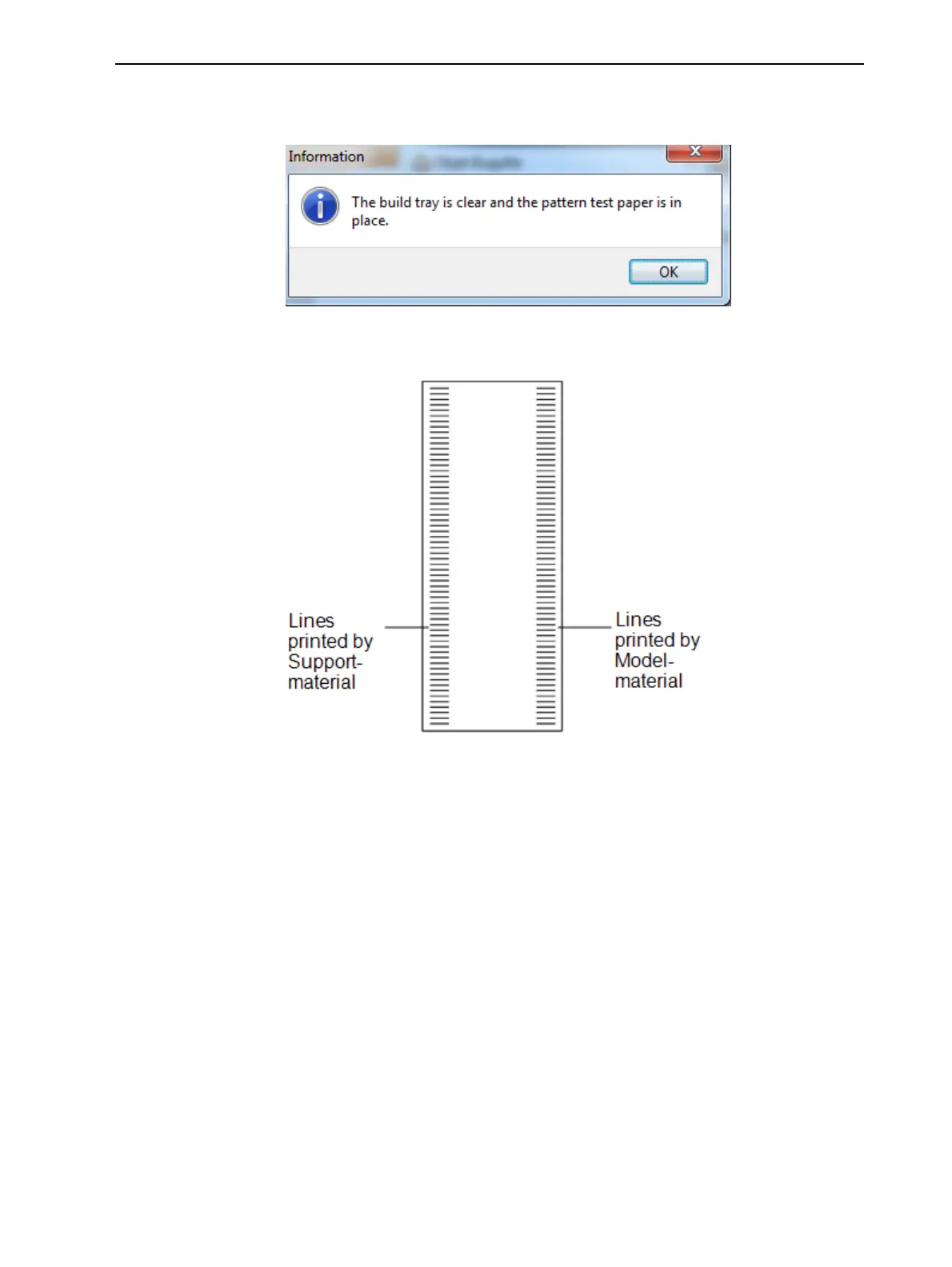
6. In the following dialog box, click OK to confirm that the paper is in place on
the build tray.
Figure 6-50 Confirmation before printing on test paper
The printer prints a series of lines on the test paper (see next figure).
Figure 6-51 Sample Pattern Test
7. Carefully inspect the test paper to see if there are missing lines.
Too many missing lines, especially if they are in the same area, indicates
that the quality of printing when producing models will be poor. If this is the
case, see "Improving Print Quality" on the next page.
Note: Acceptable model quality is subjective, and depends on the type
and scale (size) of the models produced. As a rule, however, if two
consecutive lines are missing, or if there are more than 10 lines missing in
either column, the model quality is usually unacceptable.













 To Next Page