Objet30 User Guide 5 Using Objet Studio
DOC-34025 Rev. I 5-46
If the build tray file has not been saved when you click Build, the Save As
dialog box opens for you to save it.
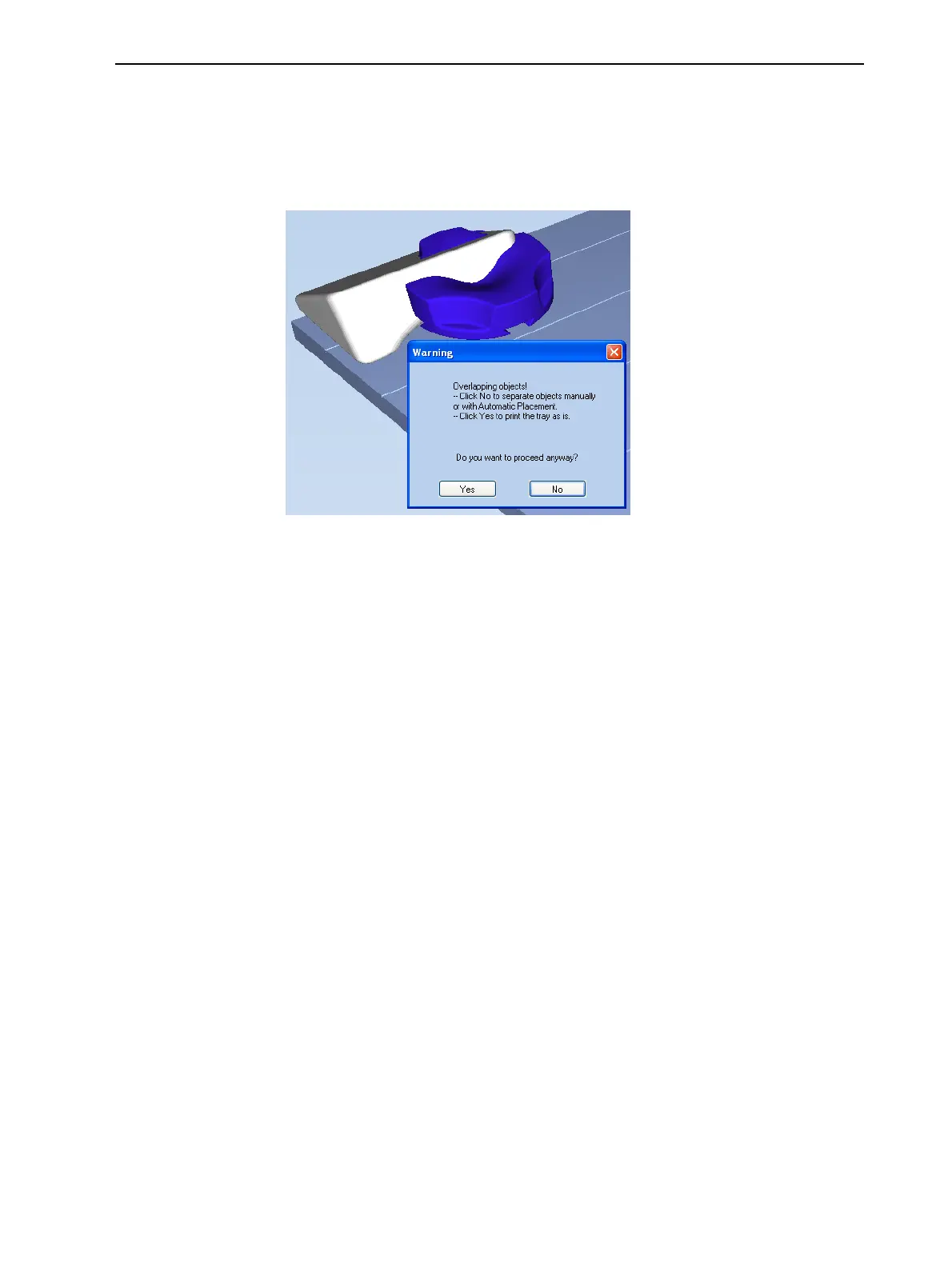
Objet Studio checks if there is a problem with the positioning of objects on
the tray. If so, the affected objects are displayed with special colors (see
"Tray Validation" on page 5-43), and a warning message appears.
Figure 5-52 Tray validation warning message
➢ To cancel the Build command so you can correct the problem, click No.
➢ To print the models as they are positioned on the tray, click Yes.
The Job Manager screen opens, so you can monitor the progress of your
trays—before, during, and after printing. See "Monitoring and Managing
Print Jobs" on page 5-66.













 To Next Page