Connecting the HiPer+ and a Computer
1-866-4TOPCON www.topconpositioning.com
2-9
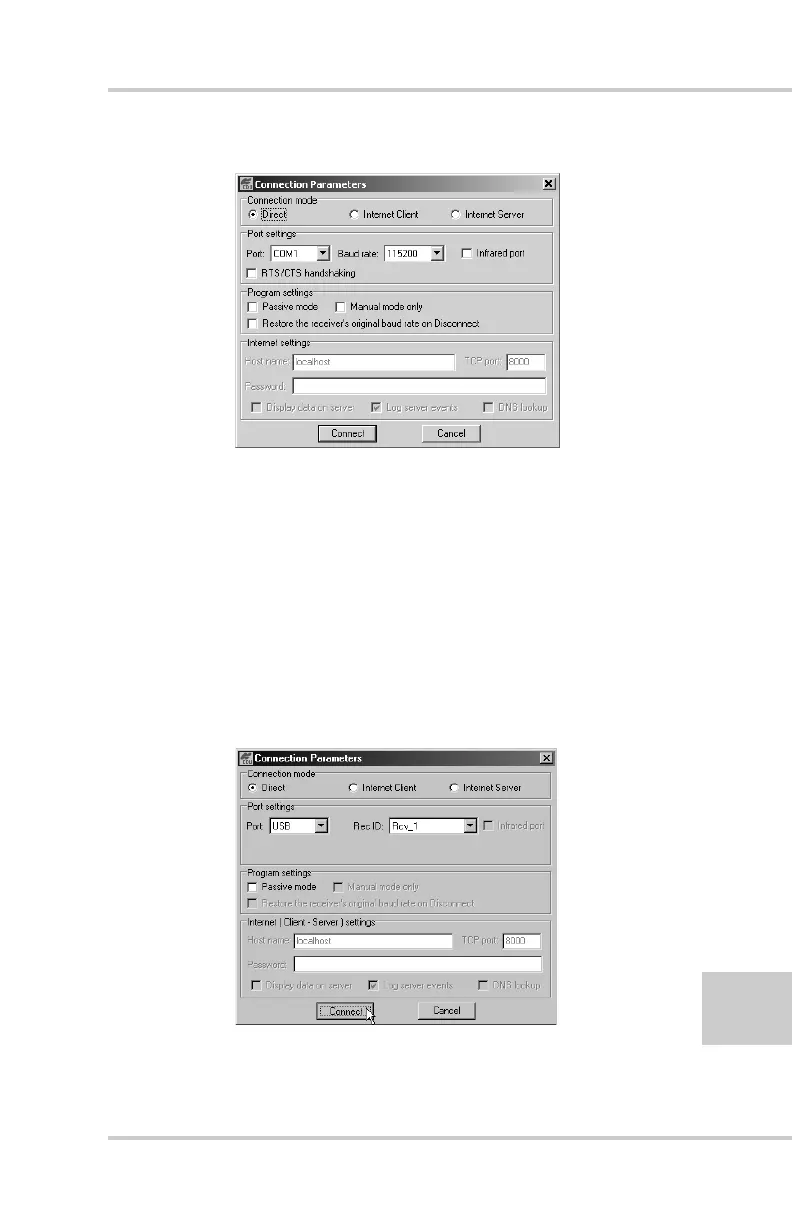
Figure 2-3. Bluetooth and RS232 Connection Parameters
OR
Select the following parameters for USB connections
(Figure 2-4) and click Connect:
• Set the Connection mode (Direct).
• Set the port for your computer (USB) from the Port
drop-down list.
• Select the receiver’s ID from the Rec ID drop-down
list.
Figure 2-4. USB Connection Parameters



 To Next Page