USTER®
HVI 900
Instruction Manual
Uster Technologies, Inc.
Chapter 5
Version 4.0 (1.99) Calibration - Page 5-29
7 Calibrating for Trash
• To access the TRASH CALIBRATION MENU from the CALIBRATION MENU,
highlight the
Trash
item using the arrow keys, then press ENTER.
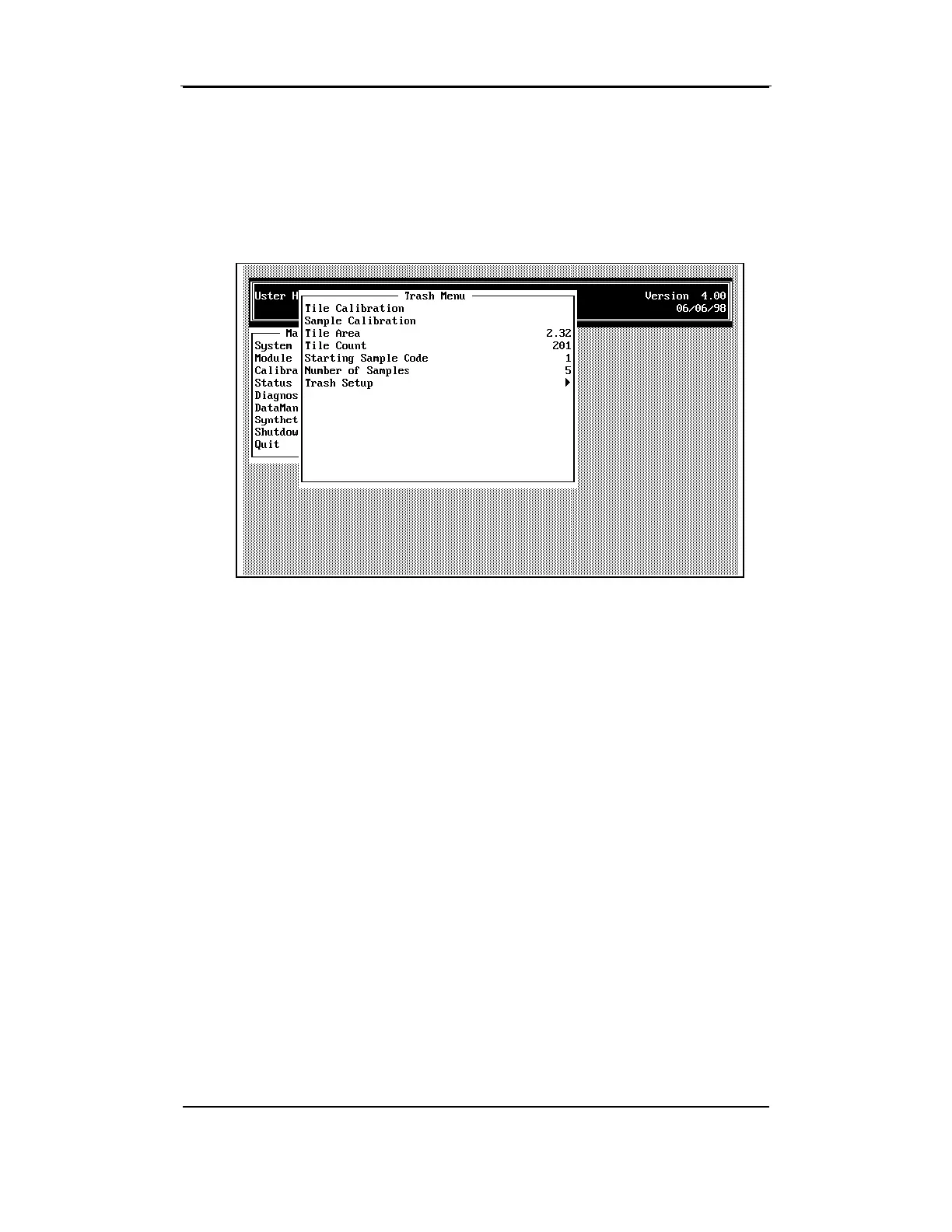
This menu has selections for performing Tile and Sample Calibration, for
entering the Tile Area and Tile Count values, the Number of Samples,
the Starting Sample Code, and for Trash Setup.
7.4 Tile Area and Tile Count
The values that are marked on the trash calibration tile supplied with the
instrument should be entered for Tile Area and Tile Count.
•
Enter the values for Trash Area or Trash Count by pressing ENTER,
then typing the value. Press ENTER again to enter next value.
Once the values are correct, press ESCAPE to save the data. You
can now perform the Tile Calibration procedure.



 To Next Page