USTER®
HVI 900
Instruction Manual
Uster Technologies, Inc.
Chapter 5
Version 4.0 (1.99) Calibration - Page 5-17
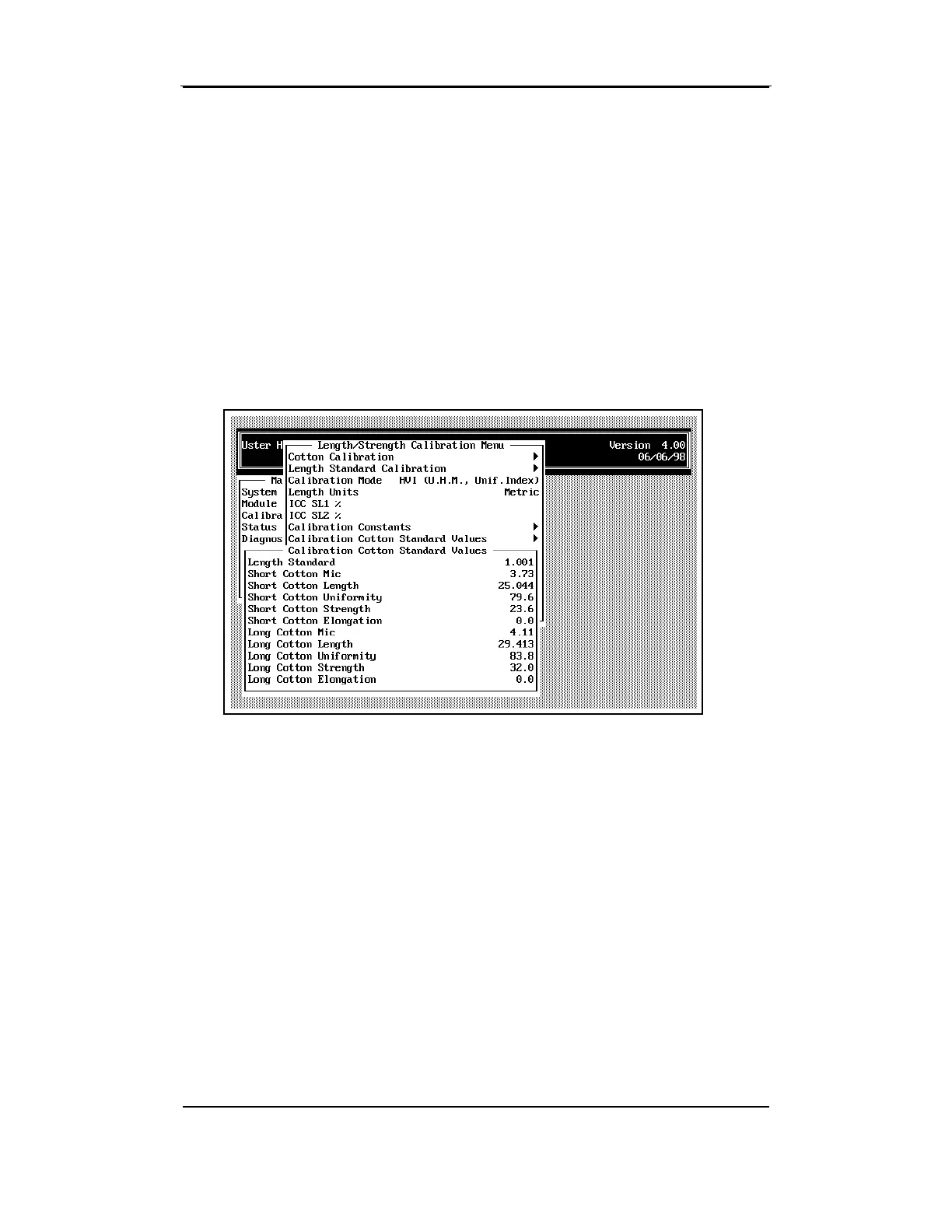
4.12 Calibration Cotton Standard
Values
• To access Calibration Cotton Standard Values from the CALIBRATION
STATUS MENU, highlight the item using the arrow keys, then press
ENTER.
They should be set based on the values that are listed on the boxes of
calibration cottons currently in use.
•
If needed, change the values by using the arrow keys to highlight the
item, then by pressing the ENTER key. Enter the value at the prompt
and then press ESCAPE to save the data.
If the elongation value for Short or Long Cotton is 0.0, no Elongation
calibration will be performed during Cotton Calibration, nor will
Elongation values be displayed on the screen.



 To Next Page