USTER®
HVI 900
Instruction Manual
Uster Technologies, Inc.
Chapter 10
Version 4.0 (1.99) Synthetic Fiber Testing - Page 10-16
4 Status
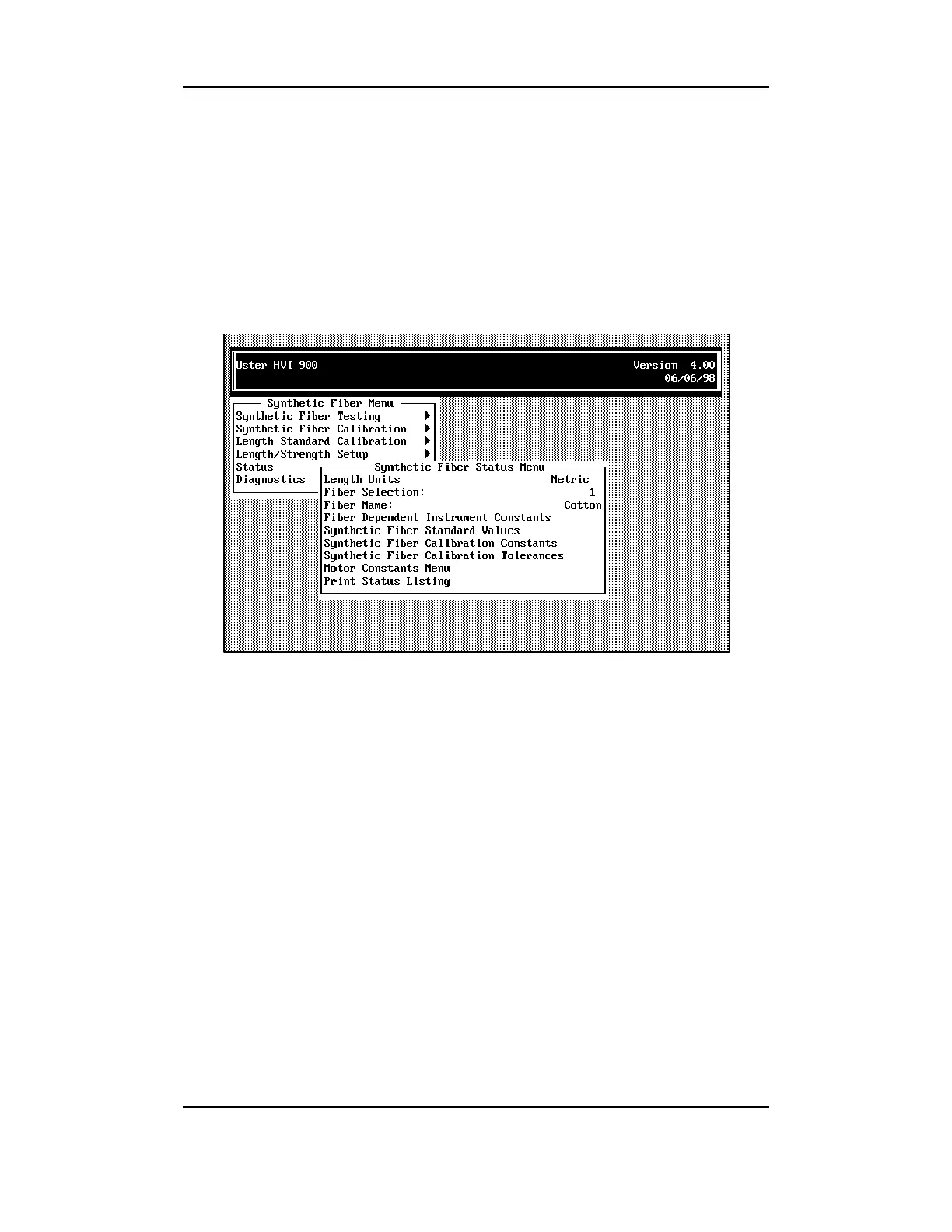
4.4 Synthetic Fiber Status Menu
Access the SYNTHETIC FIBER STATUS MENU by selecting the
Status
item from
the SYNTHETIC FIBER MENU by using the arrow keys to highlight the item,
then press ENTER.
4.4.1 Length Units
This menu item is used to select the unit of measurement to be used
during synthetic fiber testing. It can be set to English or Metric using the
ENTER key.
4.4.2 Fiber Selection
This item is used to select the fiber number that is to be tested.
Parameters are set during definition that can vary based on the type of
fiber being tested. Allowable values are from 1 to 100.



 To Next Page