USTER®
HVI 900
Instruction Manual
Uster Technologies, Inc.
Chapter 8
Version 4.0 (1.99) 940 DataManager - Page 8-30
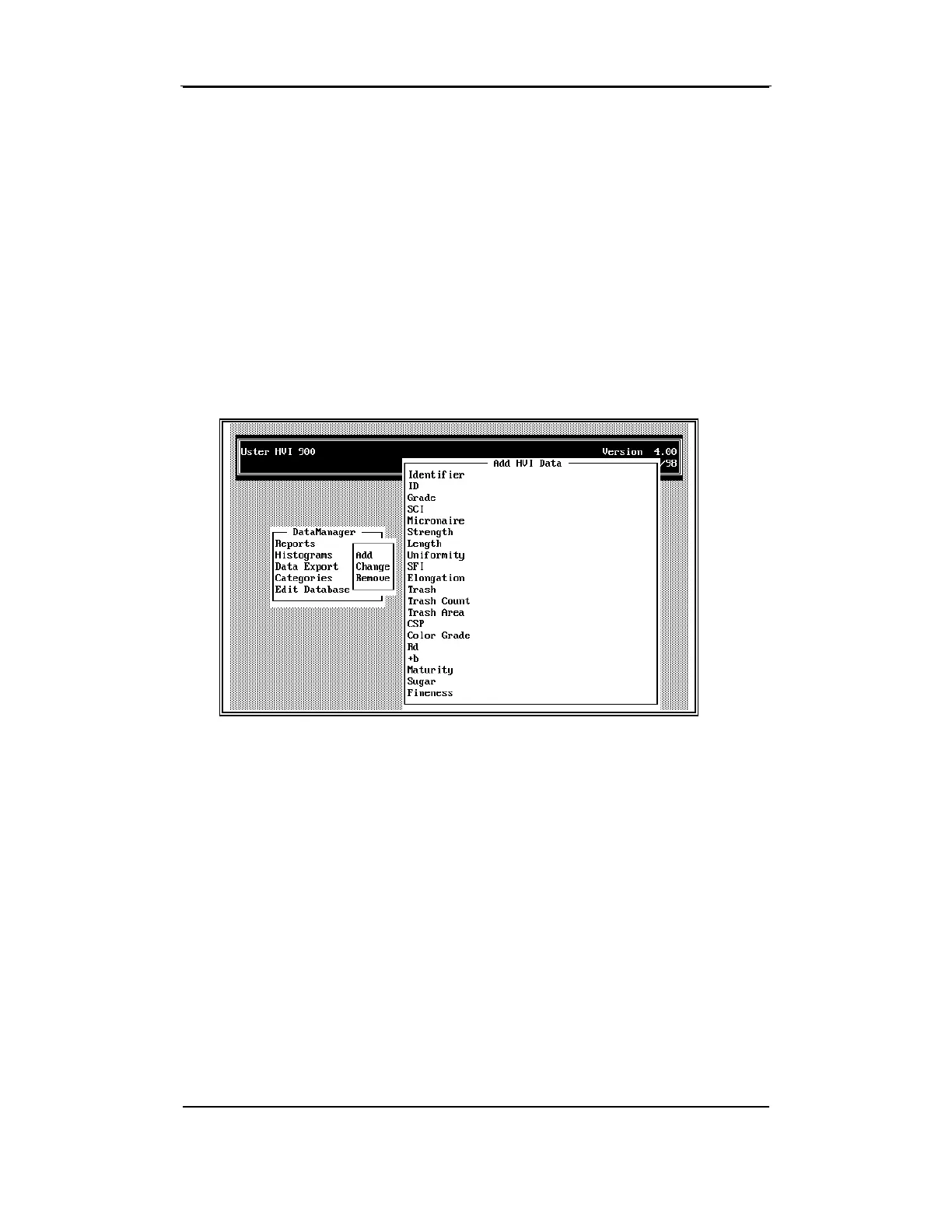
7.4 Add Test Data to the Database
If you have test data from a sample and want to add it to an existing
identifier or create a new identifier for the data, you can do this without
re-testing the sample. This selection provides two modes for adding
data to the database:
•
Add an ID (test) to an existing identifier, and
• Add a new identifier and an ID (test) for the new identifier.
• Select
Add
from the selection window and press ENTER.



 To Next Page