USTER®
HVI 900
Instruction Manual
Uster Technologies, Inc.
Chapter 4
Version 4.0 (1.99) Status - Page 4-8
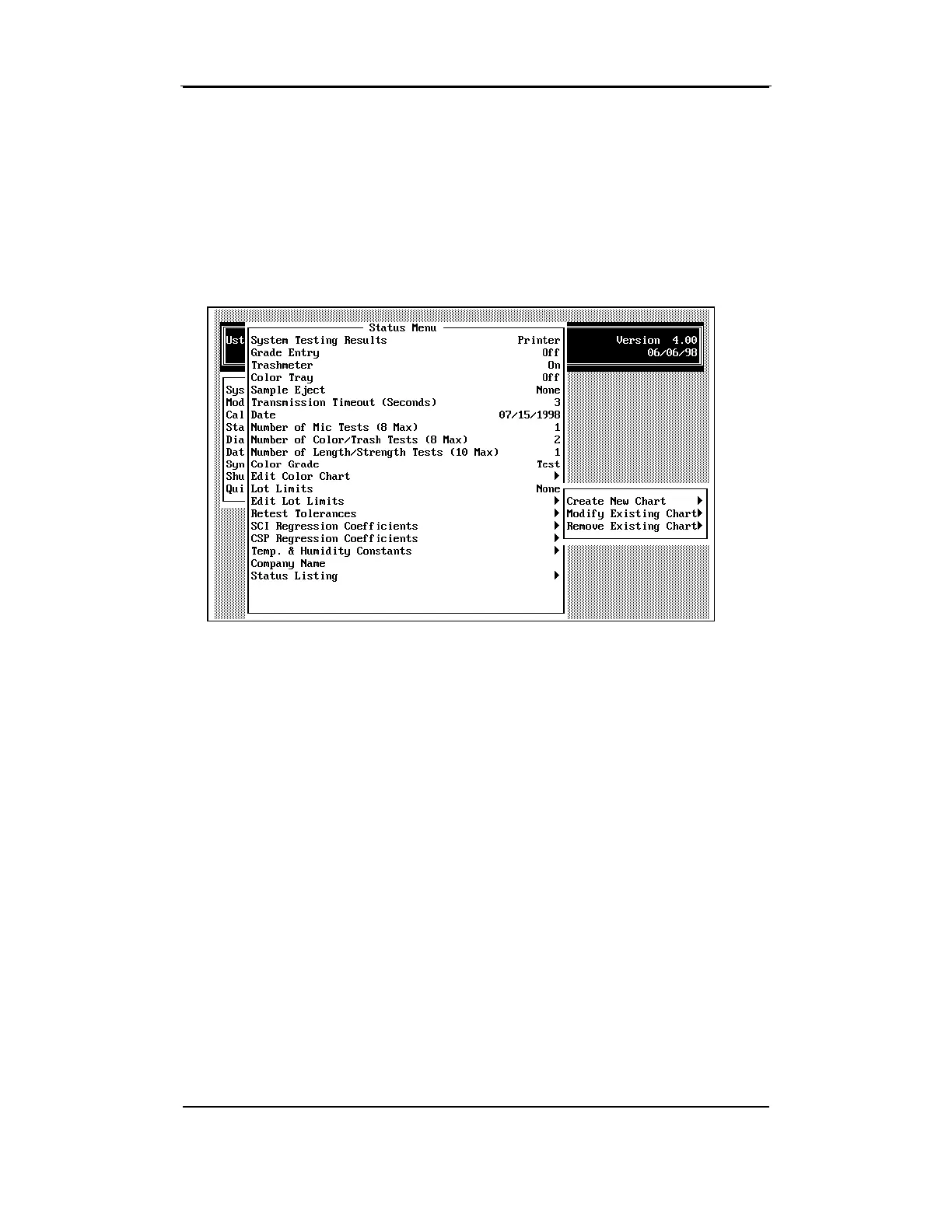
4.14 Edit Color Chart
The Edit Color Chart item is used to create a new chart, modify an
existing chart, or remove an existing color chart.
Note: Upland cannot be modified or removed from the list. If Upland
is the current selection (displayed to the left on the Color Chart line)
when this option is selected in the menu, the only option available will
be to Create a New Chart.



 To Next Page