USTER®
HVI 900
Instruction Manual
Uster Technologies, Inc.
Chapter 8
Version 4.0 (1.99) 940 DataManager - Page 8-33
7.6 Remove Test Data from the
Database
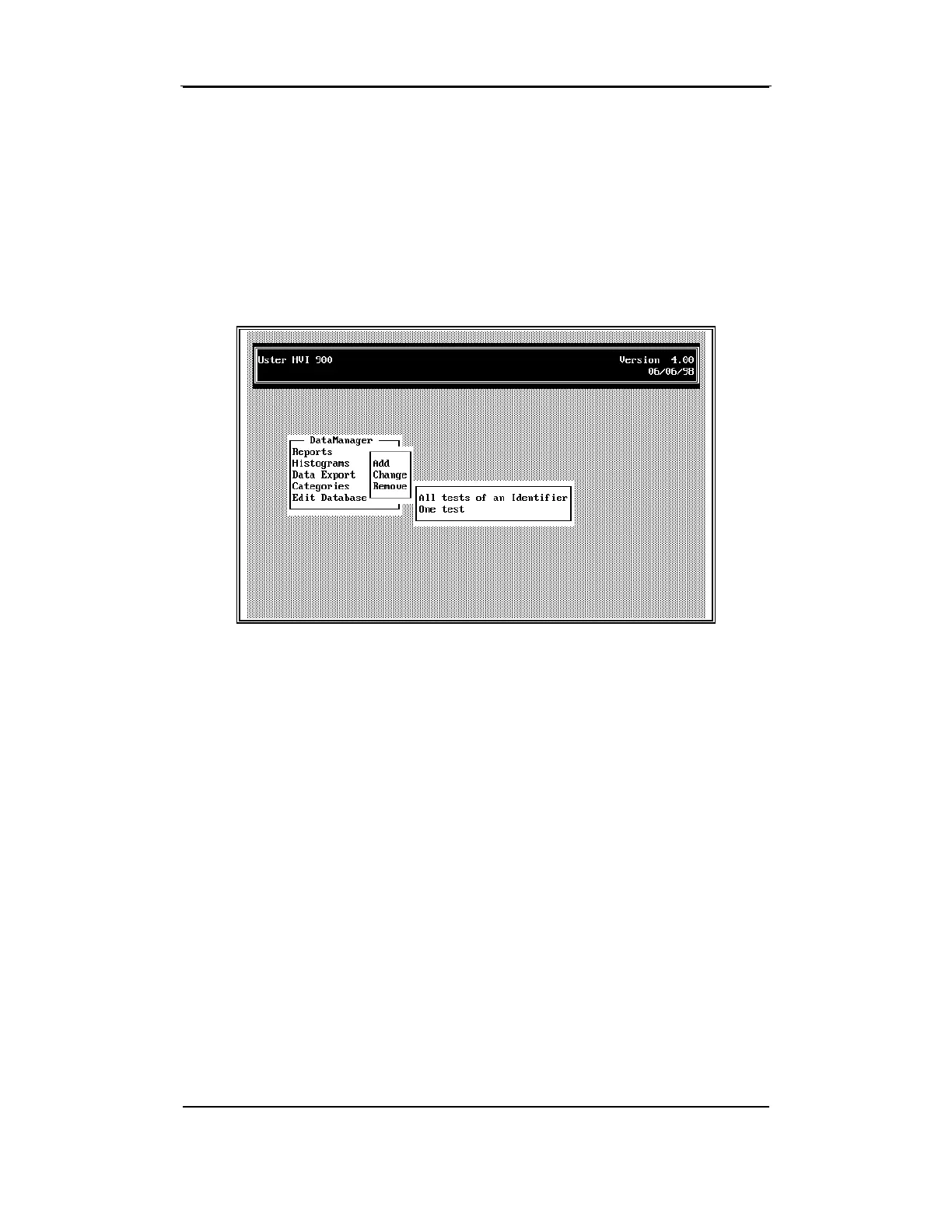
This selection provides a mode for deleting data from the database.
• Highlight
Remove
from the selection window and press ENTER.
Tests can be removed from an identifier by one of two methods:
• All Tests for an Identifier—All tests for a particular identifier are
deleted at the same time.
•
One Test—A single test is deleted from a particular identifier.
7.6.1 Remove All Tests for an Identifier
To remove an identifier (or multiple identifiers) and all tests for the
selected identifier(s), follow theses steps.
•
Select one or more identifier name from the window listing the all
identifiers, and press ESCAPE.



 To Next Page