USTER®
HVI 900
Instruction Manual
Uster Technologies, Inc.
Chapter 14
Version 4.0 (1.99) Appendix - Page 14-17
10.6 Initial Analysis of the Inventory
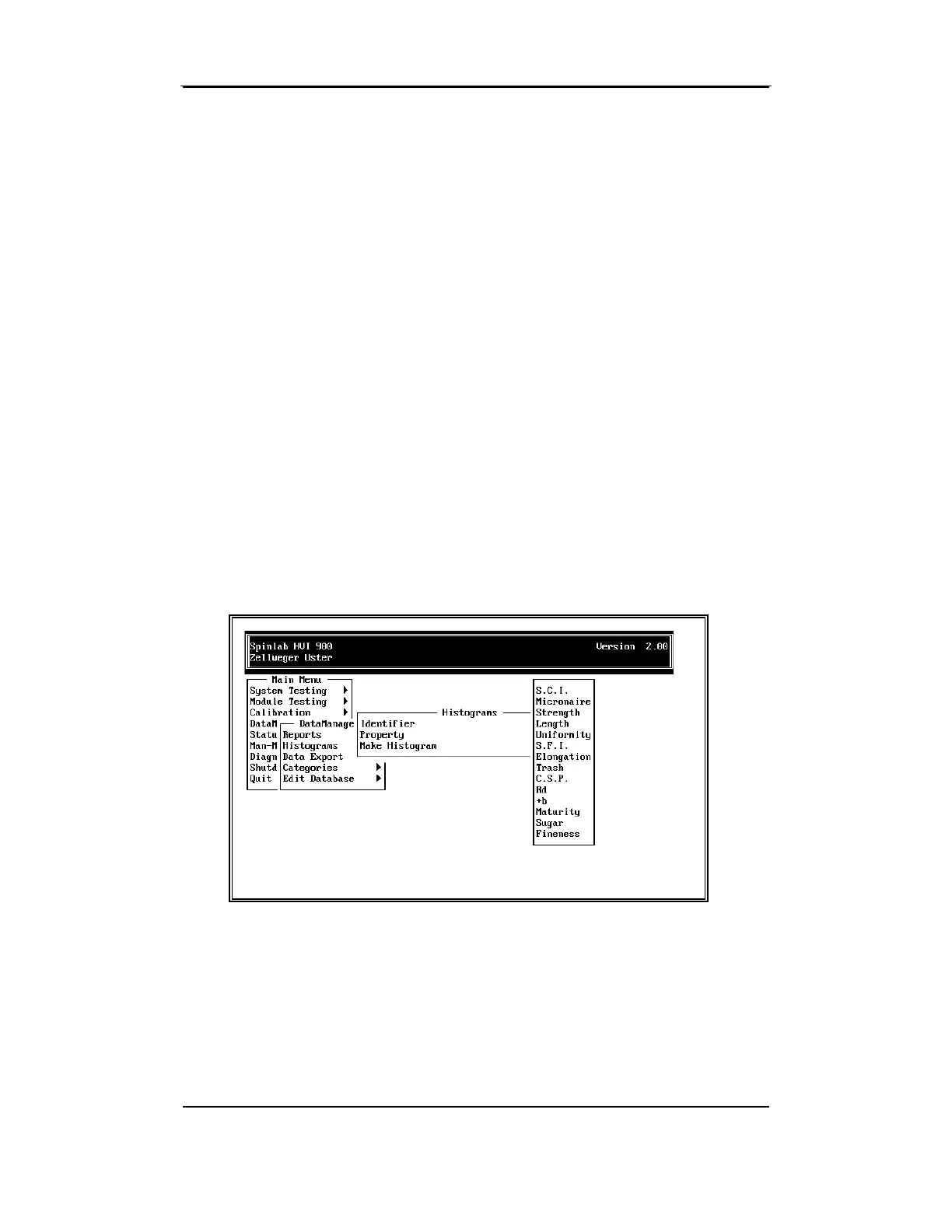
To analyze the inventory, follow these steps.
• Select the
Histograms
item from the MAIN MENU using the arrow
keys. Then, press ENTER.
• Select
All
for Identifier From the HISTOGRAMS MENU, and press
ENTER again. All the Identifiers in your inventory will be used for
plotting the Histogram.
• Select the property to be plotted.
• Select
Make Histogram
. The histogram for all Identifiers will be
plotted using the current Category Definition for the selected
property.
Note: Ultimately, all properties must be plotted and evaluated for
Category Definitions.



 To Next Page