USTER®
HVI 900
Instruction Manual
Uster Technologies, Inc.
Chapter 4
Version 4.0 (1.99) Status - Page 4-16
4.15 Lot Limits
The Lot Limits menu item is used to establish a range of legitimate
property values to be used during System Testing. When a sample
property is measured during System Testing and it falls outside the valid
Lot range, the system will produce a warning message. This will alert
the operator that the sample is not acceptable.
Lot Limits are not used during Module Testing.
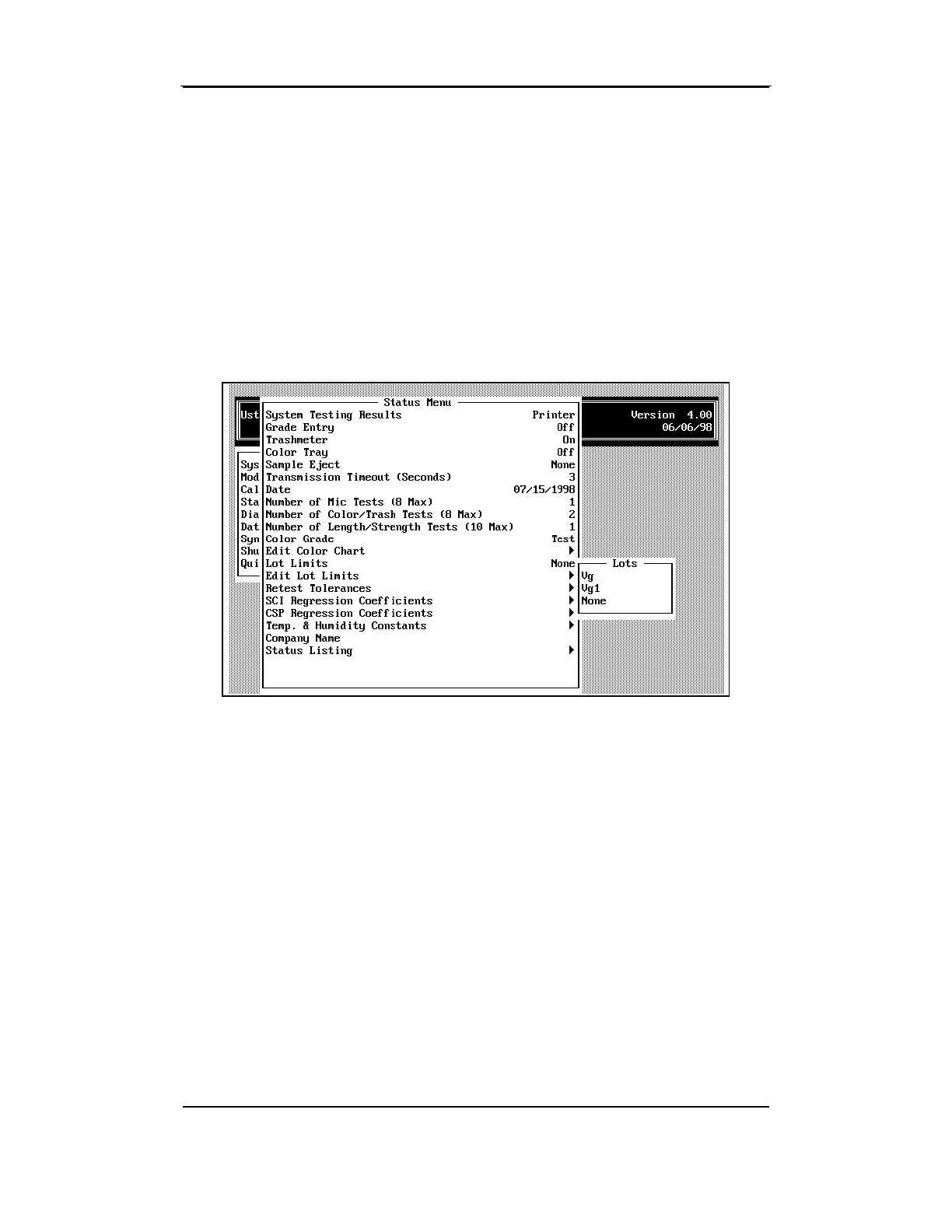
The software is shipped with one set of Lot Limits named "Default" and a
selection for "None." Multiple sets of Lot Limits can be established for
use with different cottons during System Testing. As additional Lot Limit
specifications are defined and named, those names will be displayed on
the LOTS MENU. The HVI Version 4.0 software allows up to twenty-two
(22) sets of lot limits to be saved.
Select a set of Lots by using the arrow keys to highlight the
Lot Limits
Name
from the LOTS MENU, then pressing the ENTER key. If no Lot
Limits are to be used, choose
None
from the LOTS MENU.
The menu will close and the S
TATUS MENU will reappear with the
selected lot limits name displayed to the right of item. This is also the
specification that will be used if you select
Edit Lot Limits
.



 To Next Page