USTER®
HVI 900
Instruction Manual
Uster Technologies, Inc.
Chapter 6
Version 4.0 (1.99) HVI 900 System Testing - Page 6-19
7 Exit from Testing
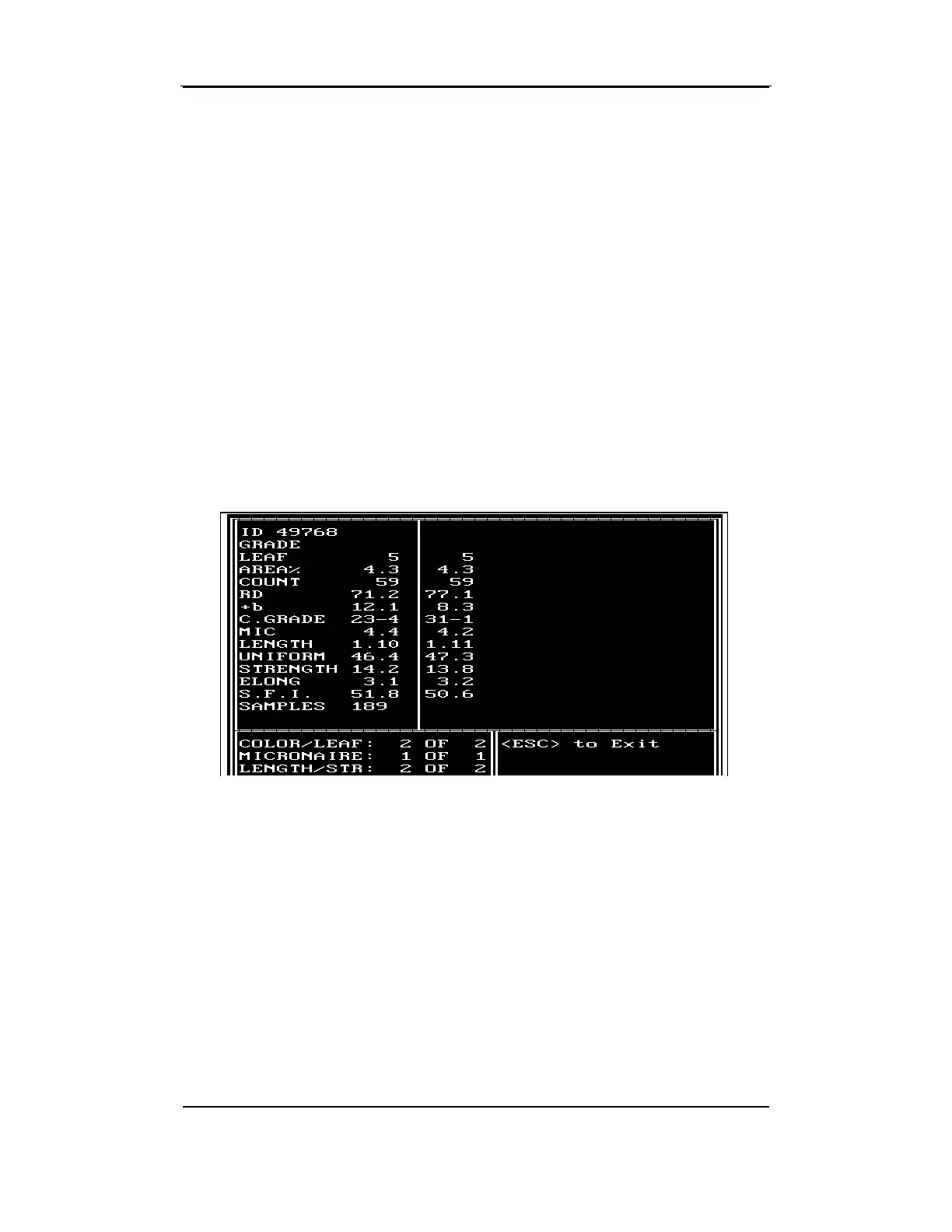
When the test series for the second sample is completed (both the right
and left sides of the screen are filled with data), the cursor flashes in the
ID field on the left side of the screen. With the first keystroke, the left
screen is cleared of data to make room for the third sample's test results.
• If you have completed System Testing and want to exit, press
ESCAPE.
The box at the bottom left of the screen displays messages that involve
the exit process. The messages displayed in this box vary depending
on whether the test results are sent to a printer or to the printer and
external computer.



 To Next Page