USTER®
HVI 900
Instruction Manual
Uster Technologies, Inc.
Chapter 5
Version 4.0 (1.99) Calibration - Page 5-24
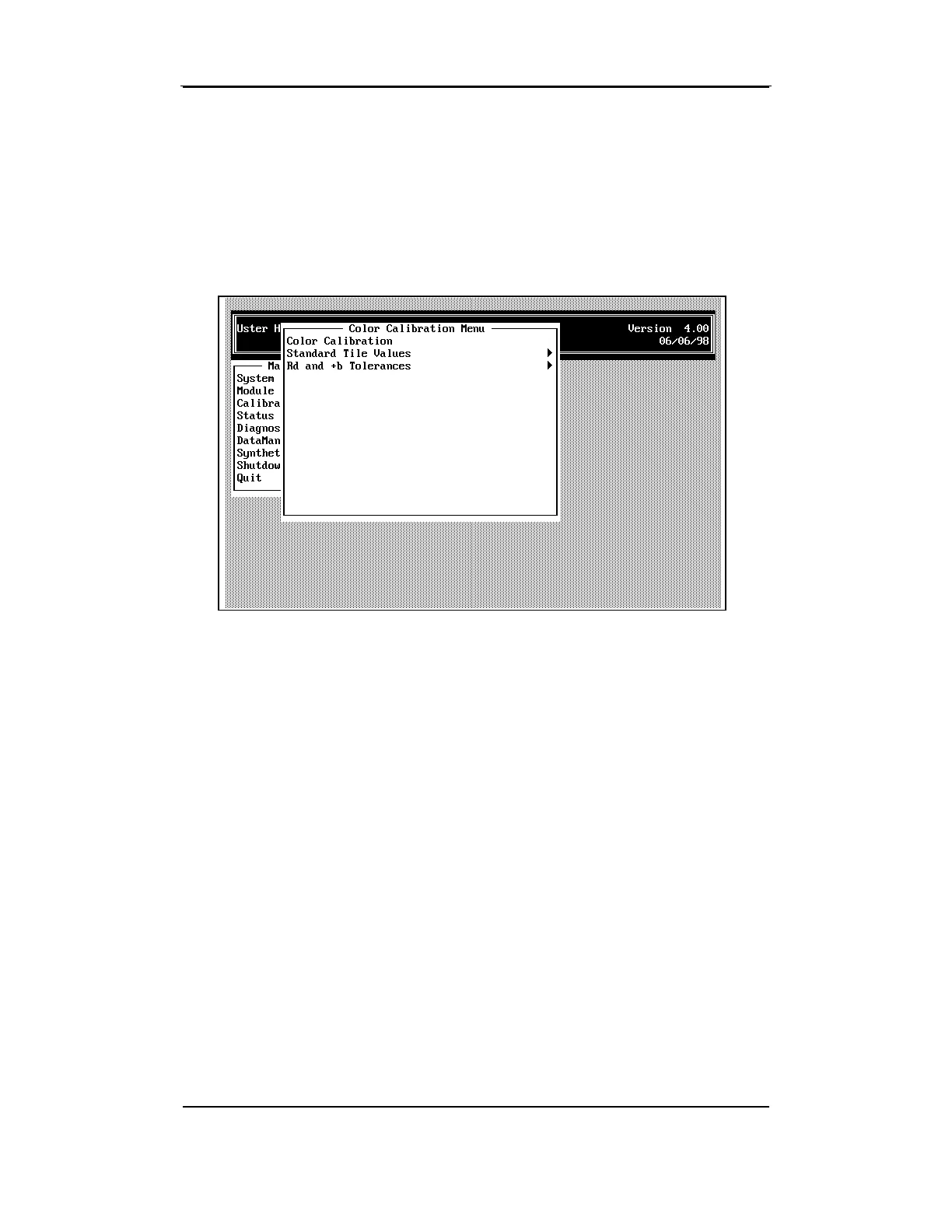
6 Calibrating for Color
• To access the COLOR CALIBRATION MENU from the CALIBRATION MENU,
highlight the item using the arrow keys, then press ENTER.
The calibration procedure for the color testing mechanism is simple. The
system observes a series of five tiles of known color values, and
compares the values read from those tiles to the calibration constants
stored in the system. If the values do not agree, the system alters the
constants to bring all color measurements back to known standards.



 To Next Page