USTER®
HVI 900
Instruction Manual
Uster Technologies, Inc.
Chapter 5
Version 4.0 (1.99) Calibration - Page 5-23
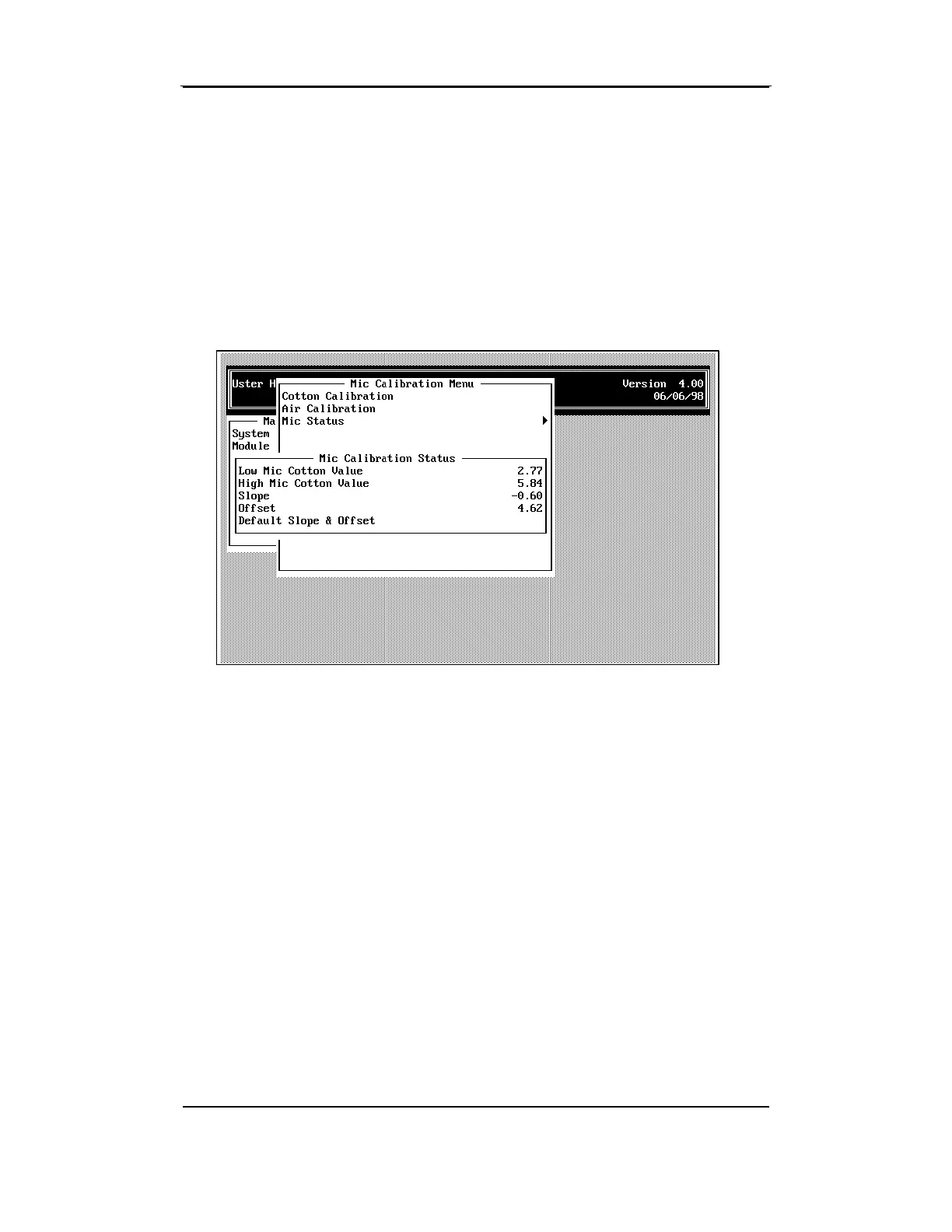
5.6 Micronaire Status Menu
The Micronaire Status Menu is used to enter the low and high cotton
standard values, the slope, offset, default slope, and offset values.
•
Select the
Micronaire Status
item from the MICRONAIRE MENU using
the arrow keys, then press ENTER.
Note: You must have samples of both low and high micronaire value
cottons for Micronaire Calibration. The low and high micronaire values
are obtained from the boxes of ICC standards. There should be a
difference of at least 2.5 micronaire between the low value and high
value cotton.
• If needed, change the values by using the arrow keys to highlight the
item, then by pressing the ENTER key. Enter the value at the
prompt, and then press ESCAPE to save the data.



 To Next Page