USTER®
HVI 900
Instruction Manual
Uster Technologies, Inc.
Chapter 6
Version 4.0 (1.99) HVI 900 System Testing - Page 6-5
4 Explanation of the Sign-On
Menu
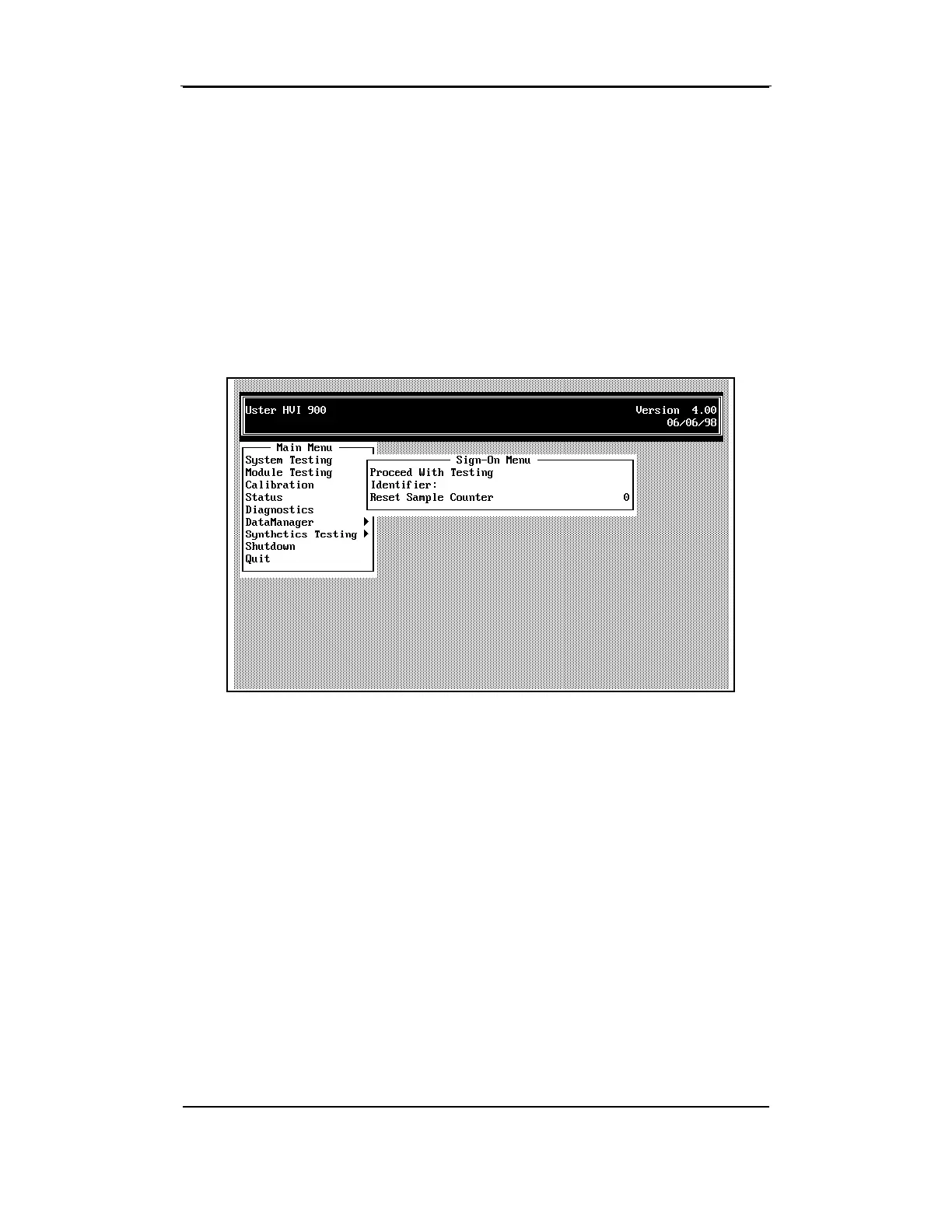
The Sign-On screen begins the testing sequence, as well as entering the
sample ID and setting the Sample Counter.
• Access the SIGN-ON MENU by selecting
System Testing
from the MAIN
MENU.
4.4 Proceed with Testing
This item is highlighted when the SIGN-ON MENU is first displayed. If no
changes are required to the other menu items, press ENTER to proceed
to the System Testing Screen. If no Identifier has been entered, an entry
box will display where the
Identifier
should be entered (when test results
are to be sent to a printer or an external computer).



 To Next Page