USTER®
HVI 900
Instruction Manual
Uster Technologies, Inc.
Chapter 4
Version 4.0 (1.99) Status - Page 4-17
4.16 Edit Lot Limits
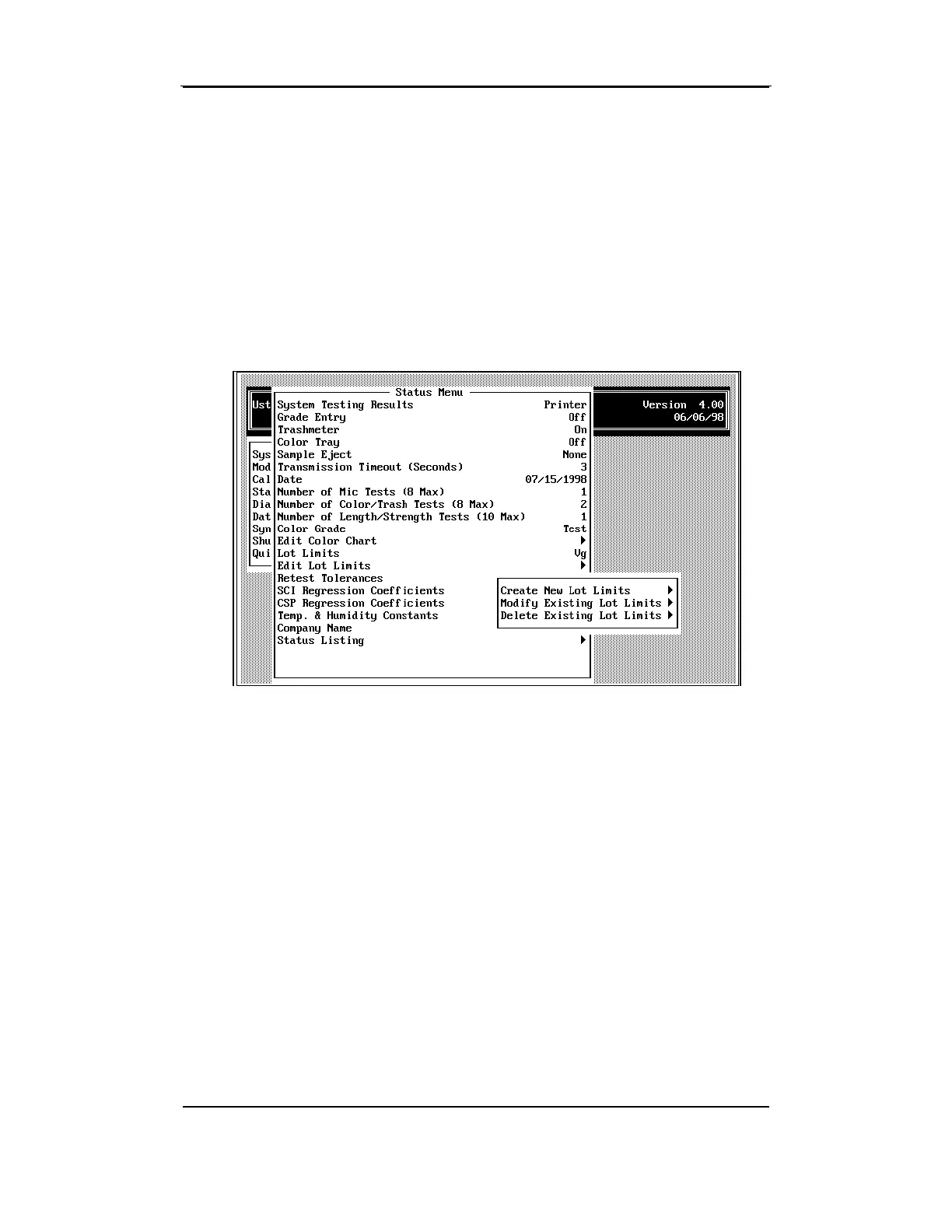
• Select
Edit Lot Limits
to create a new lot limits specification, modify an
existing specification, or delete an existing specification.
The name displayed on the STATUS MENU Lot Limits line is the one that
will serve as the basis for creating a new lot limits specification. It is
also the one that will be modified or deleted during Edit Lot Limits.
Note: The "None" option cannot be modified or deleted from the list
of lot limits. If it is the current Lot Limits selection when Edit Lot Limits is
selected, the only option that will be available is Create New Lot Limit.



 To Next Page