USTER®
HVI 900
Instruction Manual
Uster Technologies, Inc.
Chapter 4
Version 4.0 (1.99) Status - Page 4-18
4.16.1 Create New Lot Limits
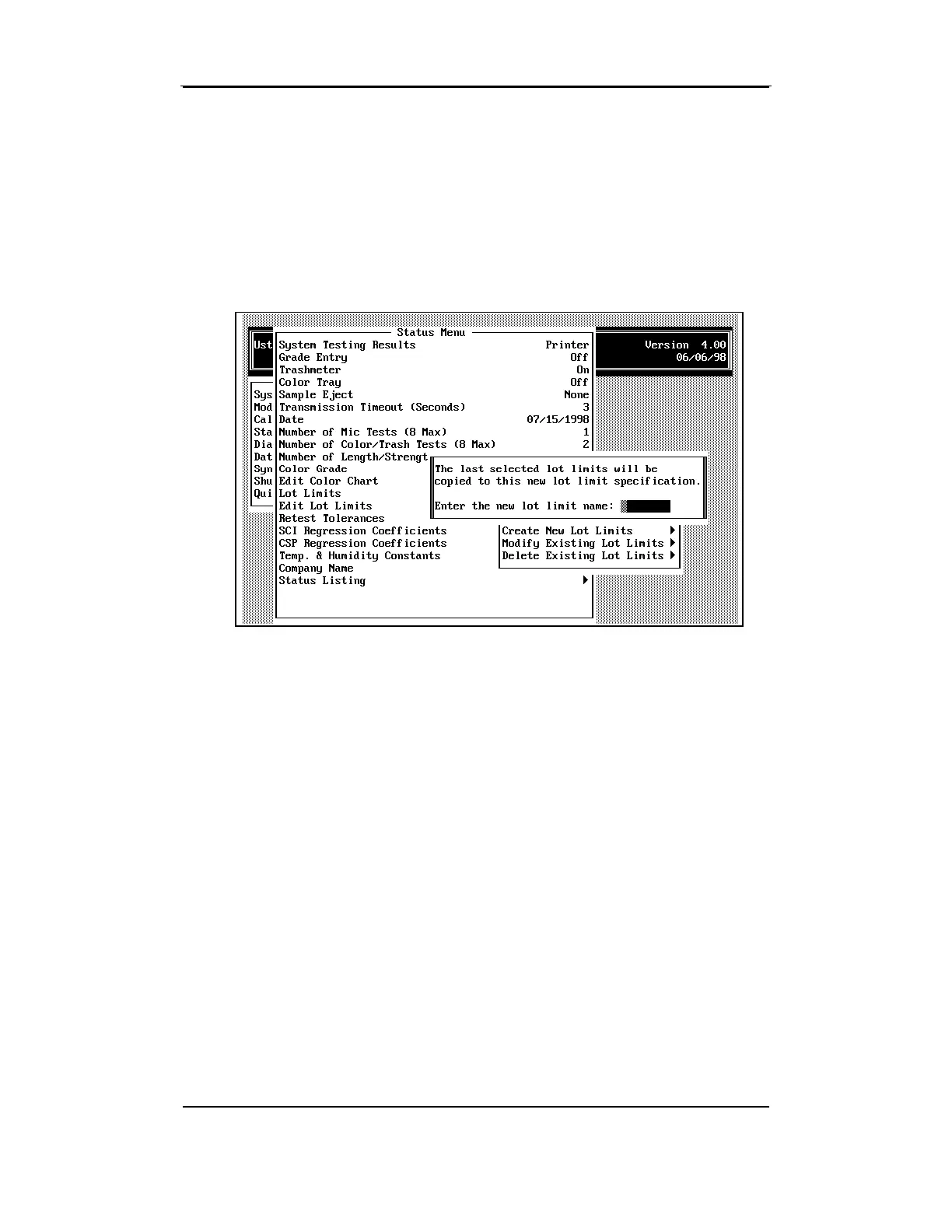
The Create New Lot Limits item is used to define new lot limits. When
selected, a box is displayed requesting that you enter a name for the
new lot limits specification. You cannot use an existing name; the lot
limits name must be unique.
After you type the name and press ENTER, the specifications for the
currently selected Lot Limits name are displayed.
Note:
If "None" is selected as the Lot Limits type when you are
creating a new lot limits specification, the last specification that was
selected will be used as the basis for creating the new definition
.
The following paragraphs describe various fields on the Lot Limits
Definition menu. Only provide answers to the questions that apply. It is
not necessary to enter limits for all properties; simply enter 0.0 for
values that don't apply.



 To Next Page