USTER®
HVI 900
Instruction Manual
Uster Technologies, Inc.
Chapter 8
Version 4.0 (1.99) 940 DataManager - Page 8-26
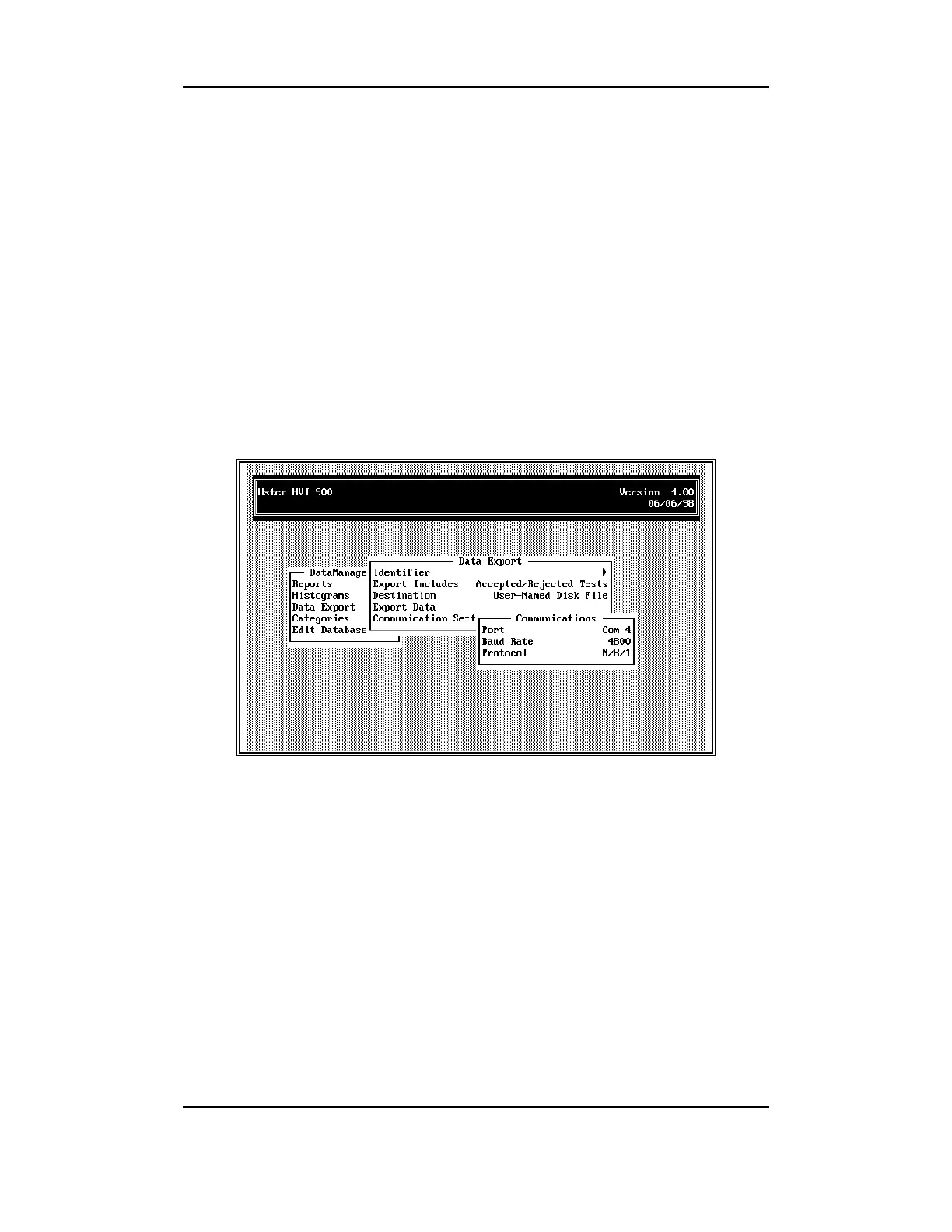
6.8 Communications Settings
If 940 DataManager is stored on one computer and you want to move
the data to another computer, you must make sure that the
communications settings are configured so that the computers can
understand one another.
Once these are defined, if nothing changes in your hardware
configuration, the settings will not need to be changed. During the
initial configuration, you will need to define the Port to be used, the
Baud Rate, and the Protocol imposed. Refer to the supplier's manuals
for the computers that are to be used in the data transfer.
6.8.1 Port
The Port is the connection on the computer where the cable that carries
data to another device is inserted. The following are the port options
available:
¾
Com 1
¾
Com 2
¾ Com 3
¾ Com 4



 To Next Page