USTER®
HVI 900
Instruction Manual
Uster Technologies, Inc.
Chapter 3
Version 4.0 (1.99) System Startup - Page 3-3
ENTER. Service technicians use this selection for troubleshooting
purposes.
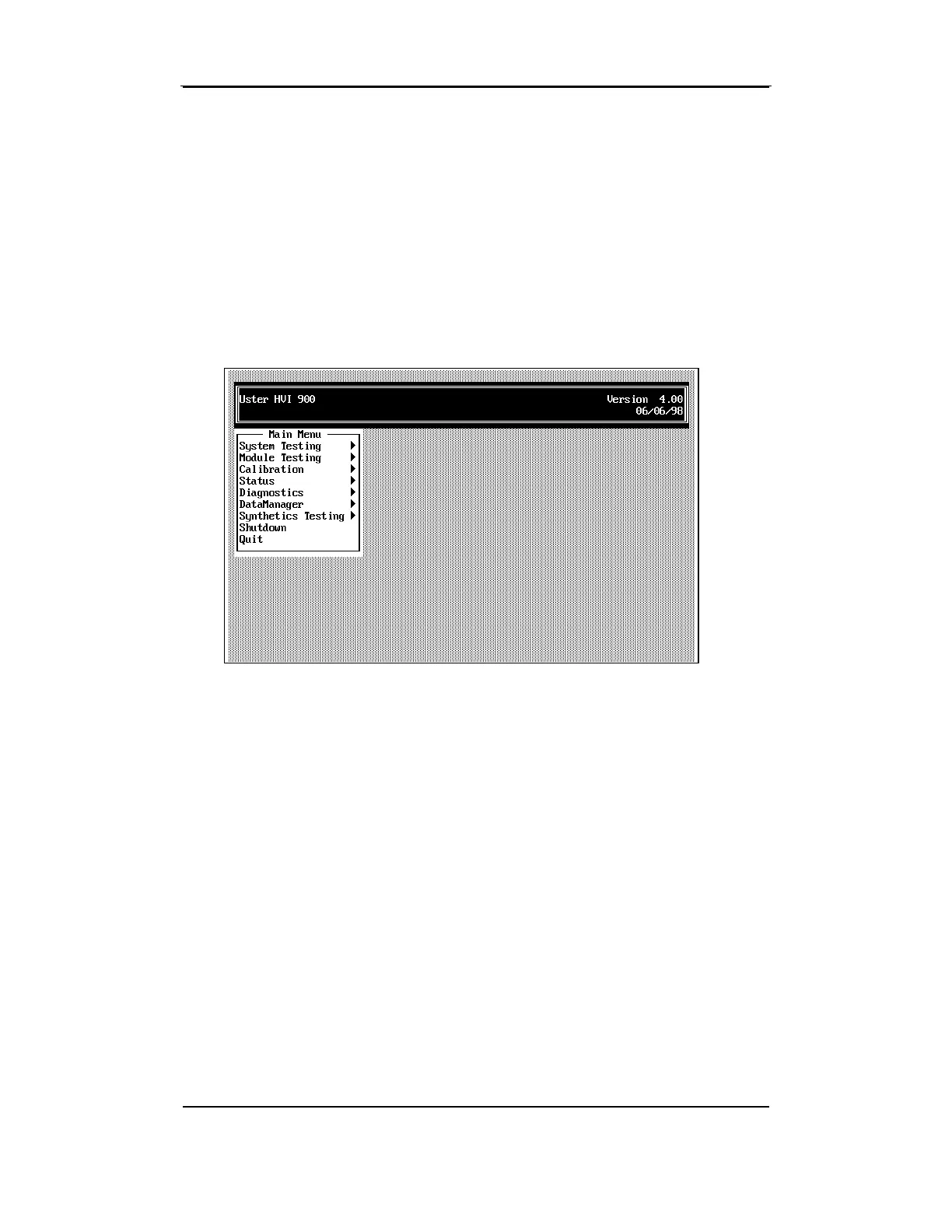
4 Explanation of the Main
Menu
Note: In case of a brownout, a blackout, or a power surge, the power
interrupts main switch automatically switches to the OFF position.
When this occurs, turn the switch to the ON position to restore power to
the system.
Next, follow the steps in the section titled, “Resetting the
900 SA System” located in this chapter.
Note:
Depending on the modules in your system and/or the selections
made on the S
TATUS
M
ENU
, the menu items you see displayed may be
different from those shown in this manual.
The HVI 900 system name is displayed in the box at the top of the
screen. The software version notation (4.0) is located in the right corner
of this box. To begin using the system, highlight the selection for the
operation to be performed using the arrow keys, then press the ENTER
key.



 To Next Page