USTER®
HVI 900
Instruction Manual
Uster Technologies, Inc.
Chapter 5
Version 4.0 (1.99) Calibration - Page 5-25
6.4 Color Calibration
The steps listed below outline the procedure for calibrating color for the
first time.
•
Select the
Color
Calibration
item from the COLOR CALIBRATION MENU
using the arrow keys, then press ENTER.
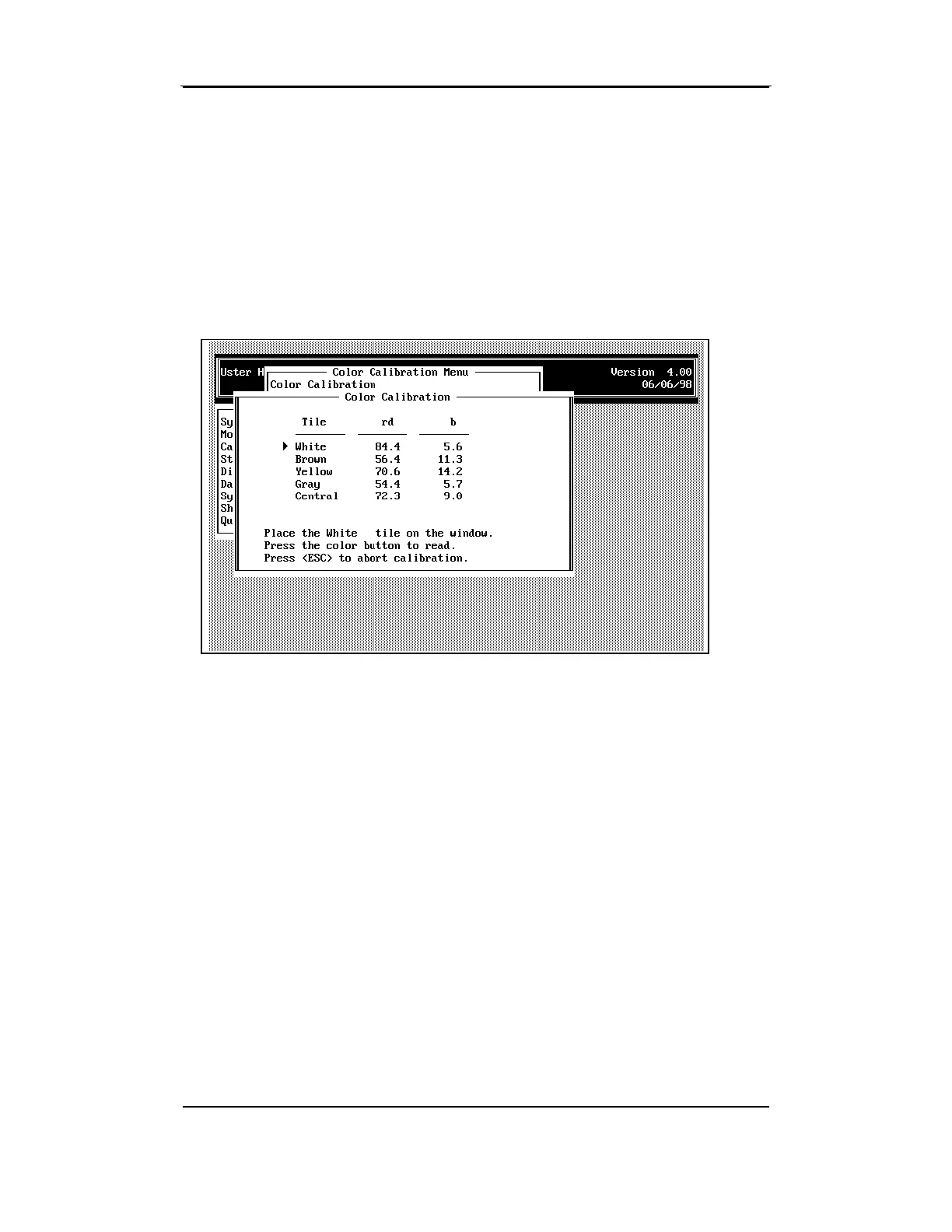
The standard Rd and +b values for each color tile are displayed. An
arrow points to the White tile and an instruction statement is displayed
requesting that the white tile be placed on the color window. After you
complete this measurement, the arrow moves to the brown tile and the
instruction statement requests that you place the brown tile on the color
window. This process continues until all the tiles have been observed.
Make sure the tiles are observed in the order requested on the screen.
During this procedure, the tile being measured is compared to the
standard value stored for that tile. If the values are different, the system
adjusts the constants. This could cause measurements to be skewed is
the incorrect tile is tested.
Note: The pressure plate will not move (descend) during calibration
when you press the color/trash button(s). You must watch the instruction
statements on the screen to see when the instrument is ready to observe
the next tile.



 To Next Page