USTER®
HVI 900
Instruction Manual
Uster Technologies, Inc.
Chapter 7
Version 4.0 (1.99) Module Testing - Page 7-10
3.4.12 Sign Off External Computer
When this is selected, a signal is sent to the external computer that the
current Identifier is to be closed. Use this selection to close out a lot
when testing is completed for the day.
• Once all of the options have been set as is appropriate, the testing
procedures can begin. Each of the testing sequences is described in
the sections that follow.
3.5 Explanation of the
Length/Strength Module Testing
Screen
• To begin the Length/Strength testing sequence, select the
Continue
with Testing
item from the LENGTH/STRENGTH MODULE TESTING MENU.
Then, press ENTER.
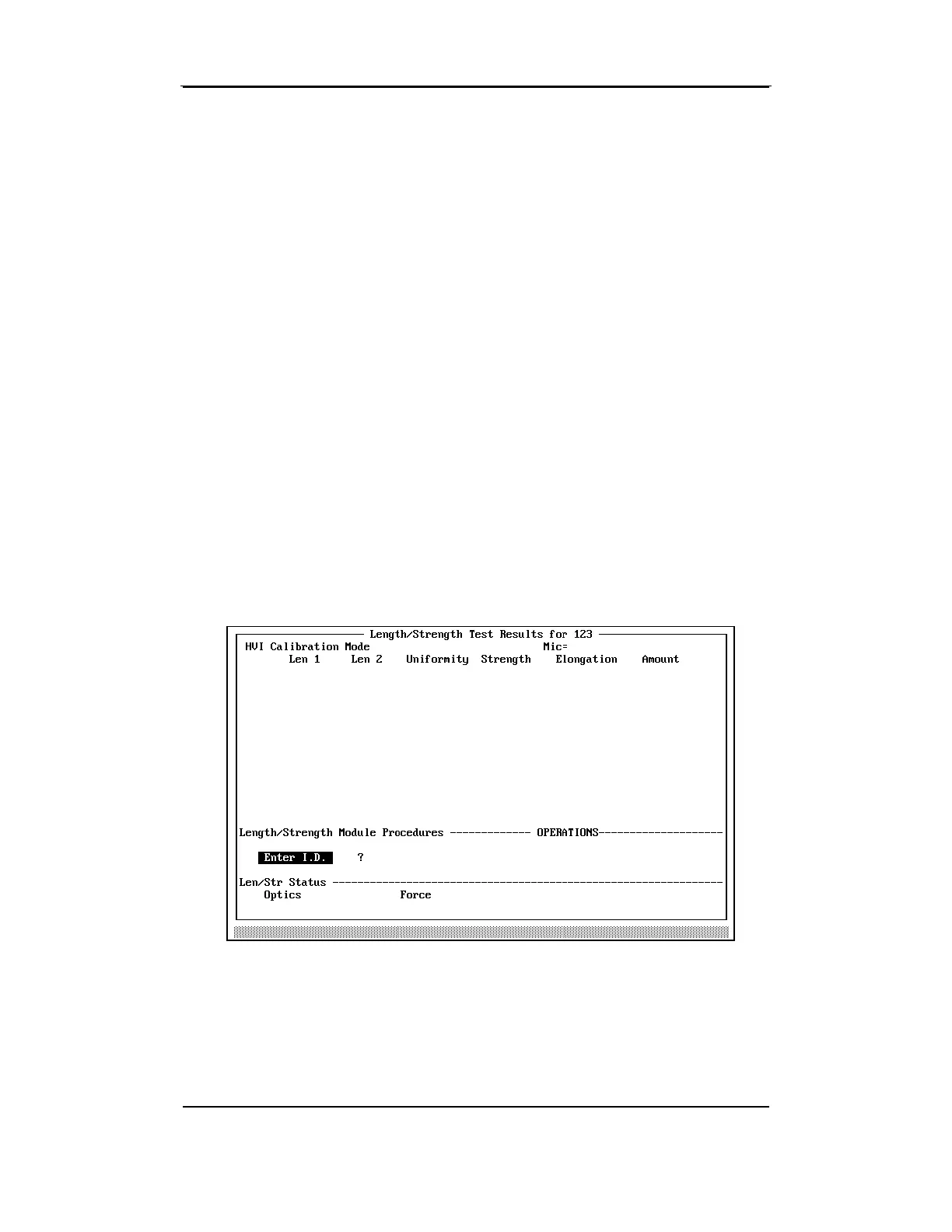
The Length/Strength Module Testing screen will appear. This screen
differs from the one used for System Testing in that the Module Testing
Screen displays the results for each test, as well as the average of all the
tests for each sample.



 To Next Page