USTER®
HVI 900
Instruction Manual
Uster Technologies, Inc.
Chapter 10
Version 4.0 (1.99) Synthetic Fiber Testing - Page 10-29
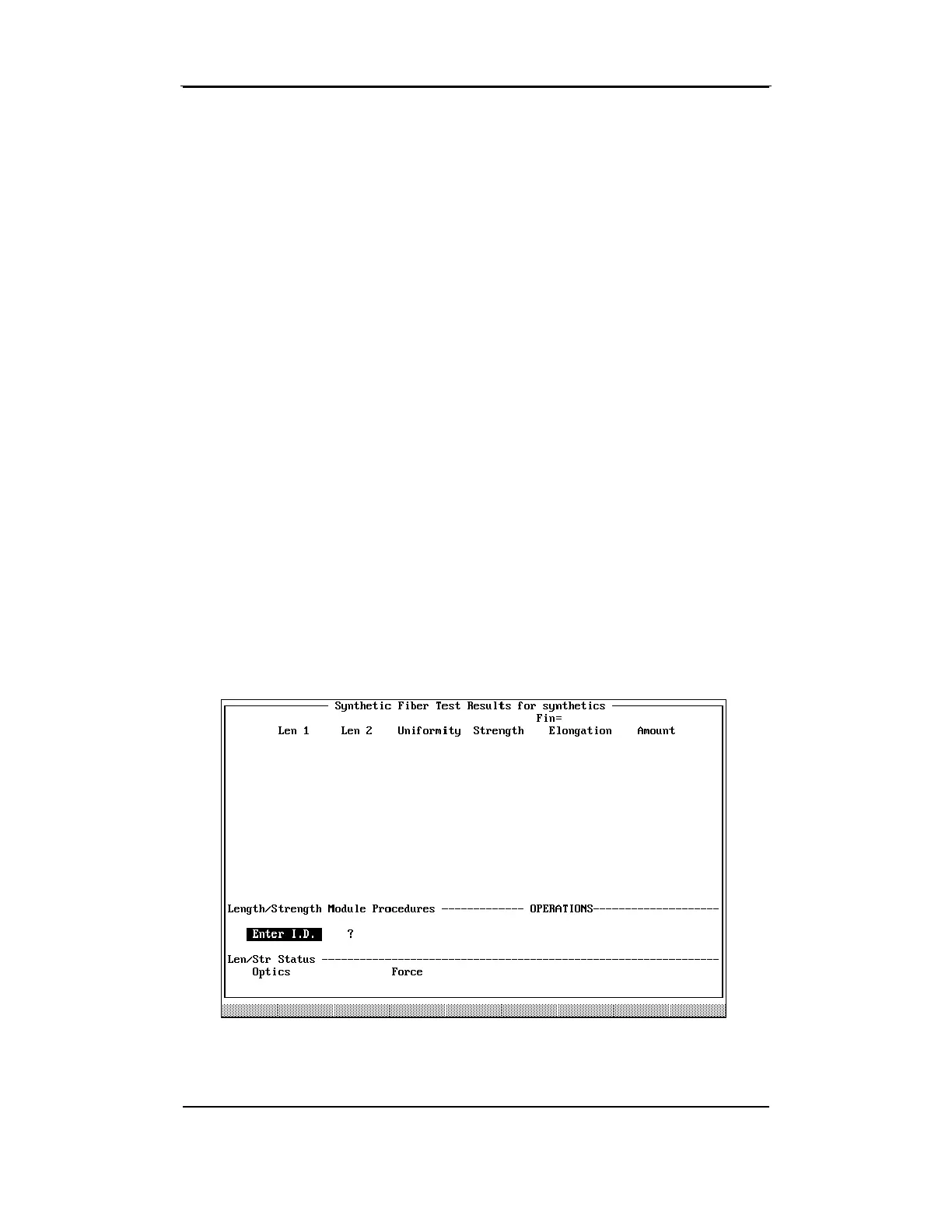
The Synthetic Fiber Testing Screen displayed is similar to the one used
for Module Testing. This screen displays the results from each test as
well as the average of all the tests for each sample. You can perform
up to 10 tests per sample, depending on the number set on the
SYNTHETIC FIBER SAMPLE TESTING MENU.
The Optics and Force (and Temperature and Relative Humidity if
selected) values are continuously updated and displayed at the bottom
of the screen.
5.6 Synthetic Fiber Testing
Procedures
• If the testing options have been set up so that an ID is required,
enter up to 12 alphanumeric characters for the bale identification
number via the keyboard or scanner. Be sure the number is
entered correctly, and then press ENTER.
• If a fineness value is required (via either Keyboard or Micronaire),
"Enter Fineness:" is displayed on the screen. Enter a micronaire
value between 2.0 and 8.0, and press ENTER.



 To Next Page