USTER®
HVI 900
Instruction Manual
Uster Technologies, Inc.
Chapter 5
Version 4.0 (1.99) Calibration - Page 5-18
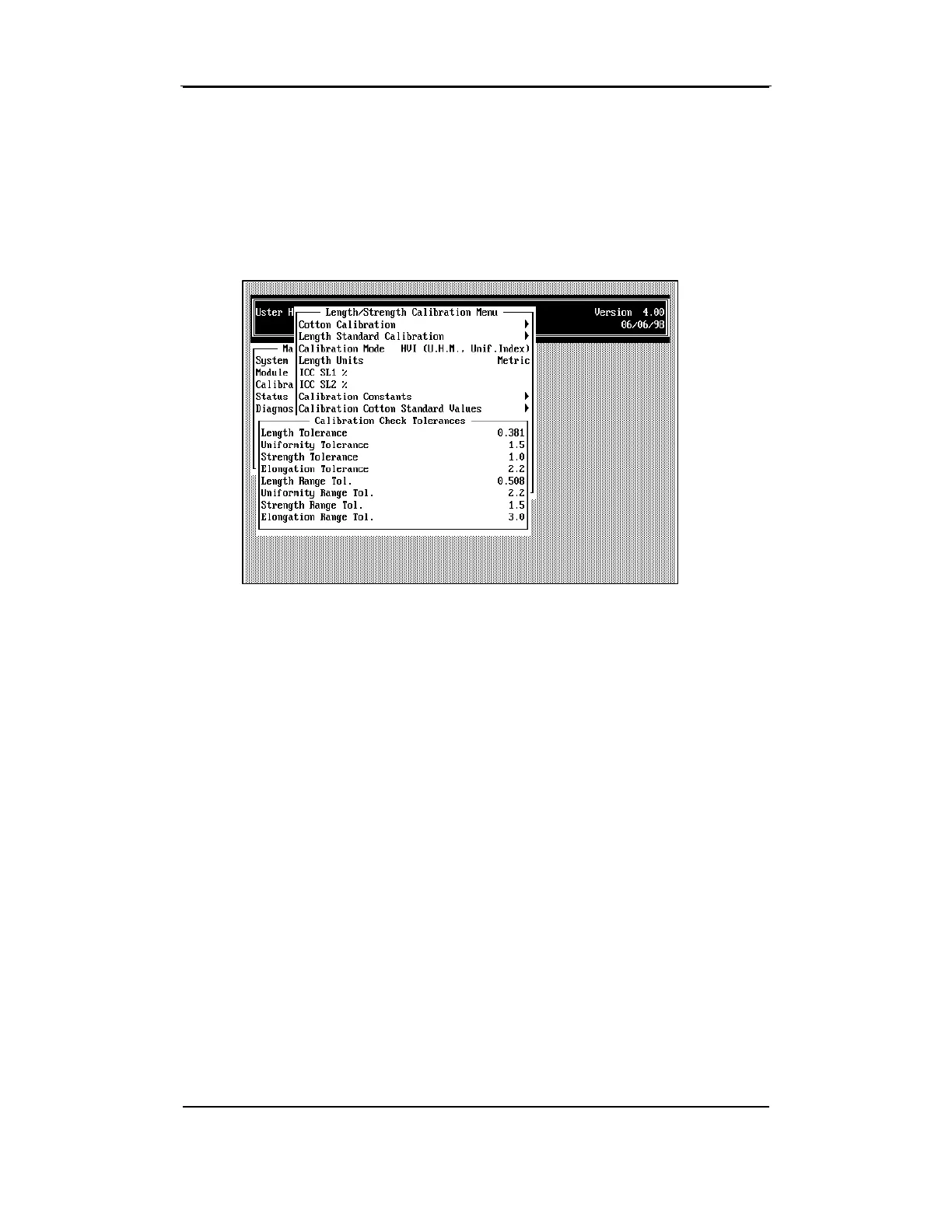
4.13 Calibration Check Tolerances
• To access Calibration Check Tolerances from the CALIBRATION STATUS
MENU, highlight the item using the arrow keys, then press ENTER.
• To access Calibration Check Tolerances from the CALIBRATION STATUS
MENU, highlight the item using the arrow keys, then press ENTER.
This menu is used to set the tolerance and the tolerance range for
length, uniformity, strength, and elongation.
• If needed, change the values by using the arrow keys to highlight the
item, then by pressing the ENTER key. Enter the value at the
prompt, and then press ESCAPE to save the data.



 To Next Page