USTER®
HVI 900
Instruction Manual
Uster Technologies, Inc.
Chapter 14
Version 4.0 (1.99) Appendix - Page 14-6
6 Printer Information
The printer for the HVI 900 must be operated in parallel mode. Connect
the printer to the printer port. Consult the printer manual to change the
switch settings to parallel mode.
6.4 Printer Switch Settings
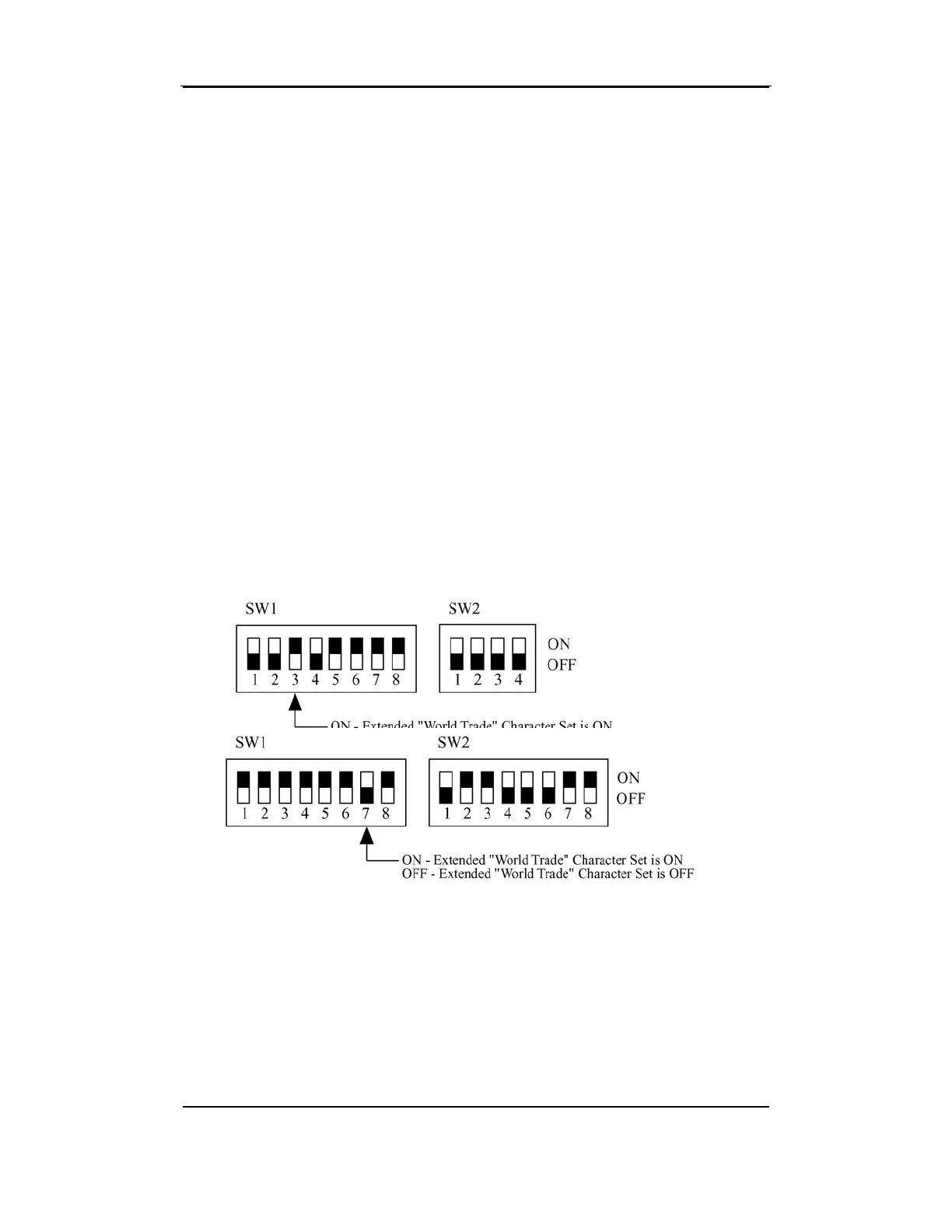
The Histograms in 940 DataManager require the World Trade
Character Set (International Character Set) in order to print correctly.
6.4.1 Epson Printer
SW1-3 must be ON when using the Epson printer.
6.4.2 Wenger Printer
SW1-7 must be ON when using the Wenger printer.



 To Next Page