USTER®
HVI 900
Instruction Manual
Uster Technologies, Inc.
Chapter 4
Version 4.0 (1.99) Status - Page 4-3
4 Explanation of the Status
Menu
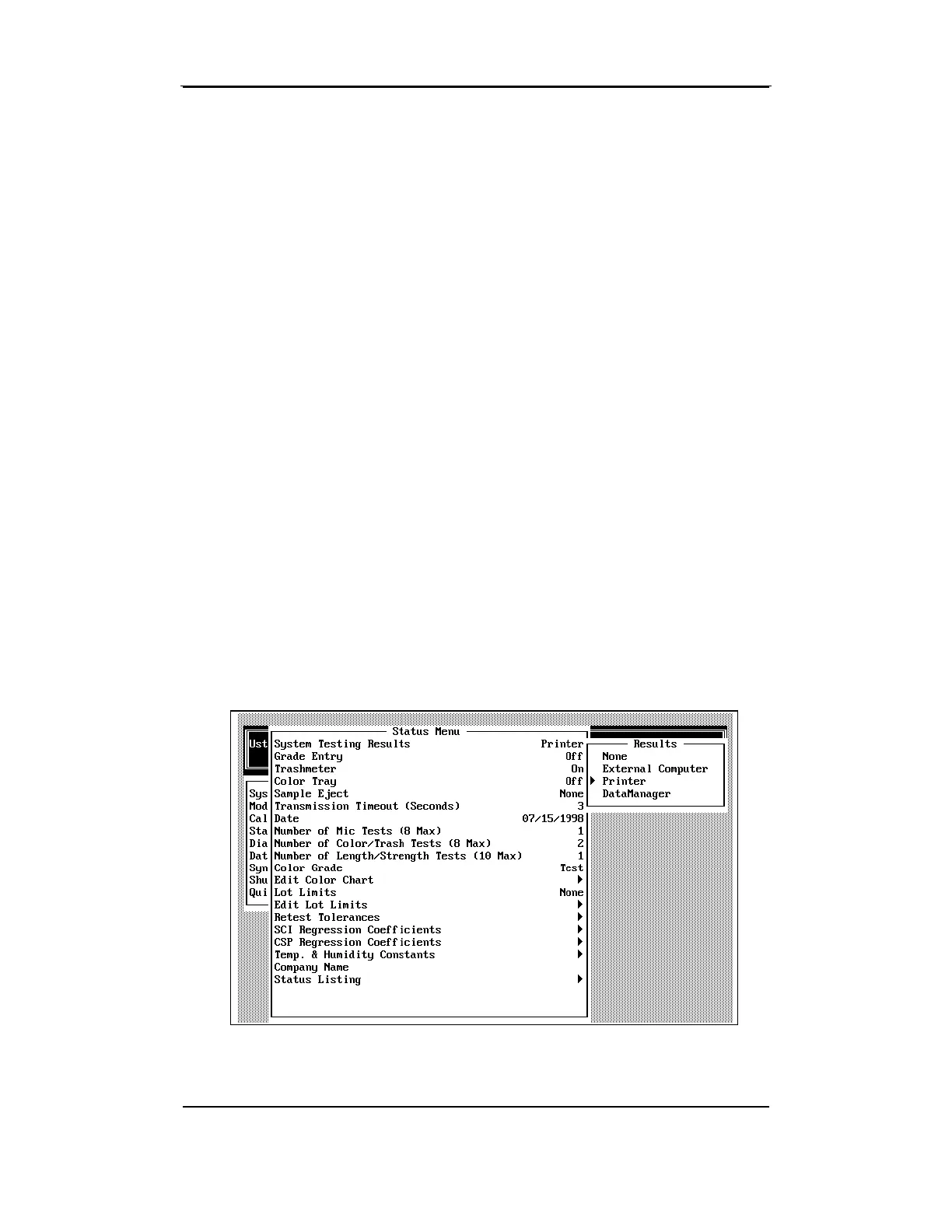
4.4 System Testing Results
This menu item is used to indicate where the testing results are to be
sent. The following options are displayed when the ENTER key is
pressed.
♦ None—The test results are displayed on the screen only.
♦ External Computer—The test results are sent to an external
computer via a serial cable. This selection should be chosen if the
940 DataManager resides on an external computer.
♦ Printer—The test results are sent to the system printer.
♦ DataManager—The test results are stored for later access by the
940 DataManager. This selection should be chosen if you use the
integrated version of the 940 DataManager.



 To Next Page