USTER®
HVI 900
Instruction Manual
Uster Technologies, Inc.
Chapter 3
Version 4.0 (1.99) System Startup - Page 3-2
3 Explanation of the Startup
Menu
The Version 4 software of the 900 SA System is installed on the hard
disk drive (C:\). When the system is powered, the software performs a
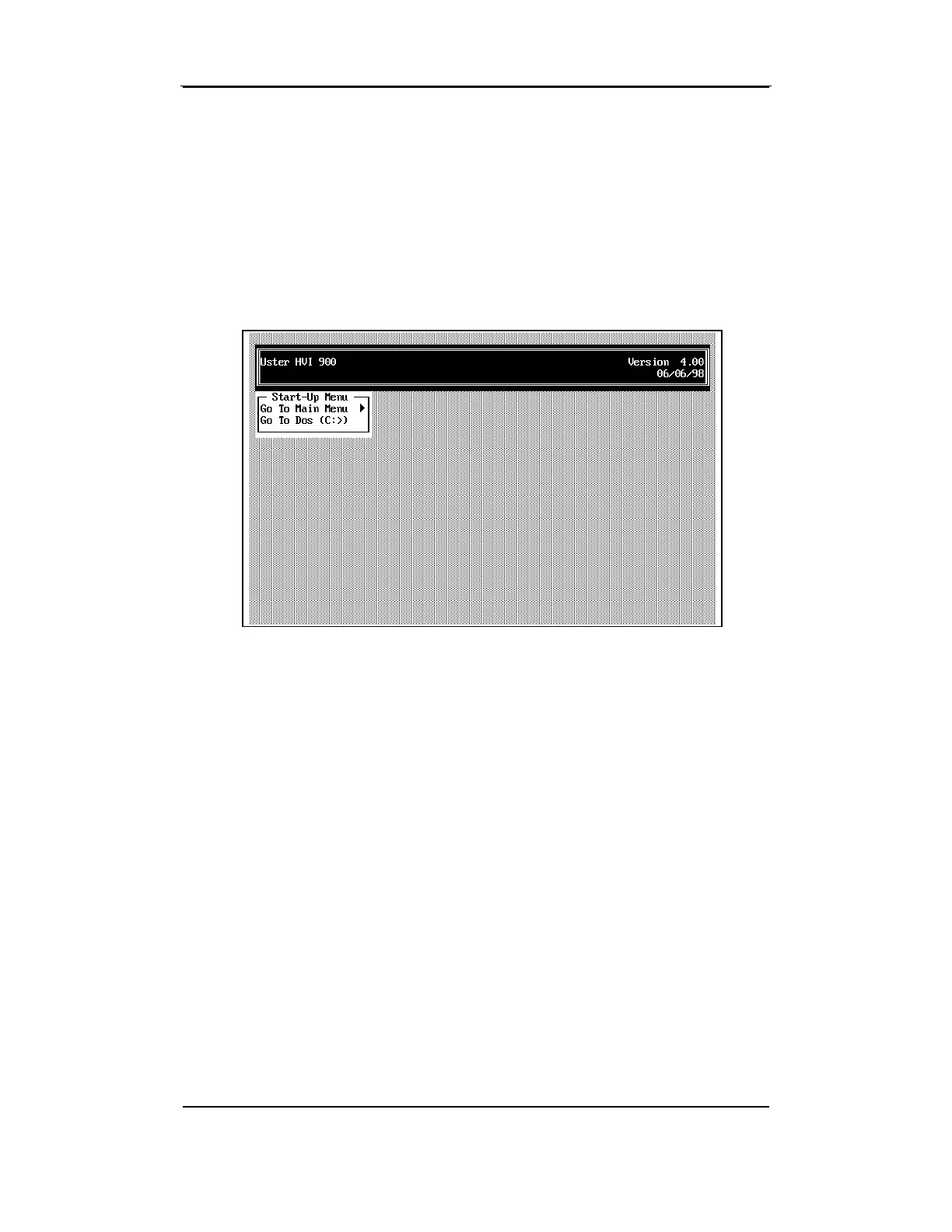
series of checks before it displays the S
TART-UP MENU.
3.4 Go to Main Menu
This is the default selection for this menu. When you press ENTER
while this selection is highlighted, the instrument automatically goes
through a diagnostics routine, checking the brusher, breaker, and comb
motors. A notation appears on the screen as the system makes these
checks. You may observe this sequence, however, do not halt it by
pressing any keys.
3.5 Go to Dos (C:>)
This menu exits to the computer's Disk Operating System (DOS). If you
want to exit to DOS, highlight
Go to DOS
on the Main Menu and press



 To Next Page