USTER®
HVI 900
Instruction Manual
Uster Technologies, Inc.
Chapter 4
Version 4.0 (1.99) Status - Page 4-31
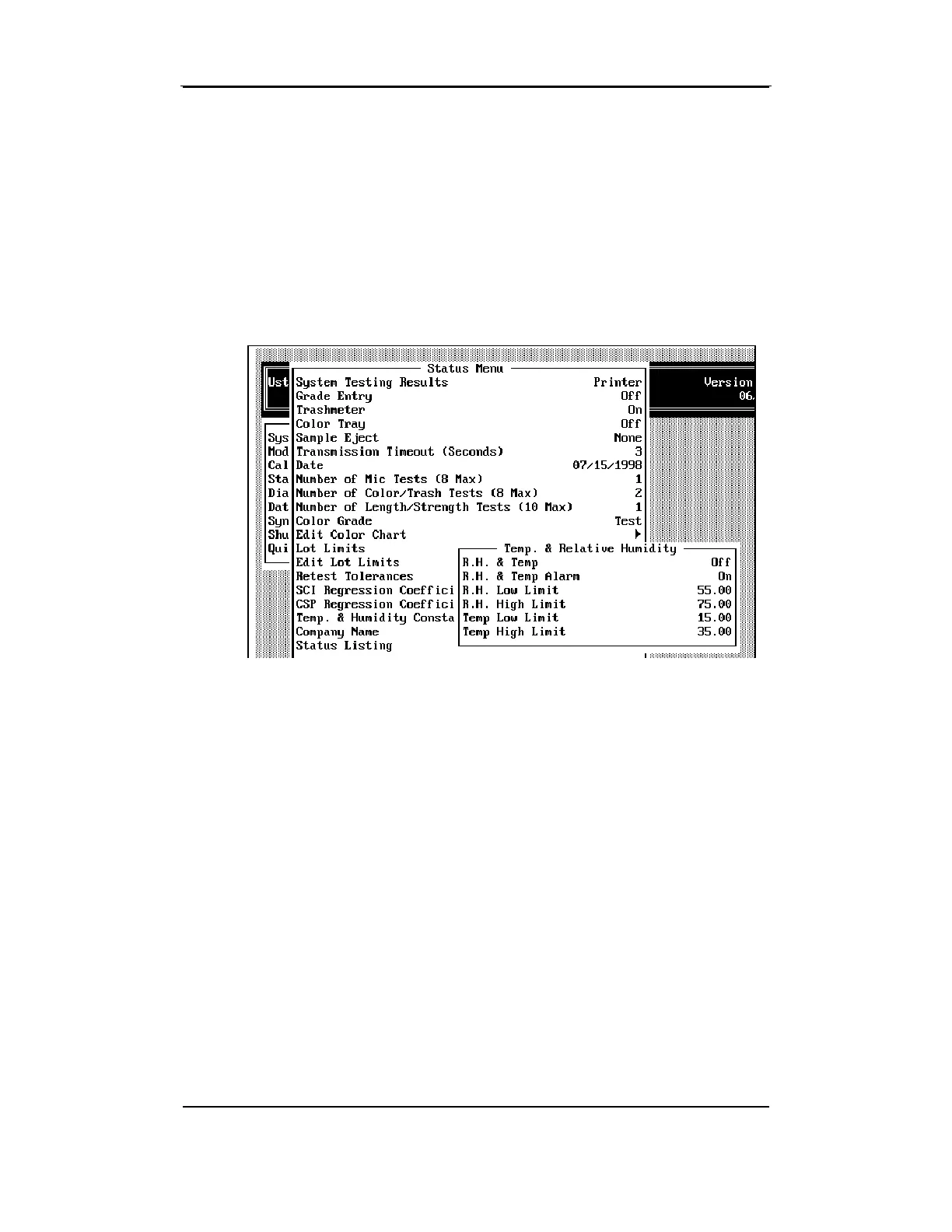
For the relative humidity and temperature probe to be activated, the
R.H. & Temp
item must be set to "On." If you want an alarm to sound
when the relative humidity or temperature exceeds the set limits, the
R.H.
& Temp Alarm
item must also be set to "On."
The values for R.H. Low Limit, R.H. High Limit, Temp Low Limit, Temp
High Limit are entered here to set the high and low limits for temperature
and relative humidity.
4.21 Company Name
The
Company Name
item on the STATUS MENU is used to enter the name
that will appear on the top of the screens and reports. You may enter
up to 25 characters.



 To Next Page