USTER®
HVI 900
Instruction Manual
Uster Technologies, Inc.
Chapter 7
Version 4.0 (1.99) Module Testing - Page 7-2
3.4 Length/Strength Module Testing
• To access Length and Strength Module testing from the MODULE
MENU, use the arrow keys to highlight
Length & Strength
, then press
ENTER.
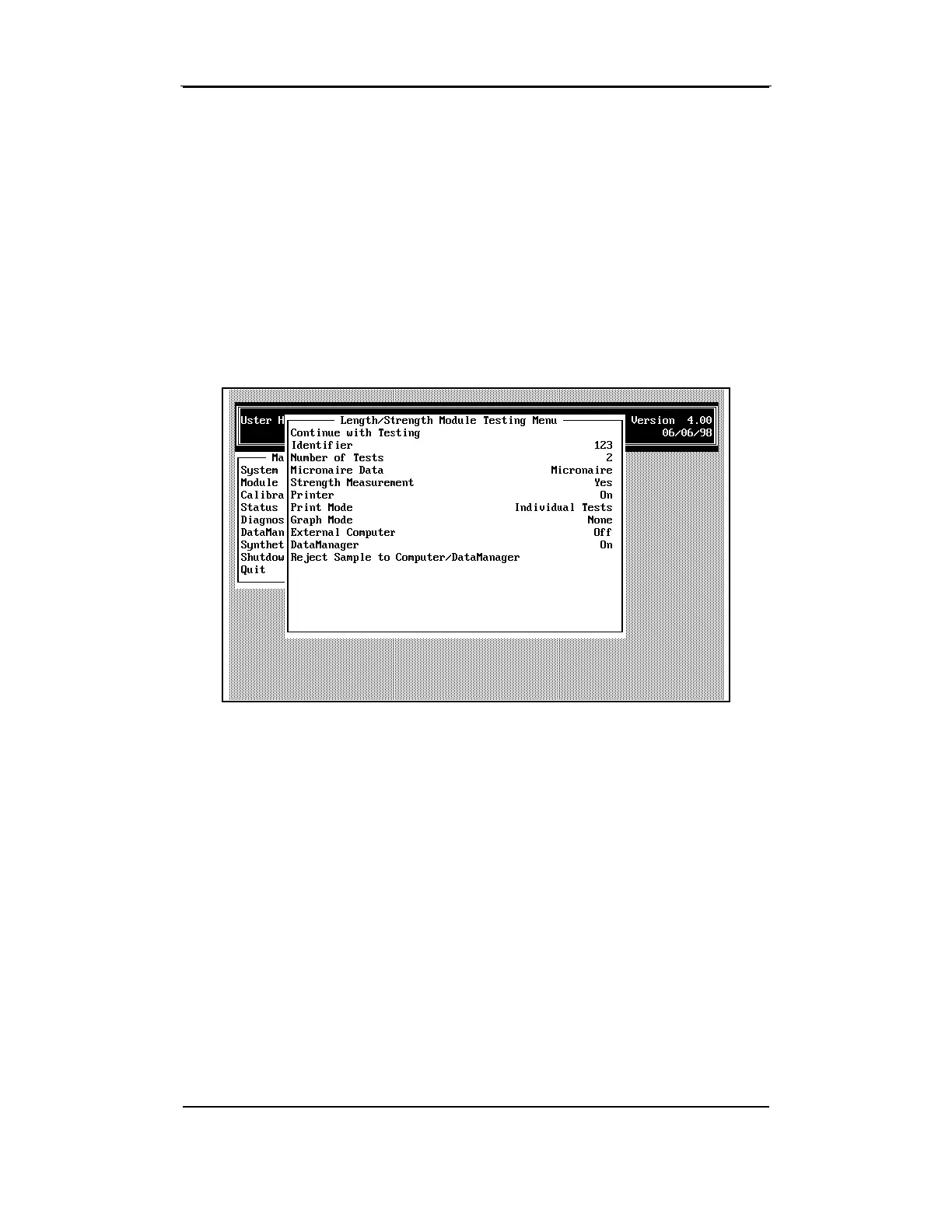
The LENGTH/STRENGTH MODULE TESTING MENU is used to make any
necessary adjustments to the Length/Strength Testing settings, as well as
to initiate the testing procedure.
Each of the options on the
LENGTH/STRENGTH MODULE TESTING MENU is
described in the sections that follow. Select each option using the arrow
keys to highlight the item, then press the ENTER key.
3.4.1 Continue with Testing
•
This selection displays the Length/Strength Test Results Screen
that is used to initiate the testing procedure.



 To Next Page