USTER®
HVI 900
Instruction Manual
Uster Technologies, Inc.
Chapter 4
Version 4.0 (1.99) Status - Page 4-9
4.14.1 Create a New Chart
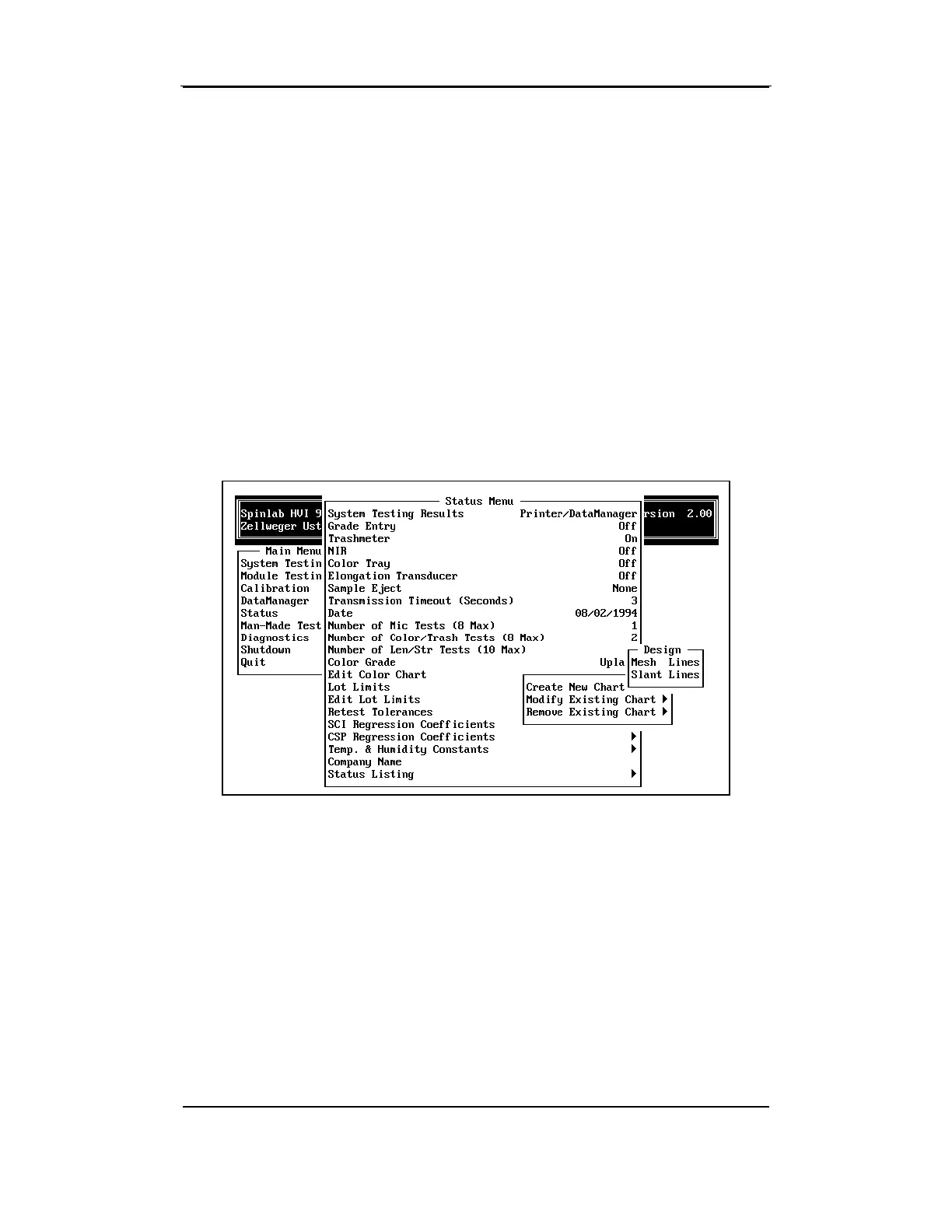
The DESIGN MENU is used to select whether the lines on the chart will be
Mesh style or Slant style.
♦ Mesh Lines— The chart consists of a user-defined number of evenly
spaced vertical and horizontal lines.
♦ Slanted Lines— The parallel lines that form the chart are not
necessarily the same distance apart. They may be sloped at a user-
defined angle.
4.14.1.1 Creating a Mesh Lines Color Chart
A Mesh Lines chart consists of a series of vertical and horizontal lines
that are evenly spaced from each other. To create a new Mesh Lines
Color Chart, highlight
Mesh Lines
from the DESIGN
MENU, then press the
ENTER key.



 To Next Page