USTER®
HVI 900
Instruction Manual
Uster Technologies, Inc.
Chapter 4
Version 4.0 (1.99) Status - Page 4-10
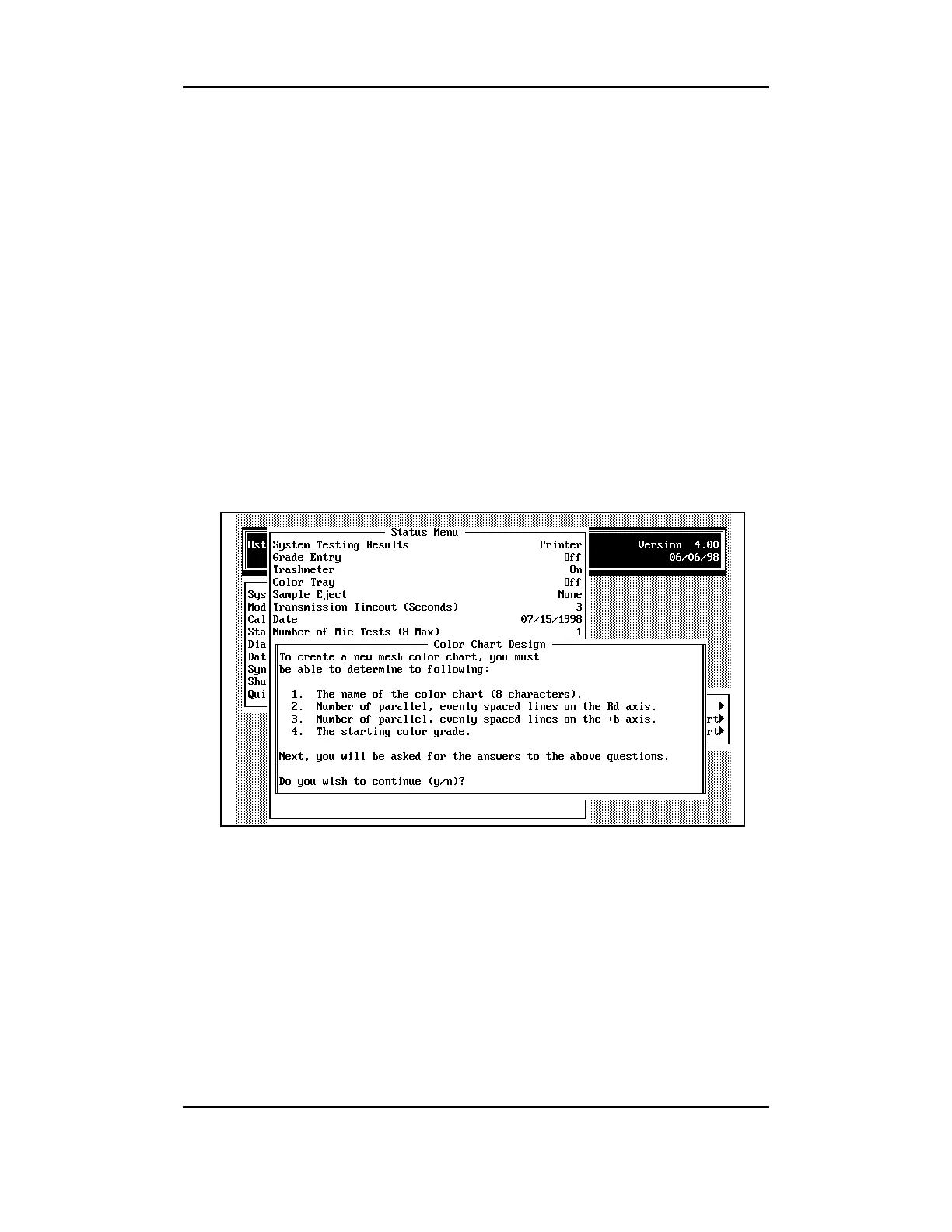
The COLOR CHART DEFINE MENU will appear. To define the chart, you
must know the number of Rd categories, number of +b categories, and
the starting color grade. If you do not know or don't want to continue
with the creation of the new chart, press N to answer the question at the
bottom of the screen "Do you wish to continue (y/n)?" This will close
the menu and return the cursor to the MAIN STATUS MENU. To continue
with the chart creation, press Y.
The defining questions will display one at a time on the COLOR CHART
DESIGN MENU. Answer each question, then press the ENTER key to
move to the next question field. Once all questions have been
answered, the COLOR CHART DESIGN MENU will close and the new chart
name will be displayed in the
Edit Color Chart
field on the STATUS
MENU.



 To Next Page