USTER®
HVI 900
Instruction Manual
Uster Technologies, Inc.
Chapter 7
Version 4.0 (1.99) Module Testing - Page 7-30
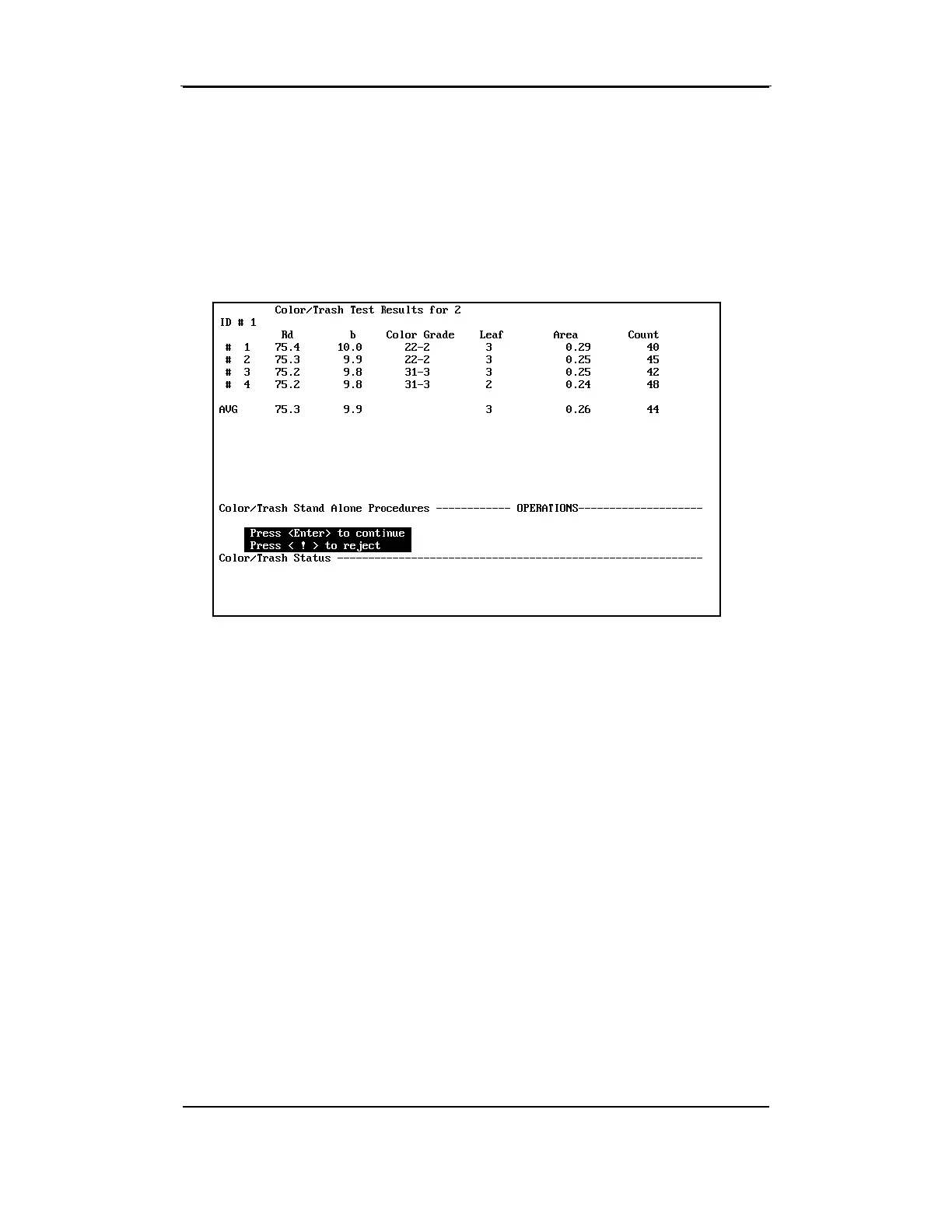
• When the required number of tests has been completed, the average
(AVG) is displayed. The standard deviation is displayed if the
number of tests is five or more. After pressing ENTER to accept the
test results, the screen is cleared of the test results and the data is
printed and transmitted if required. "Enter ID" is displayed on the
instruction line again.
5.6.1 Exiting Micronaire Module Testing
• After all of the tests are completed, press ENTER at "Enter ID" (if
required) prompt. When the screen displays the message "Press
<ESC> to Exit," press ESCAPE.
The C
OLOR AND TRASH MODULE TESTING MENU will appear.



 To Next Page